In today's visually-driven market, static photos often aren't enough to grab and hold attention. A well-crafted slideshow video can bring a property listing, a product showcase, or a personal memory to life, transforming a simple collection of images into a compelling narrative. But you don't need a complex or expensive video editing suite to create professional-looking results. The market is filled with powerful, user-friendly tools that cost nothing to get started.
This guide cuts through the noise to help you find the best free slideshow software for your specific needs. Whether you're a real estate agent marketing a new home, a photographer building a portfolio, or a short-term rental host looking to make your listing stand out, we've got you covered. This resource is designed to be your definitive guide, providing a clear and honest look at what each platform truly offers.
We'll dive deep into 12 top-tier options, evaluating their features, real-world usability, and the limitations of their free plans. For those looking to understand the core process of transforming static images into dynamic presentations, delve deeper into how to convert an image sequence to video. Each review in our list includes screenshots, direct links, and a "best for" recommendation, so you can quickly identify the right tool, make an informed choice, and start creating stunning slideshows today.
1. Microsoft Clipchamp
Microsoft Clipchamp has quickly become a standout choice for creating professional-looking video slideshows, largely because of its generous free plan. As a web-based editor bundled with Windows 11 and accessible to anyone with a Microsoft account, it removes the need for complex software installations. For real estate agents or property managers, this means you can quickly assemble a high-quality property tour from your listing photos right in your browser.
What truly sets Clipchamp apart from other free slideshow software is its commitment to a watermark-free experience.
Key Benefit: The free plan allows for unlimited exports in crisp 1080p (Full HD) resolution without any watermarks - a feature almost unheard of in the free video editor space. This ensures your final video looks polished and professional, ready for Zillow, YouTube, or social media.
The user interface is clean and intuitive, using a familiar timeline-based layout that is easy for beginners to pick up. You can drag and drop photos, add text overlays, and choose from a library of royalty-free music to set the right mood for your property showcase.
Standout Features & Limitations
- Free Plan: Unlimited watermark-free 1080p exports, access to free stock photos, videos, and audio, plus templates and filters.
- AI-Powered Tools: The free tier includes an auto-compose feature that can assemble a video for you, as well as AI-generated voiceovers and auto-captions to improve accessibility.
- Performance: Being browser-based, performance can be sluggish if you have a weak internet connection or are working with many high-resolution photos.
- Premium Tier: Upgrading via a Microsoft 365 subscription unlocks 4K exports, a brand kit for consistent branding, and access to premium stock content and effects.
Website: Microsoft Clipchamp
2. Canva
Canva has become the go-to design platform for millions, and its video slideshow capabilities are just as impressive. Primarily known for its user-friendly, drag-and-drop graphic design interface, Canva extends this simplicity to video creation, making it one of the best free slideshow software options for those who aren't video editors. For a real estate agent, this means you can create a branded property slideshow for social media in minutes, not hours.
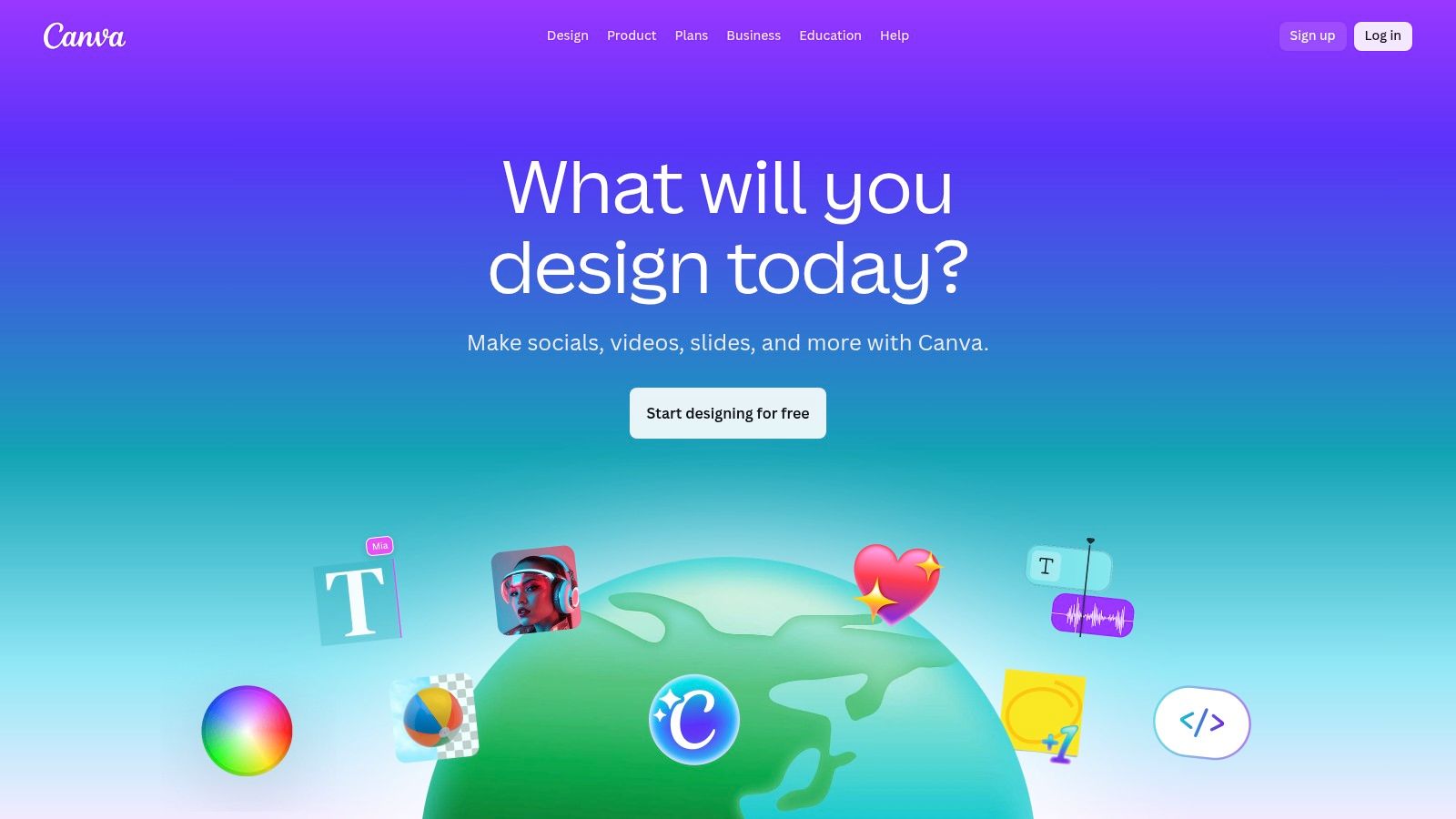
What makes Canva a powerhouse is its massive library of templates and assets combined with an incredibly intuitive timeline editor. You can start with a pre-designed video template, add your photos, and customize every element with just a few clicks.
Key Benefit: Canva's free plan provides access to thousands of templates and a generous library of photos and graphics, allowing for quick, stylish, and consistently branded video slideshows without needing design skills. You can download your videos in 1080p MP4 format for free.
The platform is built for speed and efficiency, perfect for creating content for Instagram Reels, TikTok, or Facebook Stories. One-click animations can bring static photos to life, and adding royalty-free background music is straightforward. The free plan is quite robust, offering more than enough for most simple slideshow projects. Its versatility also makes it a strong choice among other free video creation software platforms.
Standout Features & Limitations
- Free Plan: Includes 1080p video downloads, thousands of video templates, a large library of free photos, graphics, and audio tracks, and 5GB of cloud storage.
- Ease of Use: An extremely gentle learning curve makes it ideal for beginners. The drag-and-drop timeline and template-based workflow are perfect for non-editors.
- Premium Assets: Many of the best stock photos, video clips, and audio tracks are marked with a crown icon and require a Canva Pro subscription to use without a watermark.
- Premium Tier: Upgrading to Canva Pro unlocks a Brand Kit for one-click branding, access to a premium stock library, a background remover tool, and more advanced features like social media scheduling.
Website: Canva
3. Adobe Express (Free Slideshow Maker)
Adobe Express brings the reliability and design-centric approach of the Adobe ecosystem to the world of free, browser-based slideshow creation. It's an excellent choice for real estate professionals who are already familiar with Adobe's tools or want a platform that excels at creating visually consistent marketing assets. You can quickly turn listing photos into a slick, branded slideshow video perfect for Instagram Stories or Facebook ads.
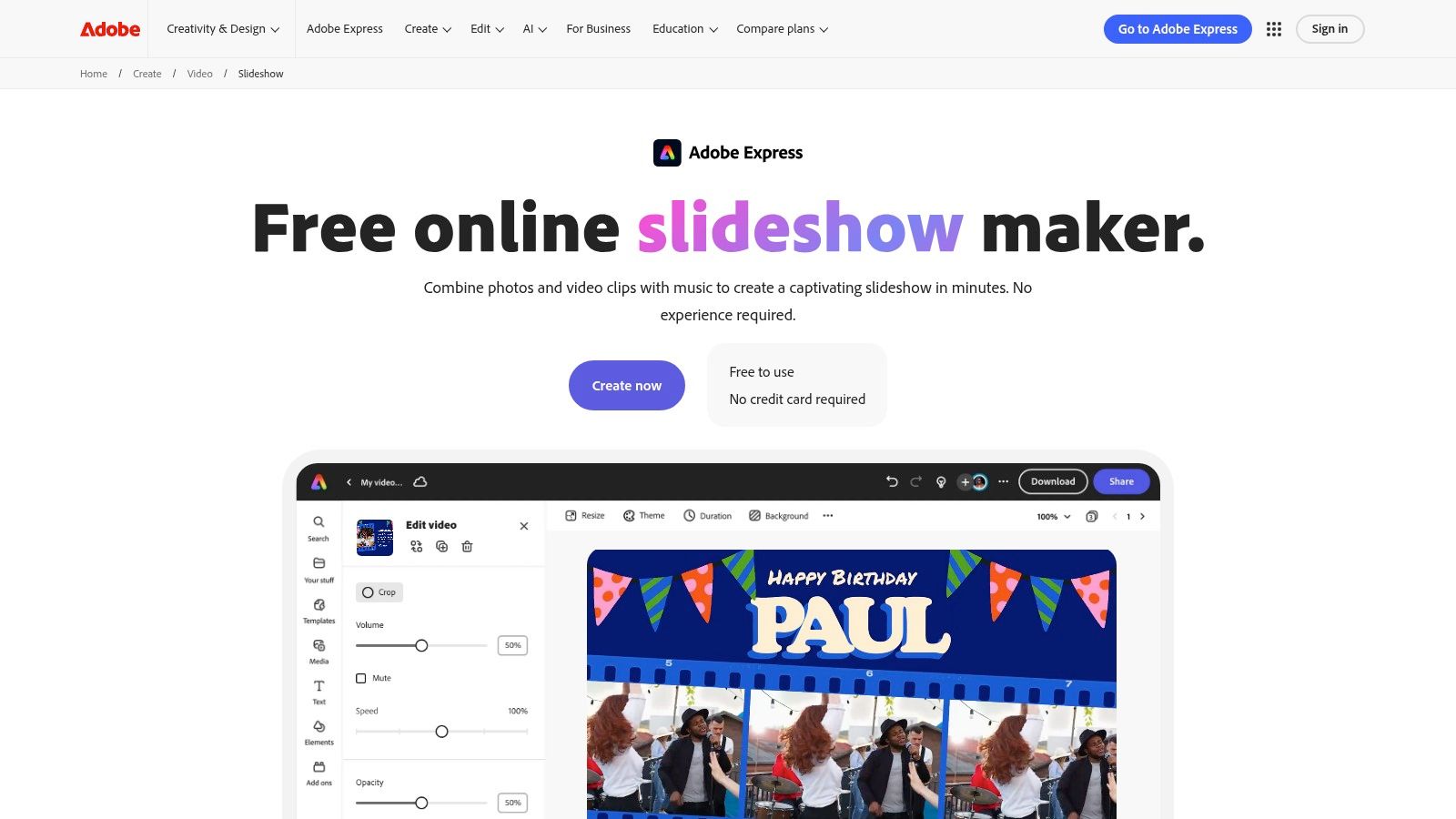
Its core strength lies in its deep integration with Adobe's ecosystem, particularly its vast library of high-quality templates and stock assets.
Key Benefit: The free plan provides access to thousands of unique templates and a limited collection of royalty-free Adobe Stock photos and music, making it easy to produce high-quality, professional-looking content without starting from scratch.
The interface is incredibly user-friendly and template-driven, making it one of the most approachable options for beginners. You can easily add photos, select a layout, apply your brand colors, and resize the final video for different social media channels with just a few clicks. This makes it a great contender for the best free slideshow software available for social marketing.
Standout Features & Limitations
- Free Plan: Includes thousands of templates, design assets, and a selection of Adobe Fonts. Exports are in 1080p but will include a small Adobe Express watermark.
- Adobe Integration: Works seamlessly across desktop and mobile browsers. It also offers access to a limited collection of Adobe Stock assets in the free tier.
- Simplicity: The editor is less of a timeline and more of a slide-based system, which is very easy to learn but offers less precise control than tools like Clipchamp.
- Premium Tier: Upgrading unlocks the full Adobe Stock collection, removes the watermark, adds a brand kit, and provides 100GB of cloud storage.
Website: Adobe Express
4. Google Photos
For those who need a slideshow created in seconds with virtually zero effort, Google Photos is an unbeatable option. Already integrated into the lives of billions of users, this service leverages its powerful AI to automatically create highlight reels and simple movie slideshows directly from your photo library. For a real estate agent, this means you can get a quick, shareable video of a property visit almost instantly after uploading your photos.
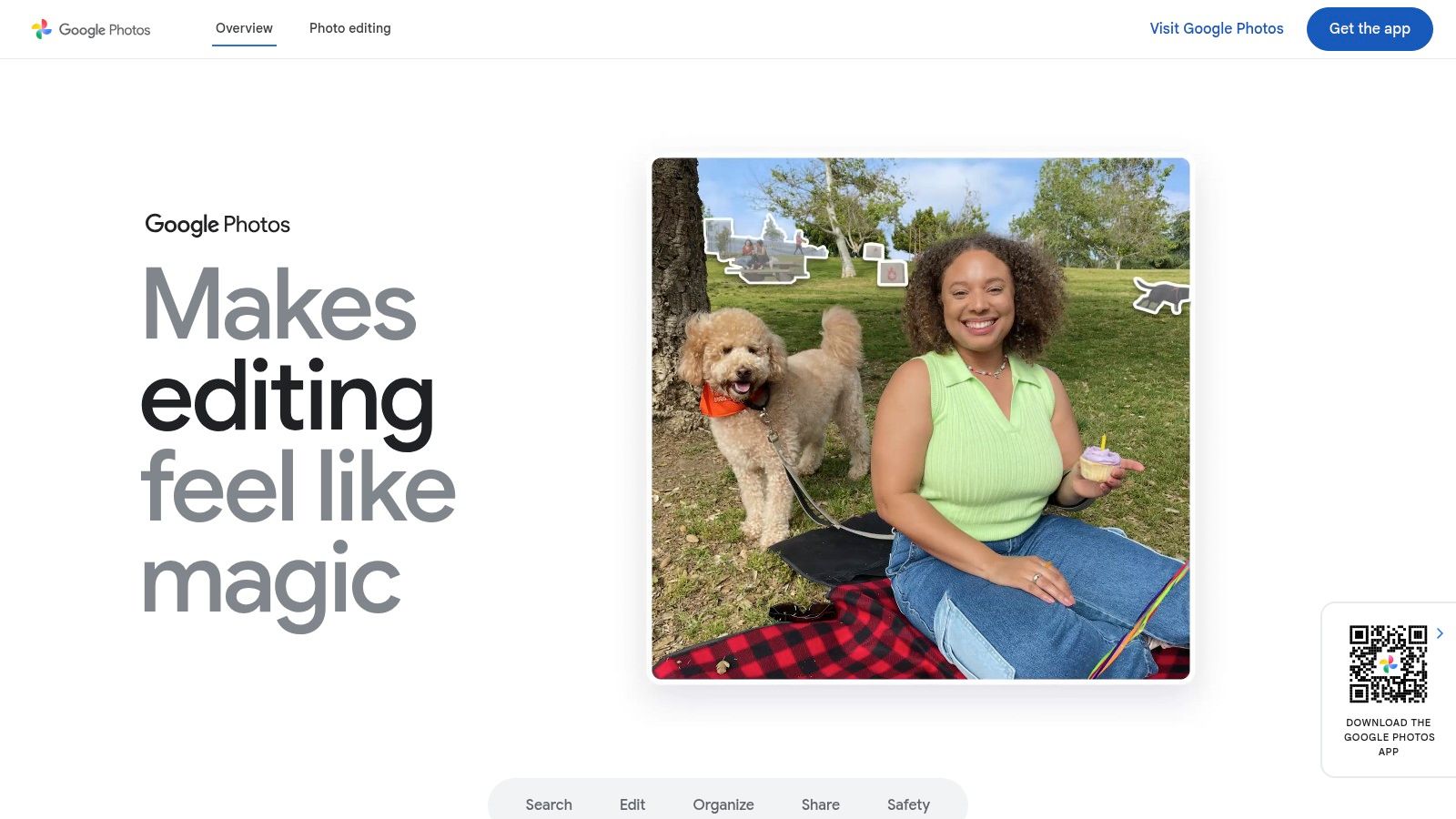
What makes Google Photos so compelling as a free slideshow software is its sheer simplicity and accessibility. It's not a traditional editor; it’s an intelligent photo manager that happens to create beautiful videos for you.
Key Benefit: The platform requires absolutely no learning curve. Its AI-driven "Memories" and manual "Movie" creation tools handle the editing, transitions, and music selection, making it perfect for quick social media content or personal keepsakes.
The process is seamless, especially on mobile devices where you can select a few photos, tap "Create Movie," and let Google’s algorithms do the rest. While it lacks deep customization, its ability to quickly convert photos into videos is a huge time-saver. You can explore a deeper analysis of how to convert photos into videos for more advanced techniques.
Standout Features & Limitations
- Free Plan: Completely free with a Google account (storage limits apply). Includes automatic highlight video creation and basic manual movie assembly with pre-set themes and music.
- AI-Powered Tools: The "Movie" editor can automatically suggest themes, while the "Cinematic photos" feature adds 3D-like motion to still images, creating a more dynamic viewing experience.
- Performance: Excellent. As a core Google service, it’s fast and seamlessly integrated across web and mobile, automatically syncing your photo library.
- Premium Tier: Upgrading your storage via a Google One plan provides more space for your photos and videos and unlocks additional editing features in the app, but the core slideshow functionality remains free.
Website: Google Photos
5. Apple iMovie
For anyone working within the Apple ecosystem, iMovie is the go-to choice for creating polished video slideshows without spending a dime. Pre-installed on most Macs, iPhones, and iPads, it provides a seamless and powerful editing experience right out of the box. Real estate agents can easily airdrop photos from their iPhone to their Mac and start assembling a sophisticated property tour in minutes.
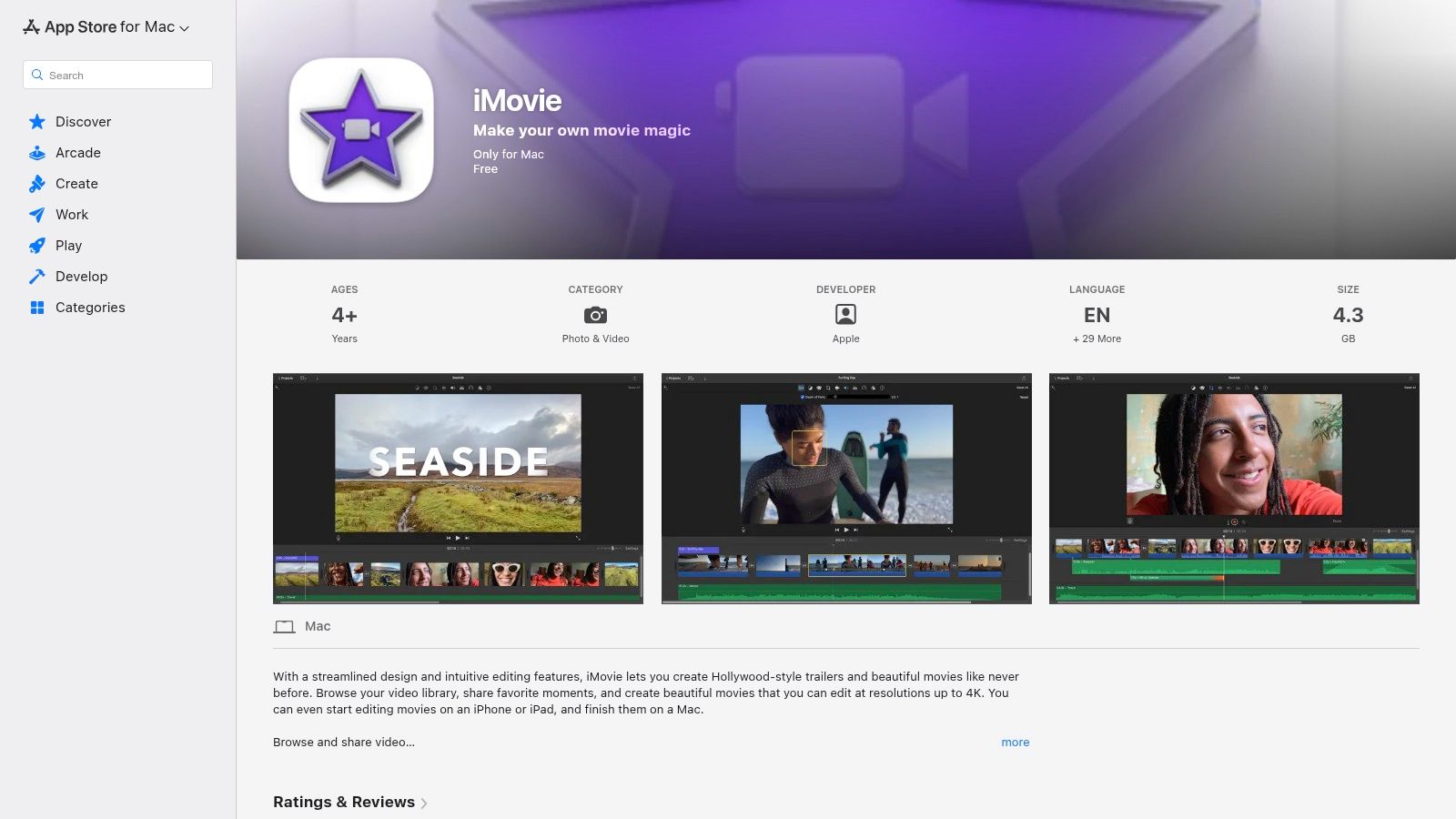
What makes iMovie a top contender is its ability to produce incredibly high-quality results with minimal effort, thanks to its signature Ken Burns effect which elegantly pans and zooms across still photos.
Key Benefit: The free software exports stunning, watermark-free videos in up to 4K resolution. Its automated "Magic Movie" and "Storyboards" features can instantly assemble your photos and video clips into a compelling narrative, perfect for busy agents.
The interface is famously user-friendly, offering a clean timeline that is intuitive for beginners but contains enough depth for more creative projects. You can easily add professional-looking titles, transitions, and a built-in soundtrack from its royalty-free music library to create an immersive viewing experience.
Standout Features & Limitations
- Free Plan: Completely free with no hidden costs, offering unlimited watermark-free exports in up to 4K resolution.
- Automated Creation: Features like Magic Movie and Storyboards guide the creation process, dramatically speeding up slideshow assembly from your photo library.
- Apple Ecosystem Integration: Effortlessly start a project on your iPhone and finish it on your Mac with seamless iCloud synchronization.
- Platform Restriction: Its biggest drawback is that it is exclusively available on Apple devices (macOS, iOS, and iPadOS), making it inaccessible for Windows and Android users.
Website: Apple iMovie
6. Kapwing
Kapwing is a powerful web-based editor designed for speed and social media, making it an excellent choice for creating short, engaging slideshows, reels, and captioned videos. Its collaborative workspace is a key advantage for small real estate teams or property managers who need to work together on marketing content. The platform excels at quickly turning a set of listing photos into a dynamic video with music and text.
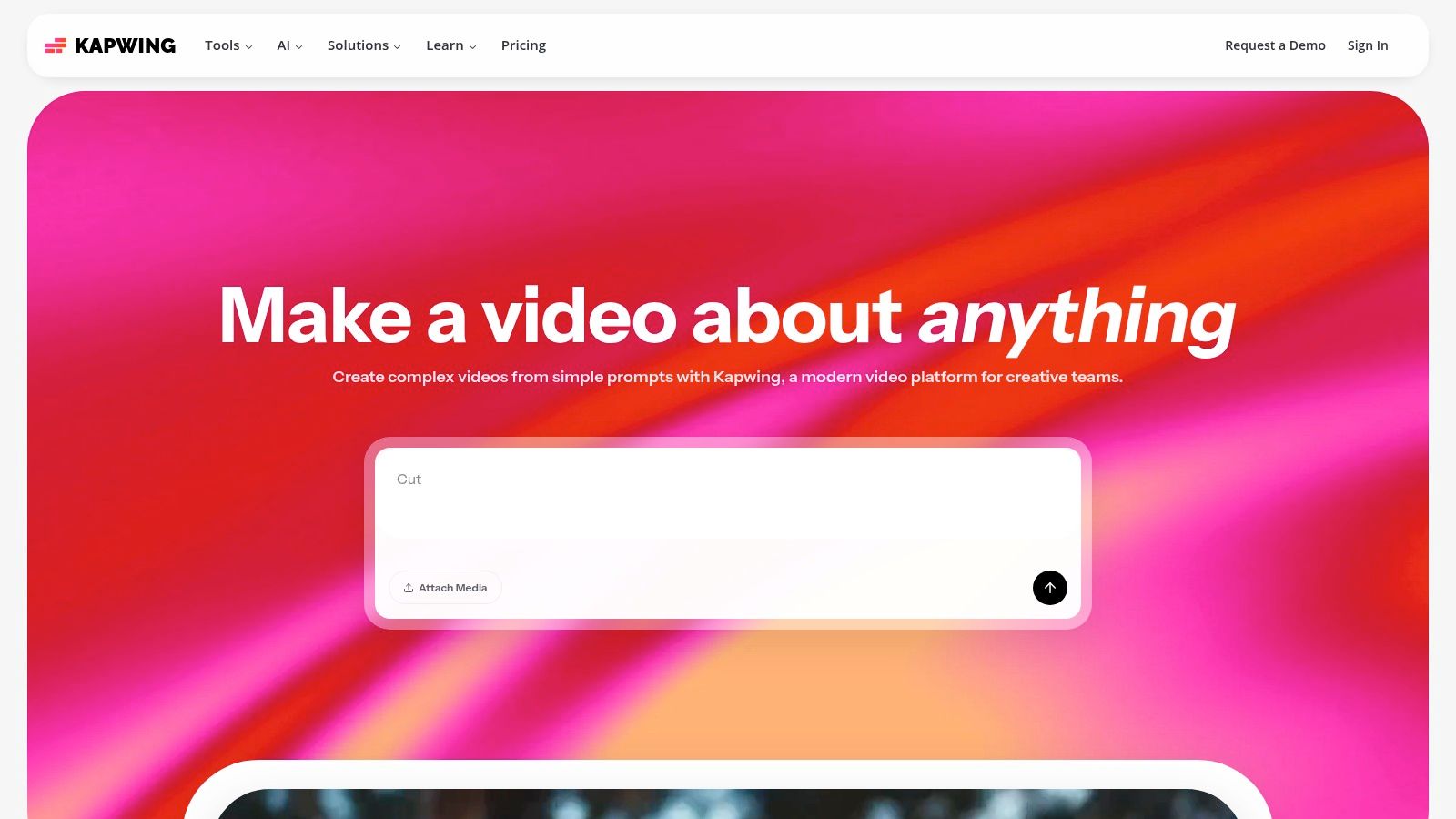
Its strength lies in its comprehensive suite of AI-powered tools that simplify the editing process, making it one of the best free slideshow software options for social-first marketing.
Key Benefit: Kapwing's free plan provides robust AI tools like auto-subtitling and text-to-speech, which are fantastic for creating accessible property tours that capture attention on platforms like Instagram Reels or TikTok.
The interface combines a familiar timeline editor with user-friendly templates, allowing you to import media directly from a link or your device. You can quickly add stock assets, generate subtitles, and export your slideshow as an MP4 or GIF, perfect for different digital marketing channels.
Standout Features & Limitations
- Free Plan: Exports are limited to 4 minutes, capped at 720p resolution, and include a Kapwing watermark. You get 10 minutes of transcription and 3 exports per month without a watermark if you sign in.
- AI-Powered Tools: The free tier offers access to AI-generated subtitles, text-to-speech, and various smart editing tools, though heavier usage may require credits.
- Collaboration: The platform is built for teamwork, allowing multiple users to comment on and edit a project in a shared workspace.
- Premium Tier: Upgrading unlocks 4K exports, removes all watermarks and limits, provides more storage, and grants access to the full suite of advanced AI features.
Website: Kapwing
7. Animoto
Animoto has long been a favorite for creating polished, template-driven slideshow videos with minimal effort. Its strength lies in a guided, storyboard-style process that makes it incredibly easy for real estate agents and marketers to produce professional-looking social media content, listing promos, or event recaps. The platform is designed for speed and simplicity, letting you quickly combine photos and video clips into a cohesive narrative.
What makes Animoto a strong contender among the best free slideshow software is its emphasis on brand-aligned, professional templates.
Key Benefit: The platform's template library is vast and well-designed, offering pre-built structures for specific use cases like property listings or open house invitations. You can customize templates with your own brand colors and fonts, saving significant design time.
The interface guides you through each step, from uploading your media to choosing a theme and adding music from its licensed library. This structured approach helps prevent the creative paralysis that can come with more open-ended editors, making it ideal for users who need a great-looking video without a steep learning curve.
Standout Features & Limitations
- Free Plan: Allows for creating and sharing unlimited videos with an Animoto watermark. Offers standard quality video (720p) and a limited selection of music tracks and fonts.
- Template-Driven: Provides a massive library of customizable video templates that streamline the creation process for specific marketing goals.
- Limitations: The free version includes a persistent Animoto watermark on all videos. To download your slideshow or gain access to premium stock media from Getty Images, you must upgrade to a paid plan.
- Premium Tier: Paid plans remove the watermark, unlock 1080p exports, provide access to over 1 million stock photos and videos, and allow for commercial use licensing.
Website: Animoto
8. Shotcut
Shotcut is a powerful, open-source video editor that serves as an excellent free slideshow software for those who want full creative control. Unlike template-based tools, it is a full non-linear editor, which means you have a professional-grade timeline to arrange your photos, video clips, and audio tracks with precision. For an agent wanting to sync specific property features to the beat of a song, this level of control is invaluable.
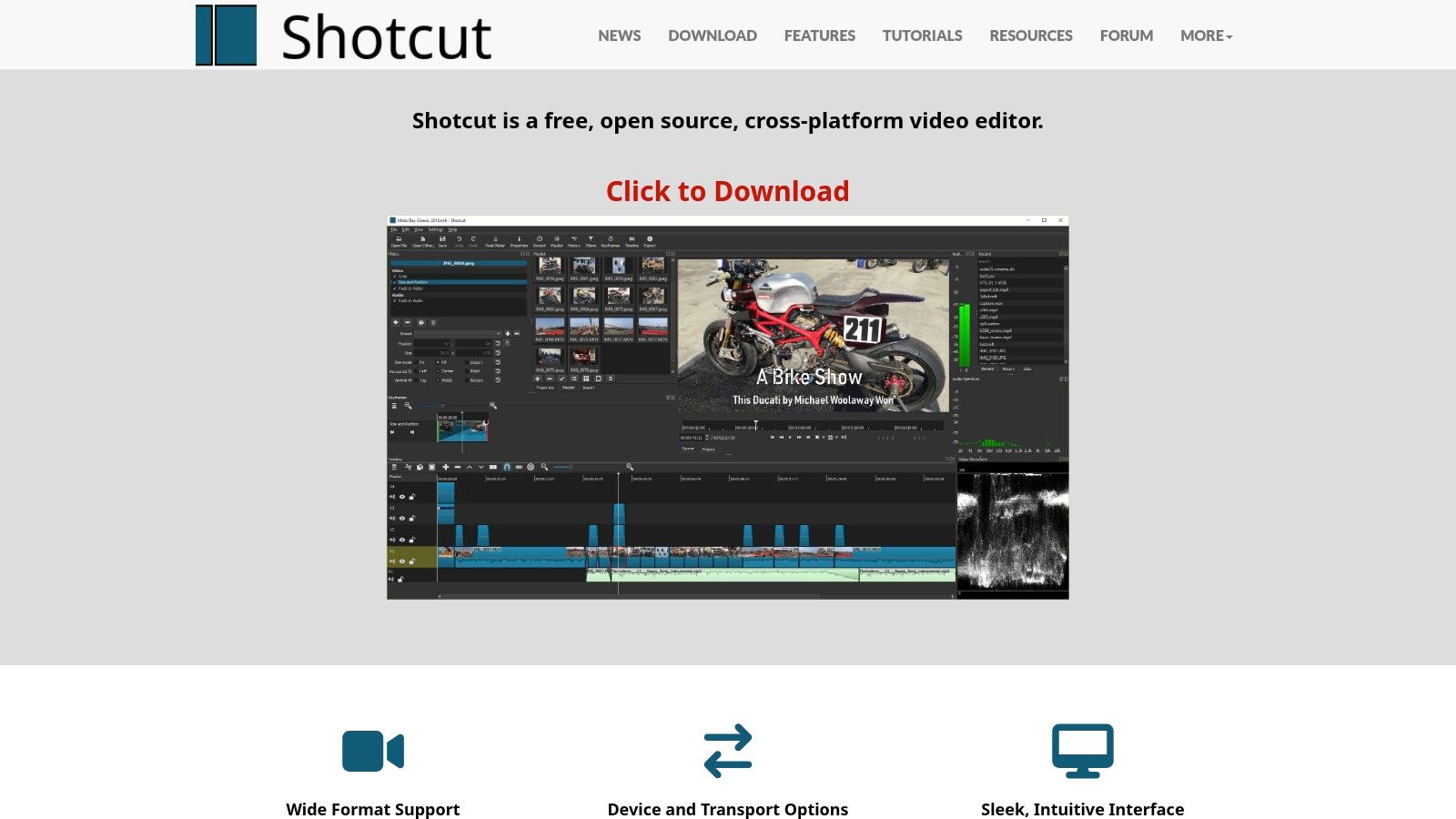
As a completely free and open-source project, Shotcut stands out by offering advanced features without any cost, subscriptions, or watermarks. It is available for Windows, macOS, and Linux, ensuring it works on almost any computer.
Key Benefit: Shotcut is 100% free for commercial use with no watermarks or feature limitations. It supports resolutions up to 8K, giving you the ability to create incredibly high-quality property tours that will look sharp on any display.
The interface is more complex than simpler slideshow makers, but its power lies in its flexibility. You can add unlimited video and audio tracks, apply a wide range of filters and effects, and fine-tune every aspect of your slideshow. For those ready to move beyond basic tools, Shotcut represents a significant step up. As a more advanced tool, you can learn more about its place among the best video editing software for beginners.
Standout Features & Limitations
- Free Plan: Completely free with no ads, bundled software, or watermarks. All features, including 4K/8K resolution support, are available without payment.
- Professional Timeline: Offers multi-track editing, giving you precise control over transitions, audio layering, and text overlays.
- Steep Learning Curve: The interface is less intuitive for beginners compared to drag-and-drop web tools, requiring some time to learn.
- Security Note: It is crucial to download the software only from the official website to avoid versions bundled with adware from third-party sites.
Website: Shotcut
9. Kdenlive
Kdenlive is a powerful, open-source video editor that offers professional-grade features completely free of charge. Unlike simpler browser-based tools, Kdenlive is a full-fledged non-linear editor for Windows, macOS, and Linux, making it one of the best free slideshow software options for users who want granular control over every aspect of their video. For a real estate agent with some video editing experience, this means you can create highly customized property tours with advanced effects and precise timing.
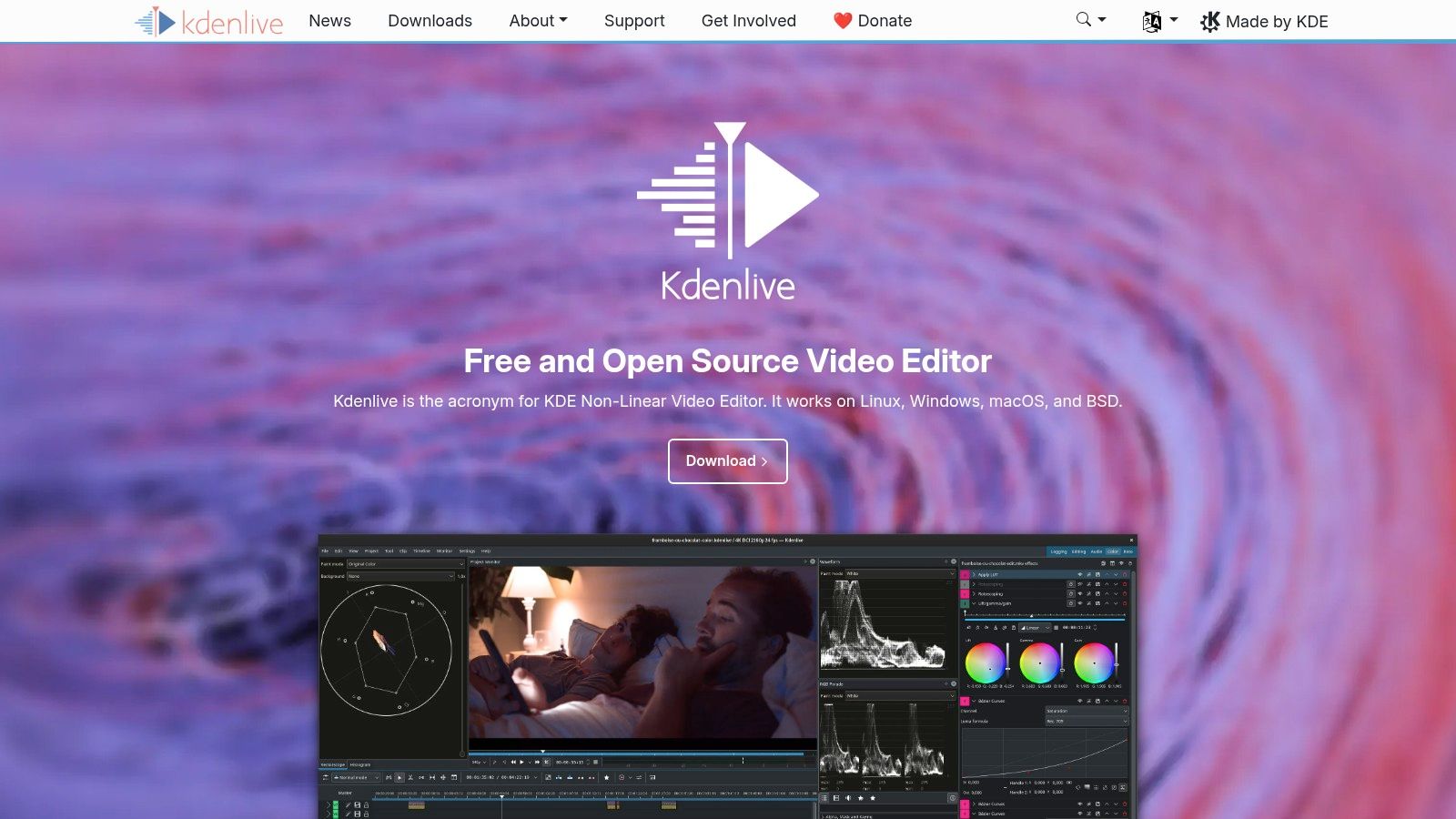
The platform is built for complex projects, supporting multi-track timelines where you can layer photos, video clips, text, and audio with ease.
Key Benefit: Kdenlive provides access to pro-level features like keyframeable effects and proxy editing for free. This allows you to smoothly edit high-resolution 4K footage even on a moderately powerful computer, ensuring your final slideshow is sharp and performs well during creation.
While its interface is more complex than a drag-and-drop slideshow maker, its power is unmatched in the free software category. The extensive online documentation and active community provide a solid support system for learning the software and troubleshooting any issues.
Standout Features & Limitations
- Free Plan: Completely free and open-source with no watermarks, resolution limits, or feature restrictions. All tools are available from the start.
- Advanced Editing: Offers a multi-track timeline, keyframeable effects for animating properties like size and position, and a huge library of transitions and effects.
- Performance: The proxy workflow creates lower-resolution copies of your media for editing, which dramatically improves performance, especially with 4K photos.
- Learning Curve: The interface can be intimidating for absolute beginners, and as with many open-source projects, it can occasionally have bugs or quirks.
Website: Kdenlive
10. DaVinci Resolve (Free)
DaVinci Resolve is a powerhouse in the video editing world, known for its Hollywood-grade color correction and finishing tools. While it may seem like overkill for a simple slideshow, its free version is an incredible resource for real estate professionals who demand the absolute highest quality and color accuracy for their property videos. This downloadable software is far more than just a slideshow maker; it’s a full-fledged post-production suite.
For agents or photographers wanting to ensure the colors of a home’s interior are represented perfectly, Resolve's legendary color grading tools are its main draw. It is arguably the best free slideshow software for users who need unparalleled control over the final look of their video.
Key Benefit: The free version offers professional-grade editing, visual effects, and audio tools, supporting exports up to UHD (3840x2160) at 60fps. This is ideal for creating stunning, cinematic-quality property tours from high-resolution photos without any cost.
The learning curve is significantly steeper than web-based tools, as the interface is designed for professionals. However, for those willing to learn, it unlocks a level of creative control that no other free software can match, allowing you to create truly bespoke and impressive video slideshows.
Standout Features & Limitations
- Free Plan: The free version is incredibly robust, including editing, color grading, Fusion visual effects, and Fairlight audio tools. It supports Ultra HD exports completely free of watermarks.
- Color Correction: World-class color grading tools ensure your property photos look vibrant and true-to-life, a crucial factor for online listings.
- Performance: Requires a powerful computer with a dedicated graphics card. It is not suitable for older or lower-spec machines and can feel overwhelming for beginners.
- Premium Tier: The paid "Studio" version unlocks more advanced AI features, additional effects, and higher resolution support, but the free version is more than sufficient for slideshows.
Website: DaVinci Resolve
11. Icecream Slideshow Maker
For those who prefer a dedicated, offline application without the complexities of a full video editor, Icecream Slideshow Maker is an excellent choice. This Windows-only desktop software focuses on one thing: turning your photos into a video slideshow quickly and efficiently. Its simplicity is its greatest strength, offering a no-fuss process perfect for a real estate agent who needs to create a simple property showcase without an internet connection.
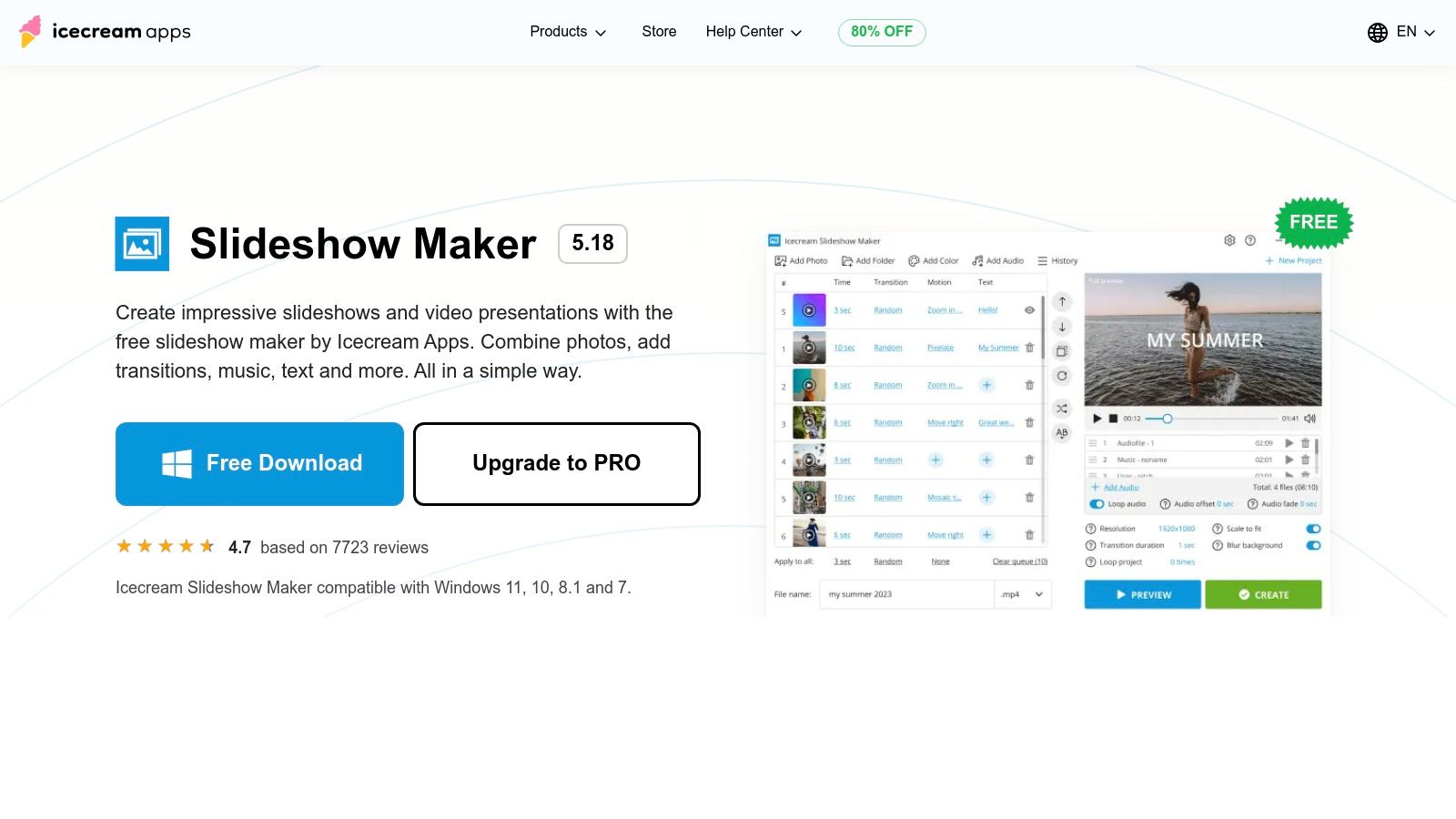
What makes Icecream Slideshow Maker a notable piece of free slideshow software is its generous approach to exports.
Key Benefit: The free version exports videos entirely without a watermark, a significant advantage that is rare for free desktop applications. This ensures your final slideshow has a clean, professional appearance suitable for any listing portal.
The interface is incredibly straightforward. You add your photos, drag them into the desired order, set the duration for each slide and transition, add background music, and export. This streamlined workflow is ideal for creating basic-yet-effective videos without a steep learning curve, making it accessible even for the least tech-savvy users.
Standout Features & Limitations
- Free Plan: No watermarks, supports adding multiple audio tracks, text overlays, and a decent selection of transitions. The free version has a limit of 10 photos per slideshow.
- Offline Functionality: As a desktop app for Windows (7 through 11), you can build slideshows anywhere without worrying about internet speed or stability.
- Performance: The software is lightweight and runs well on most modern computers, processing photos and exporting videos quickly.
- PRO Upgrade: A one-time purchase unlocks unlimited photos, 4K exports, and access to more advanced project settings and features. The Windows-only limitation remains.
Website: Icecream Slideshow Maker
12. NCH PhotoStage Slideshow Software
NCH PhotoStage is a classic desktop application for Windows and Mac that prioritizes speed and simplicity for creating traditional photo slideshows. It stands out as a reliable, offline tool for users who prefer downloadable software over web-based editors. For a real estate agent who needs to quickly compile photos from a new listing into a simple video with narration, PhotoStage offers a no-fuss, wizard-driven process.
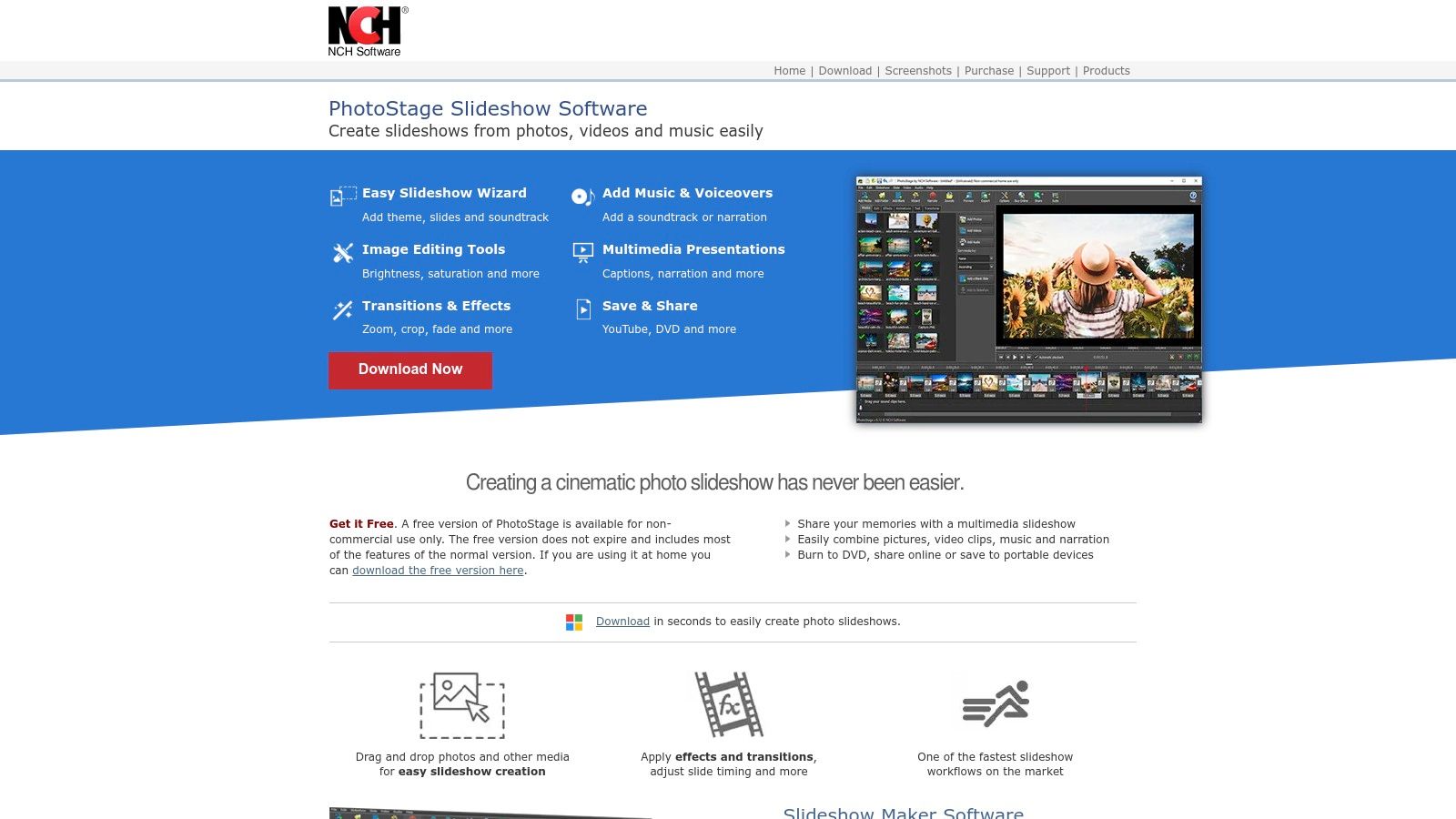
The key differentiator for PhotoStage is its clearly defined free license for home users, making it one of the best free slideshow software options for personal projects.
Key Benefit: The free version is available for non-commercial use without time limits or feature restrictions. This allows home users to create high-quality videos with voiceovers, transitions, and music, perfect for personal memories or non-business projects.
The interface, while more dated than modern web tools, is straightforward. It guides you through adding photos, applying pan and zoom effects, recording narration, and adding a background music track. You can export your final video directly to YouTube, a DVD, or as a file for various devices.
Standout Features & Limitations
- Free Plan: The free license is strictly for home, non-commercial use. It includes the full feature set for creating slideshows.
- Ease of Use: A slideshow wizard simplifies the creation process, making it very accessible for beginners to get started quickly.
- Limitations: The interface looks and feels older than competing software. Any business or commercial use, such as creating a property listing video, requires purchasing a license.
- Premium Tier: A paid license is required for commercial use, which unlocks the software for business-related projects like real estate marketing.
Website: NCH PhotoStage Slideshow Software
12 Best Free Slideshow Software — Feature Comparison
| Tool | Core features | UX / Quality ★ | Value / Price 💰 | Target audience 👥 | Unique selling points ✨🏆 |
|---|---|---|---|---|---|
| Microsoft Clipchamp | Web editor, templates, stock audio, 1080p free exports | ★★★★ — easy & integrated | 💰 Free 1080p; MS365 for 4K/premium | 👥 Windows users, quick reels | ✨ Native Windows integration; no watermark up to 1080p 🏆 |
| Canva | Drag‑and‑drop templates, timeline, brand kit | ★★★★ — very fast for non‑editors | 💰 Freemium; Pro for assets/brand | 👥 Agents, marketers, teams | ✨ Massive template/asset library; one‑click resize 🏆 |
| Adobe Express | Templates, Adobe Stock access, browser/mobile | ★★★ — reliable, simple | 💰 Free + Premium for advanced assets | 👥 Social marketers, Adobe users | ✨ Adobe asset licensing; cross‑device access |
| Google Photos | Auto highlight videos, simple slideshow maker | ★★ — near‑zero learning curve | 💰 Free with Google account | 👥 Casual users, quick highlights | ✨ Auto AI highlights & Remix (easy) |
| Apple iMovie | Magic Movie, titles, 4K, cross‑device handoff | ★★★★ — polished on Apple | 💰 Free on Apple devices | 👥 Apple users wanting polished results | ✨ Seamless iPhone→Mac workflow; Magic Movie 🏆 |
| Kapwing | Templates, AI subtitles/dubbing, link import | ★★★ — fast, web collaborative | 💰 Freemium (watermark at free, 720p cap) | 👥 Small teams, social creators | ✨ Strong subtitling & team workspaces |
| Animoto | Theme templates, stock libraries, hosting | ★★★ — marketing‑focused | 💰 Freemium; paid for downloads/commercial | 👥 Realtors, small agencies | ✨ Storyboard themes + hosted share pages |
| Shotcut | Full NLE timeline, filters, 4K/8K support | ★★★★ — powerful, steeper learning | 💰 Free (open‑source, no watermark) | 👥 Power users, budget pros | ✨ Full NLE capabilities free 🏆 |
| Kdenlive | Multi‑track, keyframes, proxy workflows | ★★★★ — pro features, some bugs | 💰 Free (open‑source) | 👥 Advanced hobbyists, pros on budget | ✨ Keyframeable effects + proxy for 4K |
| DaVinci Resolve (Free) | Editing, color, Fusion, Fairlight, UHD | ★★★★★ — industry‑grade quality | 💰 Free; Studio paid for advanced AI | 👥 Professional editors & finishers | ✨ High‑end color & finishing tools 🏆 |
| Icecream Slideshow Maker | Timeline per‑slide timing, text, music | ★★★ — lightweight & offline | 💰 Free tier (no watermark); PRO for extras | 👥 Windows users wanting quick offline slideshows | ✨ Free exports without watermark (rare) |
| NCH PhotoStage | Slideshow wizard, zoom/pan, voiceover | ★★ — fast classic workflow | 💰 Free non‑commercial; paid for business | 👥 Home users, educators, simple presenters | ✨ Wizarded workflow for quick narrated slideshows |
Your Next Step: From Simple Slideshow to Scroll-Stopping Video
We've explored a comprehensive landscape of the best free slideshow software available today, from the accessible, template-driven design of Canva to the professional-grade editing power of DaVinci Resolve. Your ideal tool is on this list, waiting to help you transform static images into a compelling narrative. The journey from a folder of photos to a polished video is now more accessible than ever, regardless of your technical skill or budget.
The key takeaway is that there is no single "best" tool for everyone. Your choice depends entirely on your specific goals, your comfort level with technology, and the time you can invest. What works for a real estate photographer needing advanced color grading (like Shotcut or DaVinci Resolve) is vastly different from what an Airbnb host needs for a quick, eye-catching social media post (like Canva or Adobe Express).
How to Choose the Right Tool for Your Needs
Before you download any software, take a moment to assess your primary objective. This simple step will save you hours of frustration and guide you to the perfect solution.
- For Absolute Beginners and Speed: If you need a beautiful slideshow fast and have zero editing experience, start with Canva or Adobe Express. Their vast template libraries and intuitive drag-and-drop interfaces are designed for quick, impressive results with a minimal learning curve.
- For Offline Reliability and Basic Control: If you prefer a dedicated desktop application without worrying about internet connectivity or watermarks, Microsoft Clipchamp (on Windows), Apple iMovie (on Mac), or even a straightforward tool like Icecream Slideshow Maker are excellent starting points.
- For Advanced Creative Control (Without the Complexity): If you're ready to move beyond templates and want more control over transitions, effects, and audio without a steep learning curve, Kapwing and Animoto offer a great middle ground. They bridge the gap between simple creators and full-fledged video editors.
- For Aspiring Professionals and Maximum Power: For those who see video creation as a core part of their marketing strategy and are willing to invest time in learning, Shotcut, Kdenlive, and DaVinci Resolve offer unparalleled power for free. These tools give you the granular control needed to produce truly cinematic, professional-quality videos.
Beyond the Slideshow: A Final Thought on Strategy
Ultimately, the goal isn't just to make a slideshow; it's to capture attention, evoke emotion, and drive action. Whether you're showcasing a property listing, a photography portfolio, or a vacation rental, the movement and pacing of your video are what create a dynamic experience. While the tools listed here provide the platform, the creative effort to simulate motion, add Ken Burns effects, and time your cuts perfectly still falls on you.
For those looking to expand their creative toolkit, remember that many of the best free slideshow software options are part of larger ecosystems. Exploring broader platforms can sometimes unlock new features and workflows. If you're creating content for platforms like Instagram or TikTok, it might also be useful to look at the best content creation tools for social media, which often include robust video and animation features.
The most important step is simply to begin. Pick a tool that feels approachable, import your photos, and start experimenting. The power of video is undeniable, and by taking this step, you're already ahead of the curve, ready to tell your story in the most engaging way possible.
Ready to skip the learning curve and manual effort? If you're a real estate professional, AgentPulse uses AI to automatically transform your property photos into cinematic, 3D-aware video tours in minutes. Create scroll-stopping listing videos at scale, without any editing, by visiting AgentPulse.