Video is no longer a luxury in marketing; it's a necessity, especially in a visually driven industry like real estate. Creating compelling property tours, agent introductions, and neighborhood guides is crucial for attracting clients, but it doesn't require a Hollywood budget. Today, powerful and intuitive video creation software is more accessible than ever, with many excellent options available completely free.
Whether you're a real estate agent trying to make listings pop, a social media manager crafting engaging Reels, or a property manager showcasing amenities, the right software can transform your workflow. Finding the best tool often comes down to balancing ease of use with the features you need. Some platforms are designed for quick, template-based creation, while others offer professional-grade editing suites for those who need more control.
This guide cuts through the noise. We've curated a list of the 12 best free video creation software tools, evaluating each for its unique strengths, limitations, and ideal use cases for real estate marketing. We'll explore everything from AI-powered platforms like AgentPulse, built specifically for real estate, to versatile editors like DaVinci Resolve and CapCut.
Our goal is to help you find the perfect tool that matches your skill level, project needs, and marketing goals without spending a dime to get started. For modern marketers creating video content, it's crucial not only to choose the right software but also to master effective YouTube SEO best practices to ensure your videos reach the widest possible audience. In this list, each option includes a detailed breakdown, screenshots, and direct links so you can start creating immediately.
1. AgentPulse: AI-Powered Real Estate Video Automation
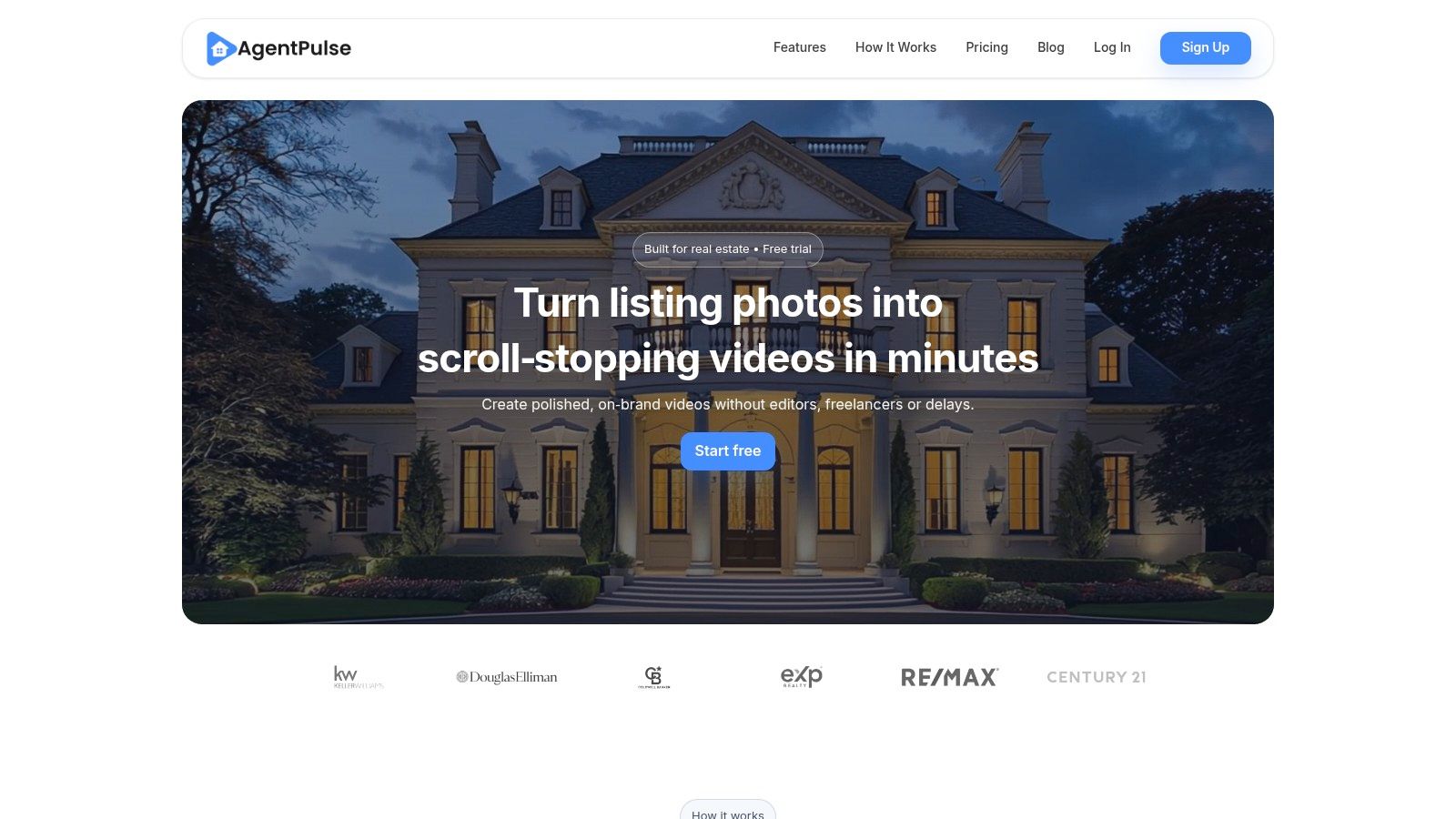
AgentPulse is a powerful, specialized tool that confidently secures its top spot by solving a critical problem for real estate professionals: effortlessly transforming static property photos into dynamic, professional-grade video tours. Unlike general-purpose editors, its core strength lies in its sophisticated AI, which analyzes images to simulate realistic camera movements, pans, and zooms. This creates a compelling walkthrough experience, giving potential buyers a genuine feel for the property's flow and space without the high cost or complexity of on-site videography. It stands out as one of the best free video creation software options specifically because it automates a high-value, niche task with exceptional precision.
Why It's Our Top Choice
The platform's genius is its simplicity and speed. Users can drag and drop photos or simply paste a share link from a cloud service. From there, the AI takes over, rendering a polished video in just a few minutes. This streamlined workflow eliminates the steep learning curve associated with traditional video editing software, making it immediately accessible to agents, marketers, and property managers regardless of their technical skill.
The ability to generate a high-quality video in under five minutes, ready for MLS, Zillow, and social media, is a game-changer for busy real estate professionals who need to market listings at scale.
Key Features & Use Cases
- AI Cinematic Motion: The 3D-aware technology makes still photos feel alive, simulating a professional camera operator's movements. This is ideal for creating engaging virtual tours for residential listings, vacation rentals, and commercial properties.
- Rapid Rendering: Videos are typically ready in 2-5 minutes, allowing you to quickly enhance a new listing's marketing assets or update existing ones.
- Simple Interface: The workflow is intuitive: upload photos, add optional text and music, and export. No timeline editing or complex settings are required.
Plans & Limitations
AgentPulse operates on a freemium model. The free plan is an excellent starting point for testing its capabilities, but it comes with limitations: videos are watermarked, exported at 720p, and users have a small number of monthly credits. To unlock its full potential, upgrading to a paid plan (Standard or Advanced) is necessary. Paid tiers remove the watermark, increase export quality to HD, provide unlimited re-renders, and offer a larger library of royalty-free music. While it excels at photo-to-video conversion, it isn't a substitute for a full on-site video shoot for ultra-high-end luxury properties where bespoke videography is expected.
For those interested in exploring similar AI-driven tools, you can learn more about the best AI video generators on AgentPulse's blog.
Website: https://www.agentpulse.ai
2. Blackmagic Design — DaVinci Resolve
DaVinci Resolve is not just another video editor; it's a Hollywood-grade post-production suite offered for free. It combines professional editing, world-class color grading, visual effects (VFX), motion graphics, and audio production into a single, seamless application. While many free tools focus on templates and simplicity, Resolve gives you the same powerful tools used to create blockbuster films and high-end television shows.
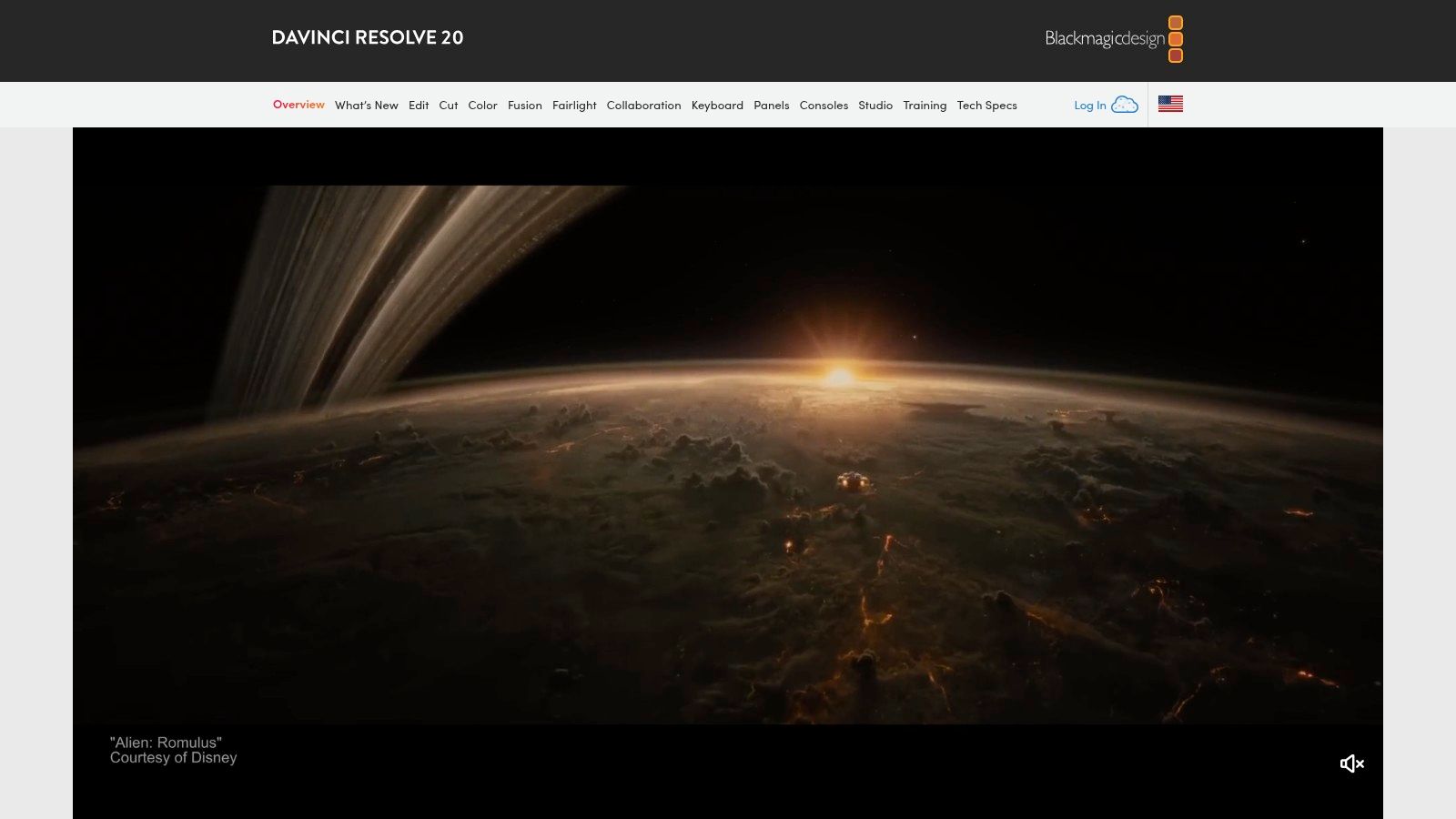
This makes it one of the best free video creation software options for anyone who wants to move beyond basic editing. The free version is incredibly generous, supporting resolutions up to UHD 4K at 60 frames per second, multi-user collaboration, and powerful HDR grading tools. For real estate professionals, this means you can color-correct a luxury property tour with cinematic precision, ensuring every shot looks its absolute best without paying a dime for software. The full feature set positions it as one of the top choices in any real estate video editing software comparison.
Key Features & Use Cases
- Best For: Creating high-end, cinematic property tours, agent profile videos, and neighborhood spotlights where color accuracy and professional polish are critical.
- Standout Feature: The integrated color correction and grading tools are industry-leading. You can fix poor lighting from a shoot or give your video a specific stylistic look (e.g., warm and inviting) with unparalleled control.
- Real Estate Use Case: Imagine you filmed a property on an overcast day. With Resolve's color page, you can brighten the footage, boost the colors of the landscaping, and make the home look vibrant and appealing, directly impacting buyer perception.
Platform Breakdown
| Feature | DaVinci Resolve (Free) |
|---|---|
| Export Quality | Up to UHD 3840x2160 at 60 fps |
| Watermark | No |
| Ease of Use | Difficult; steep learning curve |
| Platform | Desktop (Windows, Mac, Linux) |
| Best Use | Professional, cinematic video production |
Pros & Cons
Pro: The feature set is unmatched in the free market, offering truly professional tools for editing, color, VFX, and audio.
Con: The learning curve is significant for beginners, and it requires a powerful computer to run smoothly, especially with 4K footage.
3. Microsoft Clipchamp
Microsoft Clipchamp is a user-friendly, browser-based video editor that makes creating social media and marketing videos incredibly fast. Unlike complex desktop software, Clipchamp runs entirely online, offering a simple timeline editor, a vast library of templates, and helpful AI tools. It is deeply integrated into the Microsoft ecosystem, making it a convenient choice for anyone already using Windows or Microsoft 365.
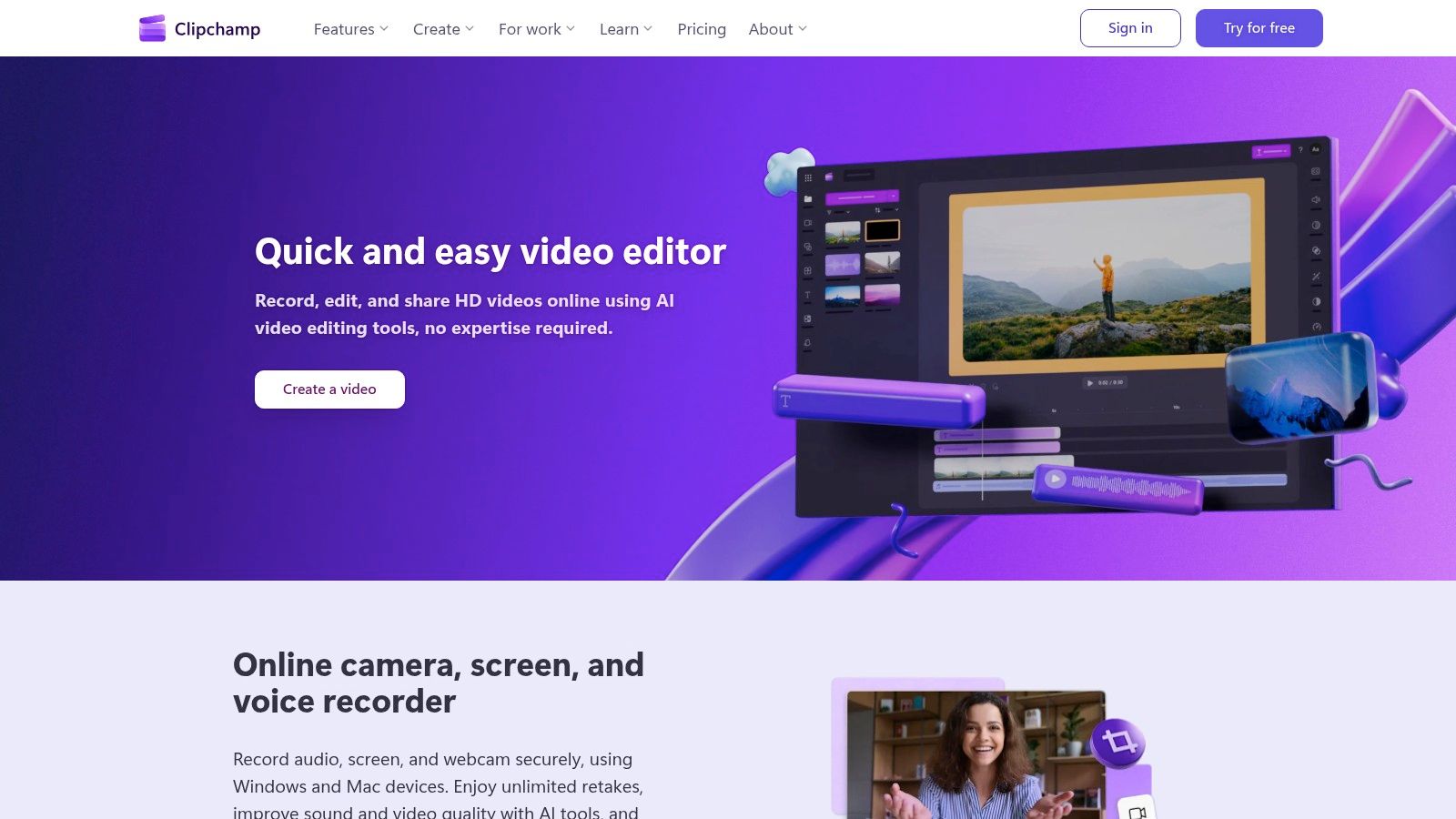
As one of the best free video creation software options for quick turnarounds, its free plan is surprisingly capable, allowing watermark-free exports in full 1080p HD. For real estate agents, this means you can quickly assemble a property tour for Instagram Reels or a short market update video using its templates and stock library without any downloads. Its focus on accessibility and speed makes it a fantastic tool for creating professional-looking content without a steep learning curve.
Key Features & Use Cases
- Best For: Creating quick, template-based social media content like property highlights for Instagram Stories, TikTok videos, or short market update clips.
- Standout Feature: The combination of a large free stock media library and AI-powered tools like auto-captions and text-to-speech makes content creation highly efficient.
- Real Estate Use Case: You need to create a 30-second vertical video for Instagram showcasing a new listing's best features. Using Clipchamp, you can drag and drop a few clips, apply a pre-made template, add trending audio from its library, and generate captions automatically, all within minutes and directly in your browser.
Platform Breakdown
| Feature | Microsoft Clipchamp (Free) |
|---|---|
| Export Quality | Up to 1080p (Full HD) |
| Watermark | No |
| Ease of Use | Easy; beginner-friendly |
| Platform | Web browser, Desktop App (Windows) |
| Best Use | Quick social media and marketing videos |
Pros & Cons
Pro: Extremely accessible with no installation required, a generous free tier (1080p, no watermark), and great templates for social media formats.
Con: Performance can slow down on complex or long projects, and 4K exports and premium stock assets are locked behind a paid subscription.
4. CapCut
CapCut has rapidly become the go-to editor for short-form social media content, and for good reason. Developed by ByteDance (the creators of TikTok), it’s a free, all-in-one video editing app designed for creating engaging, trend-driven videos with maximum speed and minimal effort. Its strength lies in a vast library of templates, effects, and auto-captioning features that make it perfect for creating content for platforms like Instagram Reels, TikTok, and YouTube Shorts.
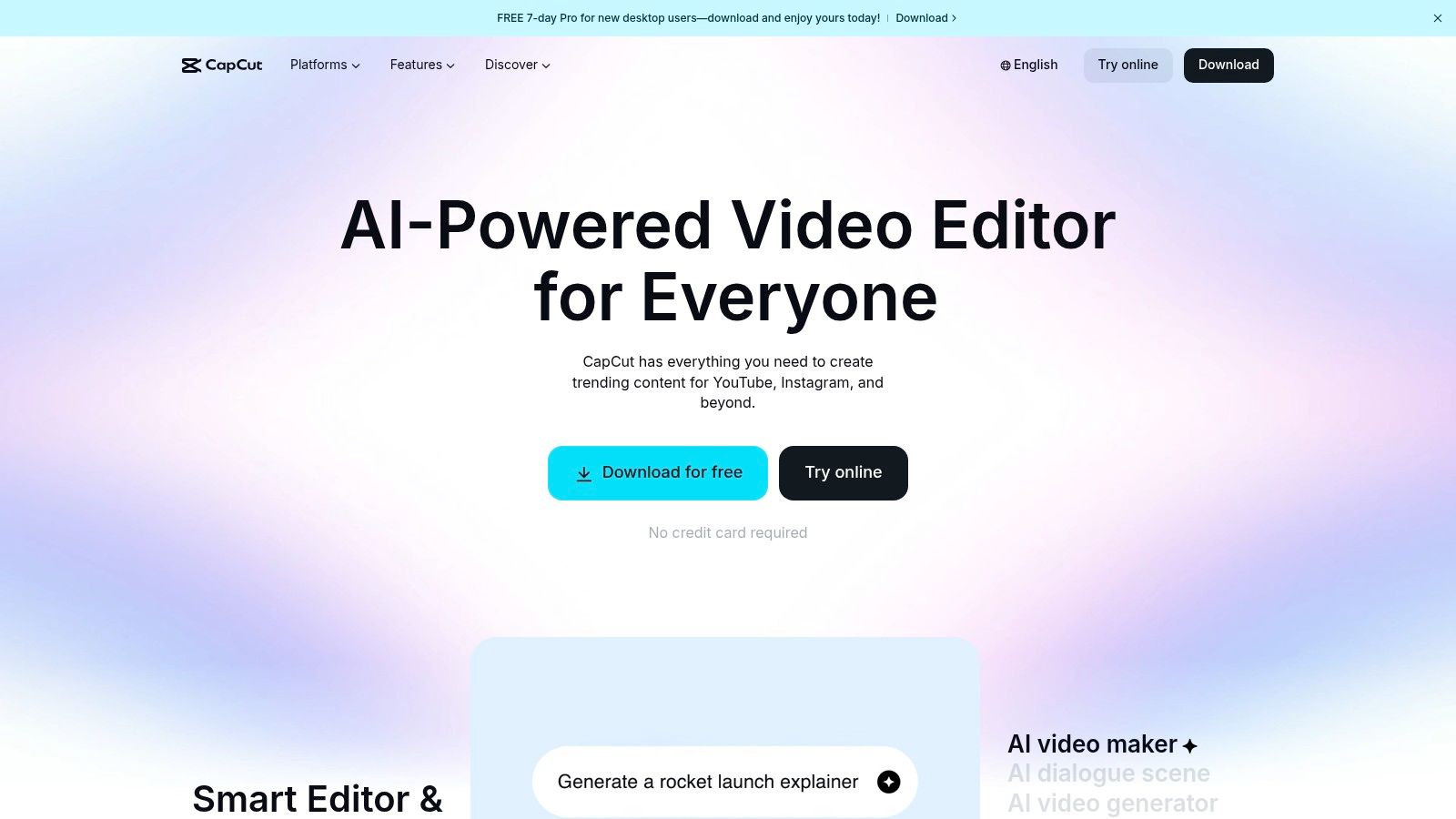
While not built for cinematic 4K property tours, CapCut is one of the best free video creation software options for quick, daily marketing content. Real estate agents can leverage its template-driven workflow to produce a 15-second "Just Listed" announcement, a quick neighborhood guide, or a market update video in minutes, not hours. The availability across mobile, desktop, and web with cloud sync means you can start a project on your phone and finish it on your computer seamlessly.
Key Features & Use Cases
- Best For: Creating quick, trendy social media videos like Reels and Shorts for property announcements, agent introductions, and community highlights.
- Standout Feature: The auto-captioning and text-to-speech features are incredibly accurate and fast, saving significant time while making videos more accessible and engaging for viewers watching without sound.
- Real Estate Use Case: Film a quick vertical video walking through the front door of a new listing. In CapCut, add trending audio, use the auto-caption feature to add "Welcome to 123 Main Street!", and export directly to Instagram Reels-all within 10 minutes from your phone.
Platform Breakdown
| Feature | CapCut (Free) |
|---|---|
| Export Quality | Up to 4K at 60 fps |
| Watermark | No (can be easily removed) |
| Ease of Use | Very Easy |
| Platform | Mobile (iOS/Android), Desktop (Windows/Mac), Web |
| Best Use | Short-form social media video creation |
Pros & Cons
Pro: Exceptionally easy to use with a massive library of free templates, effects, and sounds, making it perfect for beginners and fast-turnaround projects.
Con: The focus is heavily on vertical, short-form video; it lacks the advanced precision controls needed for longer, more professional marketing videos.
5. Canva
Canva has evolved from a simple graphic design tool into a powerful, browser-based video editor perfect for creating branded marketing content quickly. It excels where speed and ease of use are more important than granular, post-production control. Its template-driven approach means anyone can produce professional-looking social media stories, listing announcements, or market update videos without any prior editing experience.
Canva is arguably the best free video creation software for agents who need to maintain a consistent brand across all their marketing materials. The free version offers a robust video editor and 5GB of cloud storage, while paid plans unlock Brand Kits and real-time collaboration. This makes it an essential tool for brokerage teams and one of the most accessible options for agents looking for the best video editing software for beginners.
Key Features & Use Cases
- Best For: Creating branded social media videos, short-form content like Reels or Shorts, animated infographics, and quick listing announcements.
- Standout Feature: The vast library of customizable video templates. You can find a professionally designed layout for almost any need, add your clips and branding, and export it in minutes.
- Real Estate Use Case: An agent needs to create an Instagram Reel for a "Just Listed" property. Using a Canva template, they can drop in a few short video clips, add animated text with the property details and price, apply their brand colors, and have a finished, eye-catching video ready to post in under 15 minutes.
Platform Breakdown
| Feature | Canva (Free) |
|---|---|
| Export Quality | Up to 1080p HD |
| Watermark | No (unless you use premium elements) |
| Ease of Use | Very Easy; drag-and-drop interface |
| Platform | Browser, Desktop (Windows, Mac), Mobile |
| Best Use | Templated social media and marketing videos |
Pros & Cons
Pro: Extremely gentle learning curve and excellent for creating branded social content. The collaborative browser-based editing simplifies team workflows.
Con: Many of the best assets, templates, and AI features are locked behind the Pro subscription. Advanced editing controls are limited compared to dedicated software.
6. Apple iMovie
For users within the Apple ecosystem, iMovie is the quintessential starting point for video editing. It comes pre-installed and completely free on every Mac, iPhone, and iPad, offering a seamless and intuitive experience that makes creating high-quality videos incredibly straightforward. While it lacks the complexity of professional suites, its strength lies in its simplicity, stability, and tight integration with Apple hardware, making it a reliable tool for quick, polished edits.
This makes it an excellent choice for real estate agents who need to create clean, professional-looking videos without a steep learning curve. The software supports stunning 4K video, allowing you to showcase properties with crystal-clear detail. As one of the best free video creation software options for beginners, iMovie provides a fantastic, frustration-free entry into video marketing. You can start a project on your iPhone right after a property shoot and finish it on your Mac back at the office.
Key Features & Use Cases
- Best For: Creating quick property walkthroughs, social media video posts, and client testimonial videos directly on an iPhone, iPad, or Mac.
- Standout Feature: The seamless ecosystem integration. You can AirDrop footage from your iPhone to your Mac and continue editing instantly without worrying about file transfers or compatibility issues.
- Real Estate Use Case: Record a short, vertical video tour of a new listing on your iPhone. Use iMovie's pre-made themes and titles to add the property address and your contact info, then share it directly to your Instagram Stories or TikTok in minutes.
Platform Breakdown
| Feature | Apple iMovie |
|---|---|
| Export Quality | Up to 4K at 60 fps |
| Watermark | No |
| Ease of Use | Very Easy; beginner-friendly |
| Platform | Desktop (macOS), Mobile (iOS, iPadOS) |
| Best Use | Quick, clean edits and social media videos |
Pros & Cons
Pro: Exceptionally easy to learn and use, completely free, and perfectly integrated with Apple devices for a smooth workflow.
Con: Limited to Apple platforms only and lacks advanced features like multi-cam editing or complex color grading tools found in more professional software.
7. Shotcut
Shotcut is a powerful, open-source video editor that delivers a robust feature set without any cost, ads, or watermarks. Unlike many free tools that are simplified web apps, Shotcut is a full-fledged non-linear desktop editor built for users who want more control. It supports a vast range of video and audio formats thanks to FFmpeg, meaning you can mix and match footage from different cameras, drones, and phones without conversion headaches.
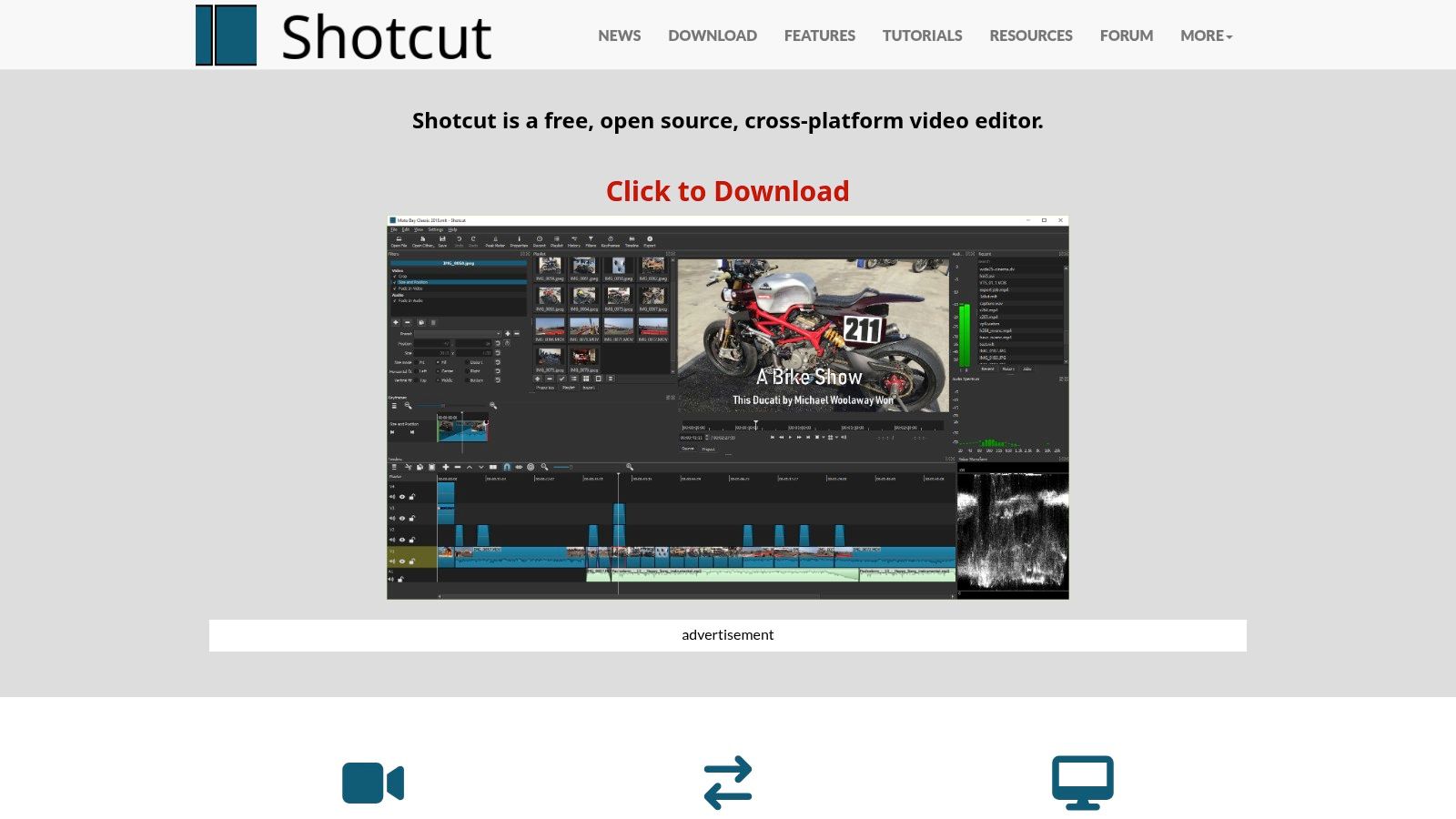
This makes Shotcut one of the best free video creation software options for those who need technical flexibility on a budget. The interface is highly customizable with dockable panels for scopes, filters, and properties, allowing you to arrange your workspace to fit your editing style. For real estate professionals, this means you can build a workflow for editing property tours and client testimonials that feels efficient and tailored to your needs, all while using a completely free and private tool.
Key Features & Use Cases
- Best For: Agents and marketers who need a traditional, timeline-based editor with advanced format support and full control over the final product.
- Standout Feature: Its native timeline editing and broad format support are exceptional for a free tool. You can drop 4K footage from a drone directly onto the timeline next to a vertical video from your phone, and Shotcut handles it seamlessly.
- Real Estate Use Case: Imagine creating a "day in the life" neighborhood tour by combining drone footage, stabilized walking clips, and interview segments. Shotcut allows you to arrange all these different sources on its multi-track timeline, add text overlays for key locations, and apply color correction to ensure a consistent look.
Platform Breakdown
| Feature | Shotcut |
|---|---|
| Export Quality | Up to 4K and higher |
| Watermark | No |
| Ease of Use | Moderate; some learning required |
| Platform | Desktop (Windows, Mac, Linux) |
| Best Use | Detailed, multi-source video projects |
Pros & Cons
Pro: Completely free forever with no watermarks, ads, or feature restrictions. It offers a powerful, traditional editing experience.
Con: The user interface can feel less polished and intuitive than commercial software, presenting a moderate learning curve for absolute beginners.
8. OpenShot
OpenShot is an accessible and completely free open-source video editor that strikes a balance between simplicity and capability. Unlike more complex software, its interface is designed to be intuitive for beginners, making it an excellent starting point for those new to video editing. It provides powerful core features like unlimited tracks, keyframe animations, and a variety of video effects without overwhelming the user.
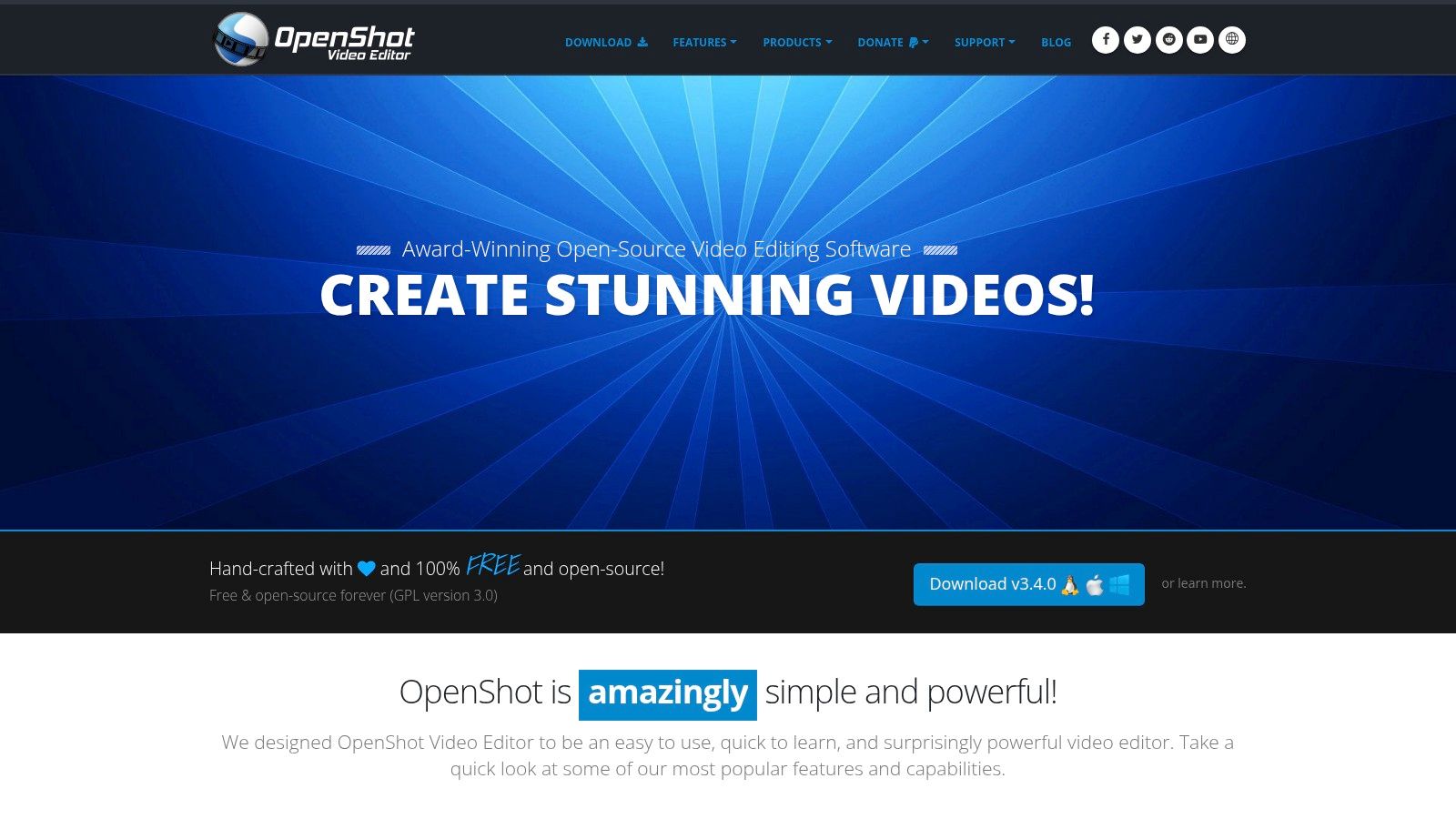
Because it’s available on Windows, Mac, Linux, and even ChromeOS, OpenShot is a versatile choice for any real estate agent, regardless of their computer. This wide-ranging compatibility and straightforward workflow make it one of the best free video creation software options for quick, simple projects. For agents needing to quickly assemble a slideshow of property photos with background music or add basic text titles to a client testimonial, OpenShot gets the job done without a steep learning curve or any cost.
Key Features & Use Cases
- Best For: Creating simple property slideshows, compiling short social media clips, or adding basic titles and transitions to raw footage.
- Standout Feature: The unlimited tracks and layers system allows you to easily overlay text, logos, or even a picture-in-picture video of yourself narrating a tour.
- Real Estate Use Case: An agent can quickly drag and drop 15-20 listing photos onto the timeline, add a branded intro title, place a watermark logo on an upper track, and set it all to a royalty-free music track for a simple video tour.
Platform Breakdown
| Feature | OpenShot |
|---|---|
| Export Quality | Up to 4K UHD |
| Watermark | No |
| Ease of Use | Easy; beginner-friendly |
| Platform | Desktop (Windows, Mac, Linux, ChromeOS) |
| Best Use | Quick and simple video editing |
Pros & Cons
Pro: Completely free, open-source, and easy to learn, making it highly accessible for users who just need to cover the basics.
Con: Performance can sometimes lag with more complex projects or high-resolution files, and it lacks the advanced features of professional-grade editors.
9. Kdenlive
Kdenlive is a powerful, open-source video editor that delivers a mature, non-linear editing experience without the price tag. Developed by the KDE community, it provides robust multi-track editing, a customizable interface, and a wide array of effects and transitions. While especially popular in the Linux community, its availability on Windows and macOS makes it a versatile choice for users who want deep control over their projects.
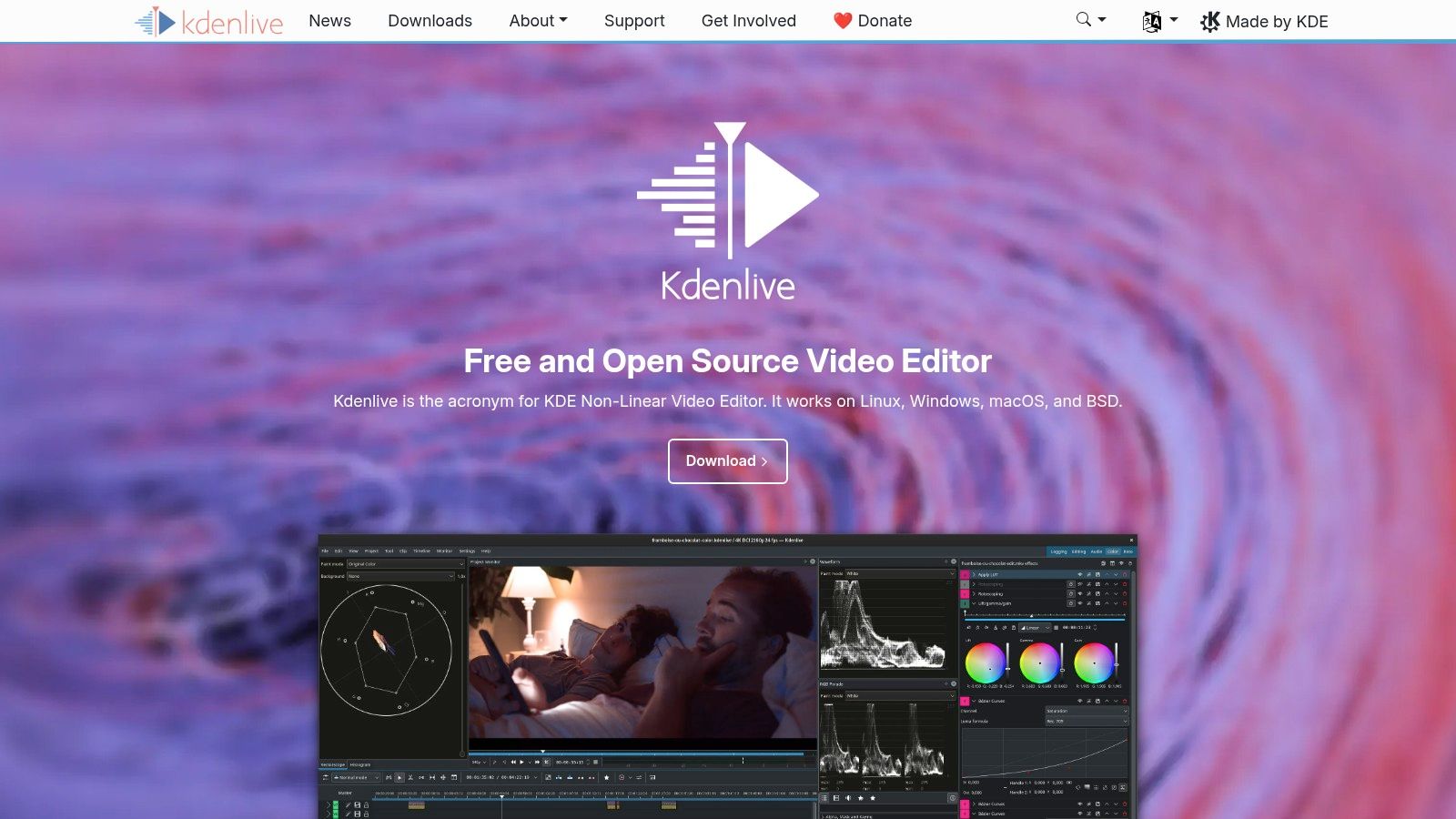
This makes it one of the best free video creation software options for technical users who need a reliable workhorse. A key advantage is its proxy editing feature, which allows you to create low-resolution copies of your high-definition footage for smooth, lag-free editing, even on less powerful computers. For real estate professionals working with 4K drone footage, this means you can build a complex property tour without frustrating slowdowns.
Key Features & Use Cases
- Best For: Agents and marketers who need a stable, full-featured editor for creating detailed property walkthroughs, market updates, or longer-form content.
- Standout Feature: Proxy editing is a game-changer for performance. It lets you smoothly edit high-resolution video files (like 4K) on modest hardware, then render the final video at full quality.
- Real Estate Use Case: You've just filmed a comprehensive walkthrough of a large estate using a 4K camera. Instead of your computer struggling to play back the raw files, Kdenlive's proxy workflow lets you edit fluidly, apply effects, and perfect your transitions without performance bottlenecks.
Platform Breakdown
| Feature | Kdenlive |
|---|---|
| Export Quality | Up to 4K and beyond (customizable) |
| Watermark | No |
| Ease of Use | Moderate; some technical concepts |
| Platform | Desktop (Windows, Mac, Linux) |
| Best Use | Complex multi-track editing |
Pros & Cons
Pro: The feature set is comprehensive for a free tool, including powerful proxy workflows and keyframeable effects that rival paid alternatives.
Con: The interface can feel dense for beginners, and the builds for Windows and macOS might occasionally be less polished than the native Linux version.
10. Lightworks
Lightworks has a long history in professional film editing and offers a robust free version that serves as an excellent entry point into non-linear editing (NLE) workflows. It provides a professional, timeline-based editing environment without the overwhelming complexity of some other high-end tools. While many free editors simplify the process, Lightworks focuses on teaching solid editing fundamentals used by industry professionals.
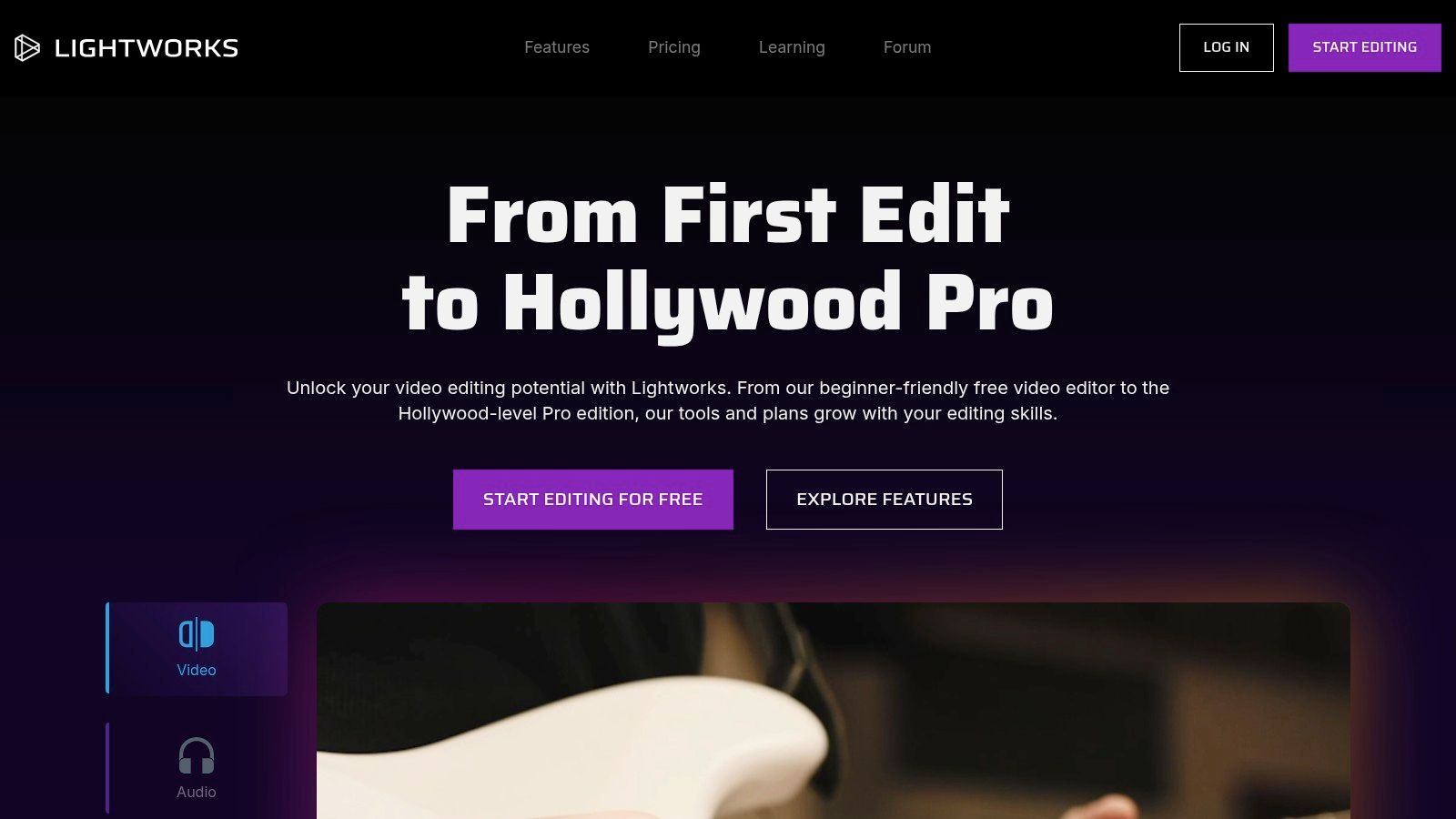
The free plan is a great way to learn professional editing techniques and is powerful enough for simple projects. Unlike many competitors, it exports videos with no watermark, making it a viable option for real estate agents on a tight budget. This makes it one of the best free video creation software choices for those who plan to eventually upgrade to a professional tool but want to build foundational skills on a free platform first. The paid plans unlock higher resolutions and more advanced features.
Key Features & Use Cases
- Best For: Aspiring video editors and agents who want to learn professional editing workflows for creating social media clips, simple property walkthroughs, or client testimonials.
- Standout Feature: The professional trim tools and timeline-centric workflow provide a genuine taste of industry-standard editing without the initial investment.
- Real Estate Use Case: You can quickly assemble a short "Just Listed" video for Instagram or TikTok by trimming clips, adding a music track, and overlaying simple text with property details. The 720p output is perfectly suitable for mobile viewing on these platforms.
Platform Breakdown
| Feature | Lightworks (Free) |
|---|---|
| Export Quality | Up to 720p HD |
| Watermark | No |
| Ease of Use | Moderate; requires learning a traditional NLE interface |
| Platform | Desktop (Windows, Mac, Linux) |
| Best Use | Learning professional editing, social media video |
Pros & Cons
Pro: Offers a professional editing experience with no watermark on the free version, making it great for learning and creating content for online use.
Con: The free plan's 720p export limit is a significant drawback for creating high-quality property tours for YouTube or websites.
11. VSDC Free Video Editor
VSDC is a lightweight yet surprisingly powerful video editor that runs exclusively on Windows. Unlike many free tools that are stripped-down versions of paid software, VSDC’s free edition packs an impressive suite of features, including chroma key (green screen), color correction, and even basic motion tracking. It’s a non-linear editor, giving you the freedom to place clips and objects anywhere on the timeline for complex compositions.
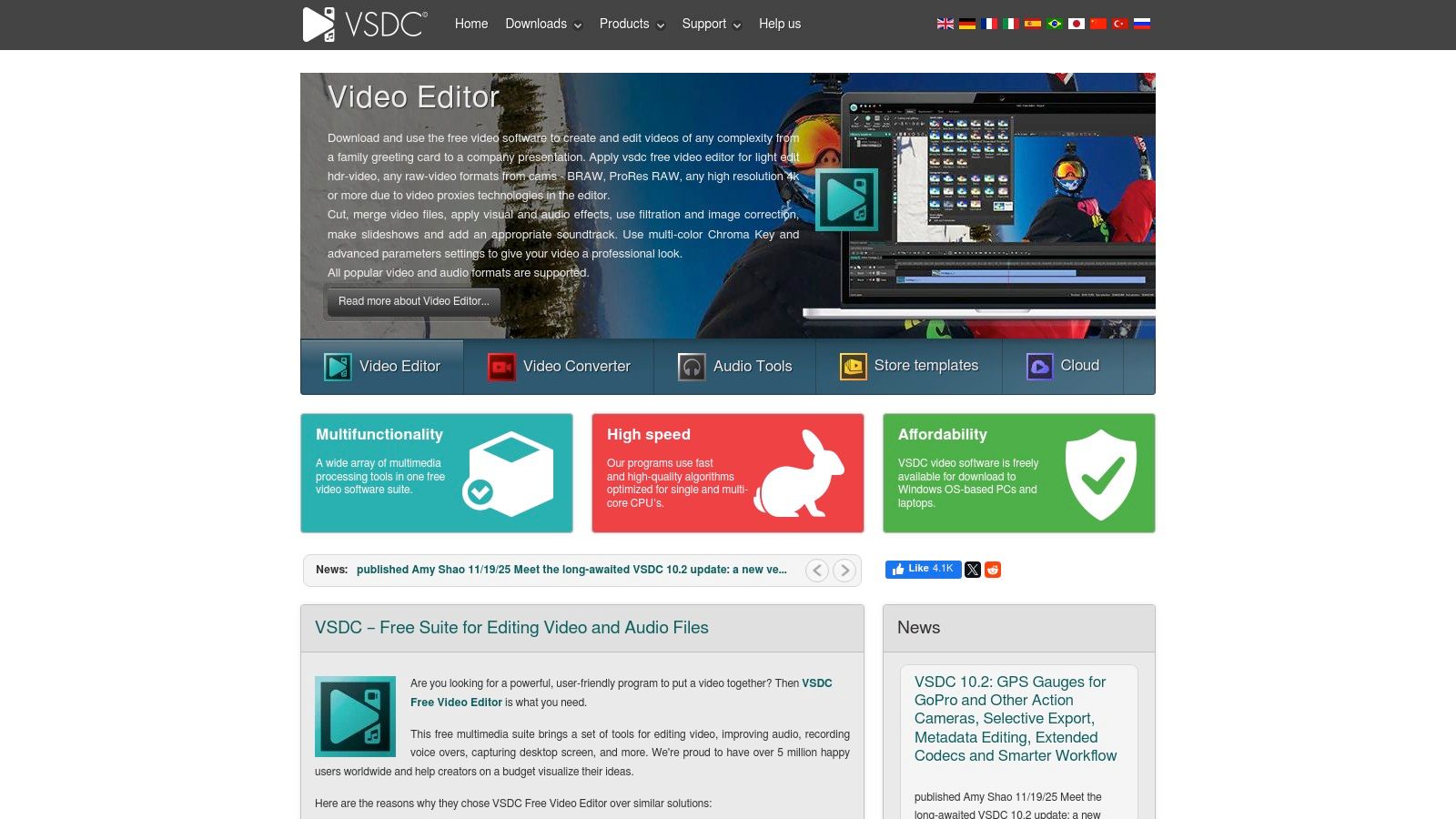
This makes it one of the best free video creation software options for Windows users who need more than a basic trimmer but don't have a high-end computer. The free version exports without a watermark and includes helpful extras like a screen recorder and video converter. For real estate professionals, this means you can create picture-in-picture agent intros, blur sensitive information in a property tour, or add text overlays that follow objects in your video, all on a standard office PC.
Key Features & Use Cases
- Best For: Agents using Windows PCs who want advanced features like green screen and motion tracking without needing a powerful machine.
- Standout Feature: The broad format support and built-in toolset, including a screen recorder, video stabilizer, and converter, make it an all-in-one solution for many common video tasks.
- Real Estate Use Case: Use the chroma key feature to place yourself in front of a virtual background of a luxury listing or a slideshow of neighborhood photos. This is perfect for creating professional-looking market updates or agent introduction videos without a physical studio.
Platform Breakdown
| Feature | VSDC Free Video Editor |
|---|---|
| Export Quality | Up to 4K UHD |
| Watermark | No |
| Ease of Use | Moderate; interface is unconventional |
| Platform | Desktop (Windows only) |
| Best Use | Advanced editing on modest hardware |
Pros & Cons
Pro: Runs efficiently on less powerful computers and offers an extensive feature set, including chroma key and motion tracking, for free without a watermark.
Con: The user interface is not intuitive and can be confusing for beginners. It is also only available for Windows.
12. VideoProc Vlogger
VideoProc Vlogger offers a refreshing middle ground between overly simplistic online editors and complex professional software. It's a free, desktop-based editor designed for creators who want more control than a template allows but don't want to spend weeks learning. It focuses on features popular in vlogs and social media content, like dynamic speed changes and motion effects, all without imposing watermarks or export limitations on users.
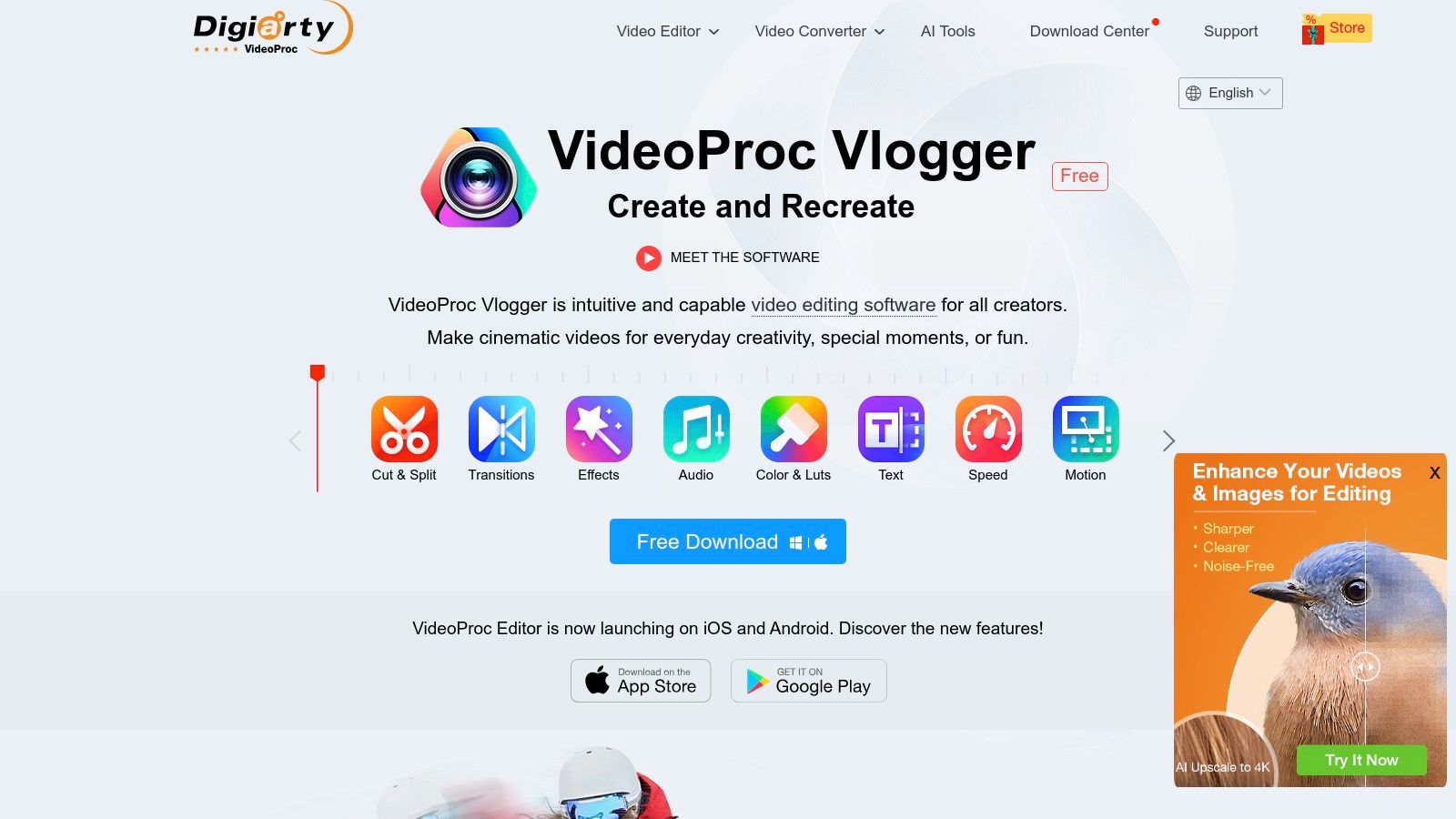
This makes it one of the best free video creation software options for real estate agents who want to produce polished social media clips, property walk-throughs, or market updates quickly. The software is completely free, with no hidden subscriptions or feature paywalls, though it may occasionally ask you to register for a free license code. Its hardware acceleration support also ensures smooth editing and faster rendering, even on moderately powered computers.
Key Features & Use Cases
- Best For: Creating engaging social media videos, quick property tours, and agent vlogs that require smooth speed transitions and motion effects.
- Standout Feature: The intuitive speed ramping editor lets you easily create dynamic slow-motion or fast-forward effects to highlight key features of a property, a common technique in modern real estate videos.
- Real Estate Use Case: Film a walk-through of a home, then use the speed ramp tool to quickly move through hallways while slowing down dramatically to focus on standout features like a gourmet kitchen or a stunning master bathroom view.
Platform Breakdown
| Feature | VideoProc Vlogger |
|---|---|
| Export Quality | Up to 4K |
| Watermark | No |
| Ease of Use | Easy to Intermediate |
| Platform | Desktop (Windows, Mac) |
| Best Use | Social media, vlogs, quick edits |
Pros & Cons
Pro: Truly free with no watermarks or export limits, and its speed and motion tools are very user-friendly for creating modern video styles.
Con: The feature set is less comprehensive than professional suites like DaVinci Resolve, lacking advanced VFX and collaboration tools.
Top 12 Free Video Editors — Feature Comparison
| Product | Core features | Output & UX (★) | Price & Value (💰) | Target & USP (👥 / ✨) |
|---|---|---|---|---|
| AgentPulse 🏆 | AI 3D‑aware photo→video; cinematic camera moves; portrait/square/landscape | ★★★★★ 2–5 min renders; HD exports; cleared royalty‑free music | 💰 Free / $49 Std / $99 Adv; credits/month; watermark on Free | 👥 Agents, photographers, property marketers · ✨ Automates polished walkthroughs from photos |
| Blackmagic DaVinci Resolve | Full NLE + color, VFX (Fusion), Fairlight audio | ★★★★★ Pro‑grade results; steep learning curve; high HW needs | 💰 Free (powerful) + $295 Studio one‑time for pro features | 👥 Professional editors & colorists · ✨ Industry‑standard post‑production toolset |
| Microsoft Clipchamp | Browser timeline, templates, AI captions, OneDrive integration | ★★★★ Fast for social; 1080p free; browser performance varies | 💰 Free 1080p; paid for 4K & premium stock | 👥 Marketers/Microsoft users · ✨ Cloud integration + template library |
| CapCut | Templates, effects, AI captioning; desktop/web/mobile | ★★★★ Very fast for short‑form; mobile/portrait optimized | 💰 Free core; some paid features/stock per region | 👥 Short‑form creators (TikTok/Reels) · ✨ Rich template ecosystem |
| Canva | Design + video templates, brand kits, real‑time collaboration | ★★★★ Easy, collaborative; great for branded social | 💰 Free / Pro to unlock assets & brand kits | 👥 Small teams & social marketers · ✨ Brand kits & team collaboration |
| Apple iMovie | Storyboards, Magic Movie, 4K export on Apple devices | ★★★ Quick, stable on Apple; simple workflow | 💰 Free on macOS/iOS/iPadOS | 👥 Casual Apple users · ✨ Seamless Apple ecosystem integration |
| Shotcut | Open‑source NLE, 4K, FFmpeg codec support, dockable panels | ★★★★ Powerful feature set; utilitarian UI | 💰 Free, no watermarks | 👥 Privacy‑minded & budget editors · ✨ Broad codec support & open source |
| OpenShot | Unlimited tracks, keyframe animation, beginner‑friendly | ★★★ Easy for quick edits; may lag on large timelines | 💰 Free | 👥 Beginners & educators · ✨ Straightforward open‑source editor |
| Kdenlive | Multi‑track, proxy workflows, keyframeable effects | ★★★★ Strong on Linux; technical UI for power users | 💰 Free | 👥 Linux users & advanced hobbyists · ✨ Robust proxy editing & active community |
| Lightworks | Pro trim tools, pro timeline workflow, cross‑platform | ★★★ Solid editing fundamentals; free 720p cap | 💰 Free (720p) / Paid Create/Pro for higher res | 👥 Aspiring professionals · ✨ No watermark on free exports |
| VSDC Free Video Editor | Multi‑format editing, motion tracking, chroma key (Windows) | ★★★ Lightweight on modest PCs; unconventional UI | 💰 Free / Pro upgrade for advanced tools | 👥 Windows users · ✨ Feature‑rich free Windows editor |
| VideoProc Vlogger | Motion editor, speed ramping, color & audio tools | ★★★★ No time/resolution limits; vlog‑friendly | 💰 Free (license registration) | 👥 Vloggers & social creators · ✨ Fast, approachable vlog toolset |
Choosing Your Perfect Video Creation Tool
We've explored a comprehensive landscape of the best free video creation software, from specialized, AI-powered platforms to full-fledged professional editing suites. The journey through twelve distinct tools, including AgentPulse, DaVinci Resolve, and CapCut, reveals a clear truth: the “best” software is not a one-size-fits-all title. Instead, it is the tool that most effectively aligns with your specific goals, technical skill level, and, most importantly, the content you need to produce.
Your final decision hinges on a realistic assessment of your needs. Are you a real estate agent who needs to convert property photos into a dynamic, engaging video tour in under five minutes? A general-purpose editor, no matter how powerful, will require a significant time investment you likely don't have. This is where a purpose-built solution like AgentPulse shines, automating the creation process to deliver professional results with unparalleled speed.
How to Select the Right Tool for You
Choosing the right software can feel overwhelming, but you can simplify the process by asking yourself three key questions:
- What is my primary goal? Are you creating quick, trendy social media clips for TikTok and Reels, or are you producing detailed, cinematic property showcases for your brokerage's YouTube channel? Tools like CapCut and Canva are built for the former, while DaVinci Resolve and Shotcut excel at the latter.
- How much time can I invest? Be honest about your available time for both learning and production. If you have hours to dedicate to mastering a complex interface, the power of Kdenlive or Lightworks is at your fingertips. If you need a finished video in minutes, not hours, then Clipchamp or a specialized tool is your best bet.
- What is my technical comfort level? If terms like "color grading," "keyframes," and "audio ducking" are new to you, starting with a user-friendly interface is crucial. iMovie and OpenShot offer gentle learning curves. For those with a technical background or a passion for learning the craft, diving into something more complex like DaVinci Resolve will be a rewarding experience.
Key Takeaways and Next Steps
As you move forward, remember these core principles. First, match the tool to the task. Using a complex program for a simple job is inefficient, while using a basic tool for a complex project will only lead to frustration. Second, don't be afraid to experiment. Since every tool on our list is free, there is zero financial risk in trying two or three options to see which workflow feels most natural to you.
For real estate professionals, the choice often comes down to efficiency versus customization. A general tool offers endless creative control but demands a steep price in time. A specialized tool like AgentPulse prioritizes speed and professional polish, freeing you to focus on what you do best: marketing and selling properties. To help you make an informed decision, our guide on the top free video editing software for beginners offers further insights and recommendations. Ultimately, the right software will feel less like a hurdle and more like a powerful partner in achieving your marketing objectives.
Ready to create stunning real estate videos with zero editing skills? AgentPulse uses AI to automatically transform your property photos into captivating video tours in minutes. Stop spending hours editing and start marketing your listings with beautiful, professional videos today. Try AgentPulse for free and see the difference automation can make.