Diving into animation can feel overwhelming, with countless tools all claiming to be the best. Whether you're a student learning the ropes, a marketer creating social media content, or a real estate professional looking to bring property photos to life, choosing the right program is the first critical step. This guide cuts through the noise to help you find the best animation software for beginners, tailored to your specific goals and budget.
We will break down 12 powerful and accessible options, from free, open-source tools perfect for learning the fundamentals to professional-grade suites that can grow with your skills. Each entry includes a practical look at its key features, pricing, and ideal use cases so you can make an informed decision without getting bogged down in technical jargon.
We cover everything from traditional 2D and 3D desktop applications to simple mobile apps and browser-based platforms. For each tool, you'll find direct links and screenshots to give you a clear picture of its interface and capabilities. Our goal is to provide a straightforward resource that helps you move from idea to creation as quickly as possible, ensuring you start your animation journey with confidence.
1. Adobe Animate
Adobe Animate is a powerful 2D vector animation software that shines for creating interactive web content, detailed character animations, and explainer videos. If you're already familiar with Adobe products like Photoshop or Illustrator, the interface will feel intuitive, making it one of the best animation software options for beginners looking to grow into a professional tool. Its strength lies in its deep feature set and tight integration with the Creative Cloud ecosystem.
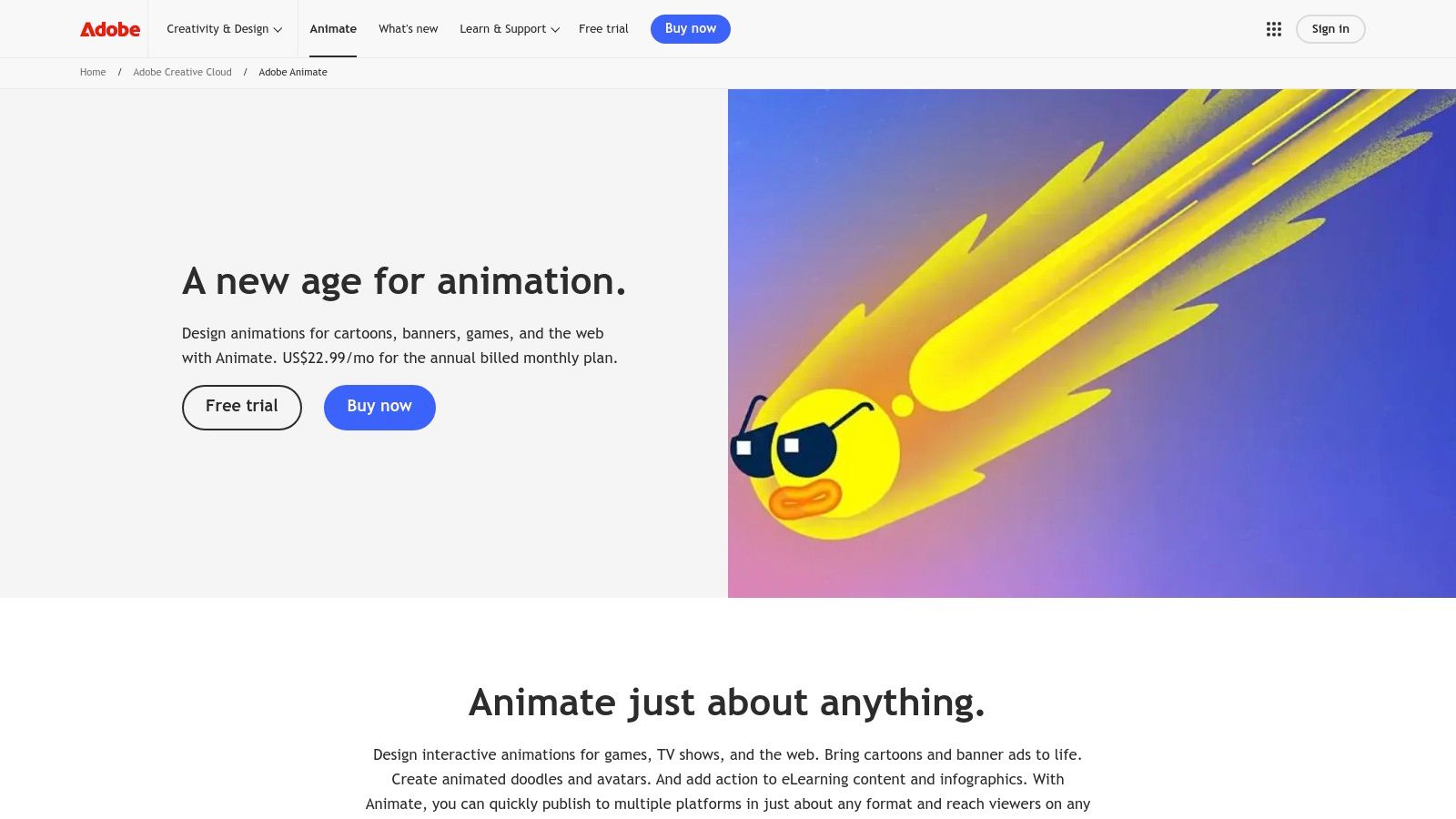
This tool is ideal for projects requiring precise, scalable vector graphics that look sharp on any screen. Beginners benefit from extensive built-in tutorials and a large community creating guides online. You can bring characters to life with simple frame-by-frame animation or use advanced rigging tools.
Key Details & Pricing
- Best For: Creating interactive web banners, animated educational content, and game assets.
- Key Features: Advanced vector drawing tools, asset library integration, and publishing to HTML5 Canvas, WebGL, and video formats.
- Pricing: Available through a Creative Cloud subscription, starting at $22.99/month for Animate alone or as part of the All Apps plan.
- Pros: Professional-grade tool with high-quality output; seamless workflow with other Adobe apps.
- Cons: The subscription cost can be a barrier; the interface has a steeper learning curve than simpler apps.
Website: https://www.adobe.com/products/animate.html
2. Toon Boom Harmony Essentials
Toon Boom Harmony Essentials is the entry point to the software used by major animation studios, making it an excellent choice for beginners who aspire to work professionally. It offers a streamlined yet powerful toolkit for creating traditional frame-by-frame (paperless) animation and puppet-style cut-out animation. The platform is designed to teach industry-standard workflows from the very beginning, ensuring the skills you learn are directly transferable to a studio environment.
This software is ideal for aspiring character animators and students serious about learning the craft. While simpler than its Advanced and Premium counterparts, Essentials provides all the core tools needed for high-quality 2D animation, including robust vector drawing tools and a sophisticated timeline. Its strong educational ecosystem and community support make it one of the best animation software options for beginners with professional goals.
Key Details & Pricing
- Best For: Students, hobbyists, and aspiring animators wanting to learn industry-standard workflows.
- Key Features: Paperless frame-by-frame animation, simple cut-out rigging tools, vector drawing, and HD/2K camera resolution.
- Pricing: Available via subscription, starting around $27/month (billed annually). Perpetual licenses are also available.
- Pros: Teaches skills directly applicable to studio jobs; clear upgrade path as your abilities grow.
- Cons: The interface can be complex for absolute beginners; subscription is required for the latest updates.
Website: https://shop.toonboom.com/en/subscriptions/harmony-essentials
3. Moho (Debut 14 & Pro 14)
Moho is an excellent 2D animation software that stands out with its powerful rigging system, making it perfect for detailed character animation. It is offered in two versions: Debut for newcomers and Pro for professionals. This structure makes Moho one of the best animation software for beginners who want a clear, affordable path to grow their skills without switching platforms. Its strength lies in making complex character movements achievable even for those new to animation.
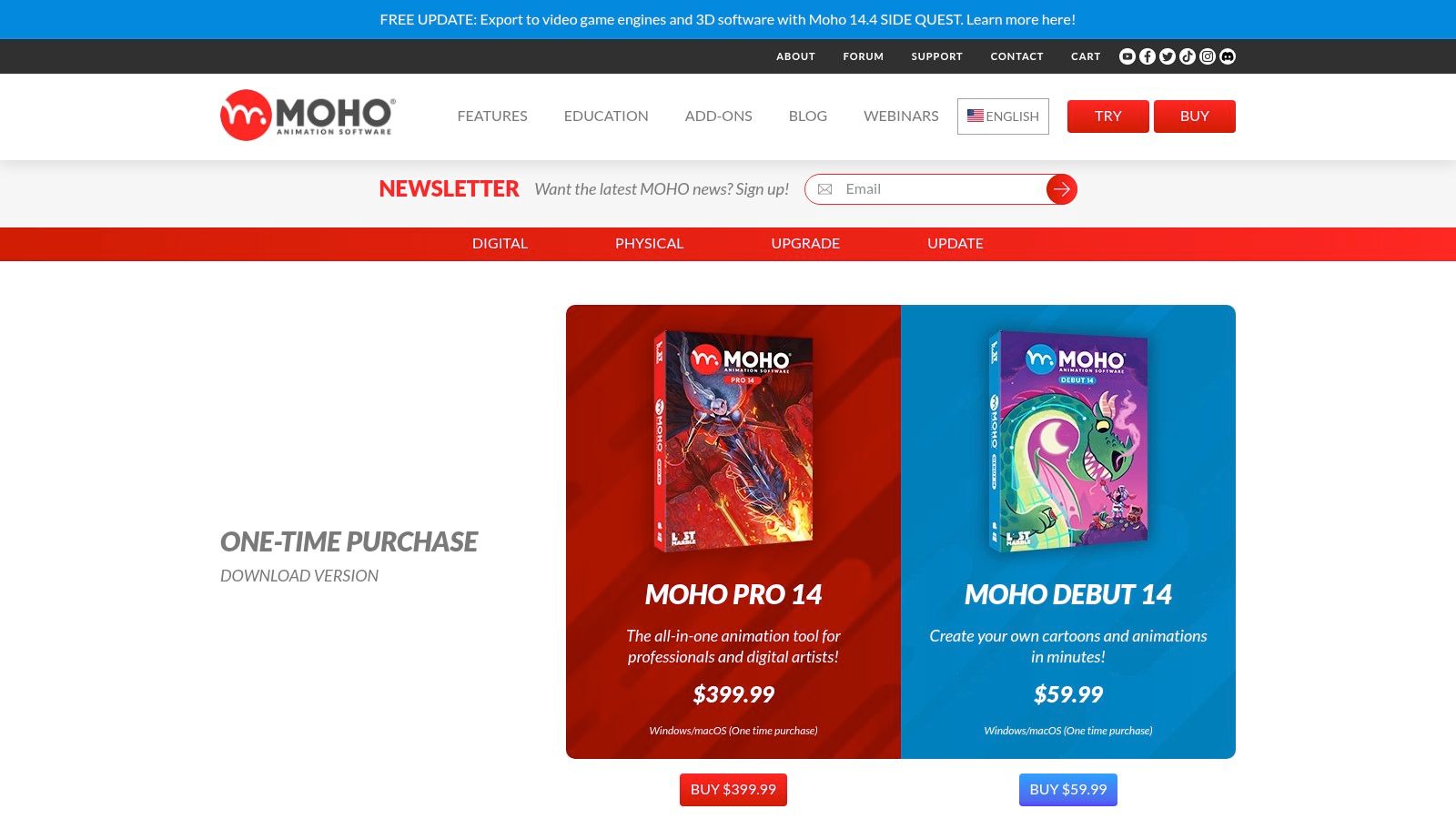
This tool is ideal for creating cartoons, web series, and story-driven animations. The Debut version offers a simplified yet capable feature set, allowing beginners to learn the fundamentals of its unique "Smart Bones" rigging system. Once mastered, users can upgrade to the Pro version to unlock advanced tools without having to relearn the core workflow, ensuring a smooth transition from hobbyist to expert.
Key Details & Pricing
- Best For: Character animation, storytelling, and creating animated series on a budget.
- Key Features: Advanced bone rigging (Smart Bones), vector drawing with PSD import support, and simplified features in the Debut edition.
- Pricing: Moho Debut is available for a one-time purchase of $59.99. A perpetual license for Moho Pro costs $399.99.
- Pros: Debut is inexpensive and accessible for beginners; a perpetual (buy-once) license is available; clear upgrade path to Pro.
- Cons: Smaller plug-in ecosystem compared to larger vendors; strictly focused on 2D animation with no 3D toolset.
Website: https://moho.lostmarble.com/pages/buy
4. Blender
Blender is a completely free, open-source 3D creation suite that has become a powerhouse for both 2D and 3D animation. While known for its 3D capabilities, its "Grease Pencil" tool allows you to draw and animate in a 2D space within a 3D environment, offering incredible flexibility. It's one of the best animation software for beginners on a budget who want a tool that can grow with them from simple 2D projects to complex 3D scenes.
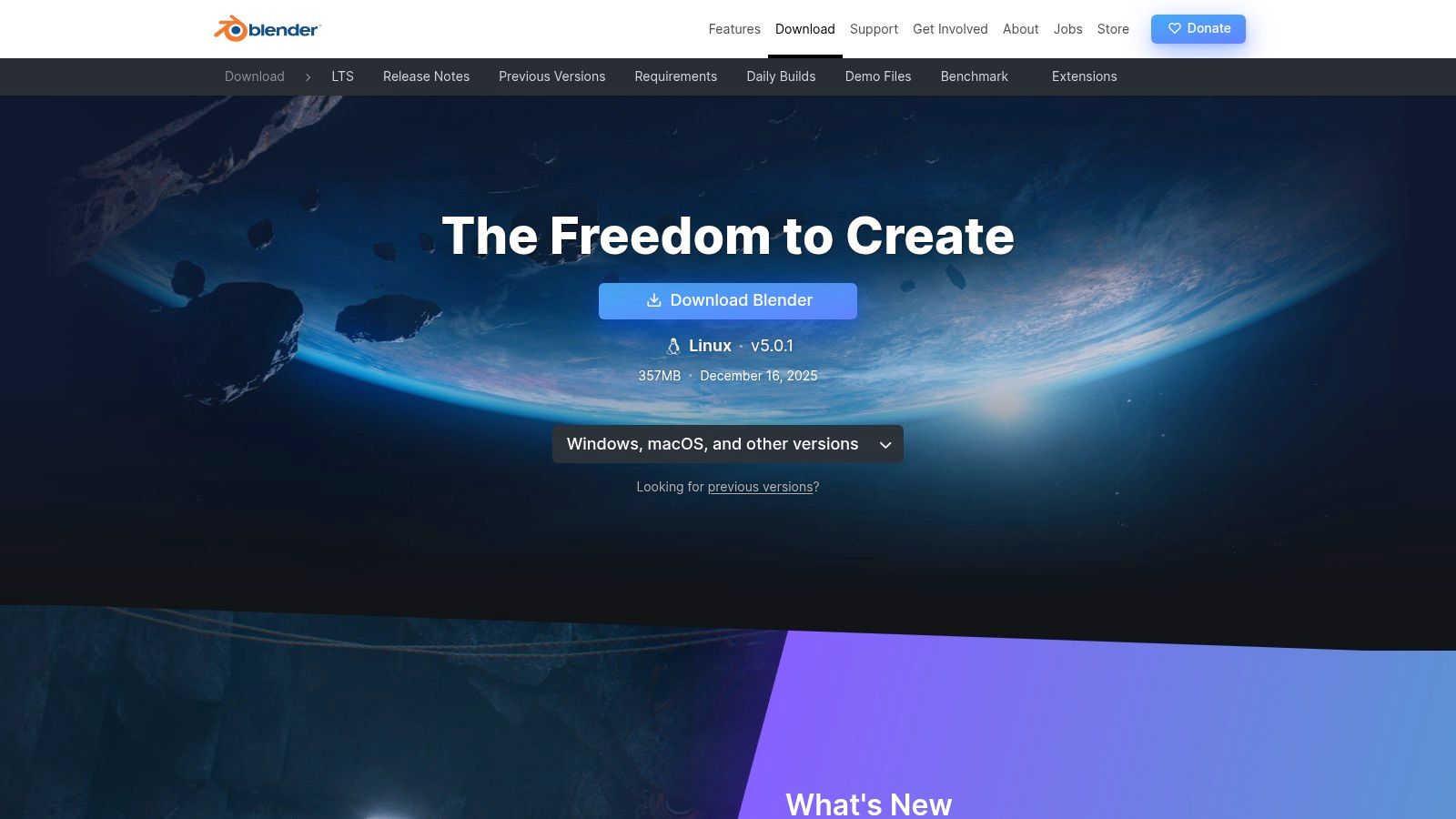
The platform is ideal for creators who want to learn a comprehensive pipeline that includes modeling, rigging, animation, and rendering. The massive online community provides an endless supply of tutorials, and because it doubles as one of the best video editing software for beginners, you can complete your entire project without leaving the application. This makes it a uniquely versatile and powerful choice that costs absolutely nothing.
Key Details & Pricing
- Best For: Aspiring animators wanting to learn both 2D and 3D pipelines without any financial investment.
- Key Features: Full 3D creation suite, Grease Pencil for 2D animation, advanced rigging and constraint systems, and multiple rendering engines.
- Pricing: Completely Free and open-source.
- Pros: Costs nothing to use, has a massive and supportive learning community, and is incredibly versatile.
- Cons: The interface can be overwhelming for absolute beginners; the sheer number of features presents a steep learning curve.
Website: https://www.blender.org/download/
5. OpenToonz
OpenToonz is a powerful, professional-grade 2D animation software that is completely free and open-source. It's the same core technology once used by the legendary Studio Ghibli, making it an incredible value for beginners who want to learn a production-level pipeline without any financial commitment. It supports both vector and bitmap workflows, giving artists flexibility in their creative process.
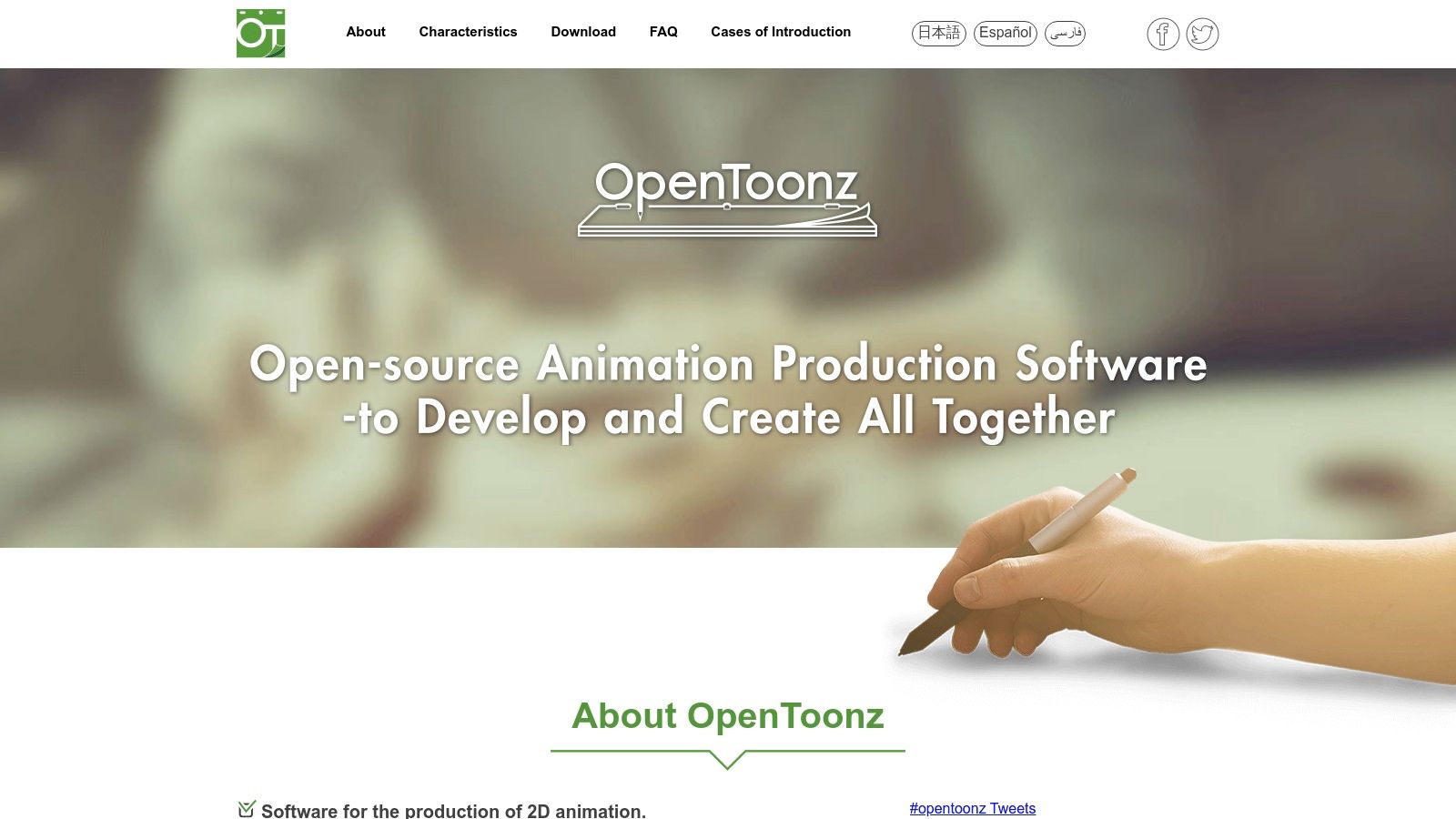
While its feature set is immense, the user interface can be intimidating for absolute beginners, feeling less intuitive than some paid alternatives. However, for those willing to learn, it offers tools for everything from drawing and scanning to advanced compositing and effects. Its open-source nature means there is a dedicated community constantly improving it, and it's a standout choice in the landscape of the best free video creation software.
Key Details & Pricing
- Best For: Aspiring animators on a budget and students wanting to learn traditional 2D production techniques.
- Key Features: Advanced scanning tools (GTS), dynamic particle effects, vector and bitmap drawing, and an extensive effects SDK.
- Pricing: Completely free (open-source).
- Pros: Professional-level features at zero cost; strong production heritage and an active development community.
- Cons: The user interface has a steep learning curve; official distribution is via GitHub, which can be confusing for new users.
Website: https://opentoonz.github.io/e/
6. Pencil2D
Pencil2D is a beautifully simple, open-source 2D animation software focused entirely on traditional, hand-drawn animation. It’s the perfect starting point for anyone who wants to learn the core principles of frame-by-frame animation without being overwhelmed by a complex interface or expensive subscriptions. Its lightweight, minimalist design lets you jump right in and start drawing, making it one of the best animation software for beginners and hobbyists.
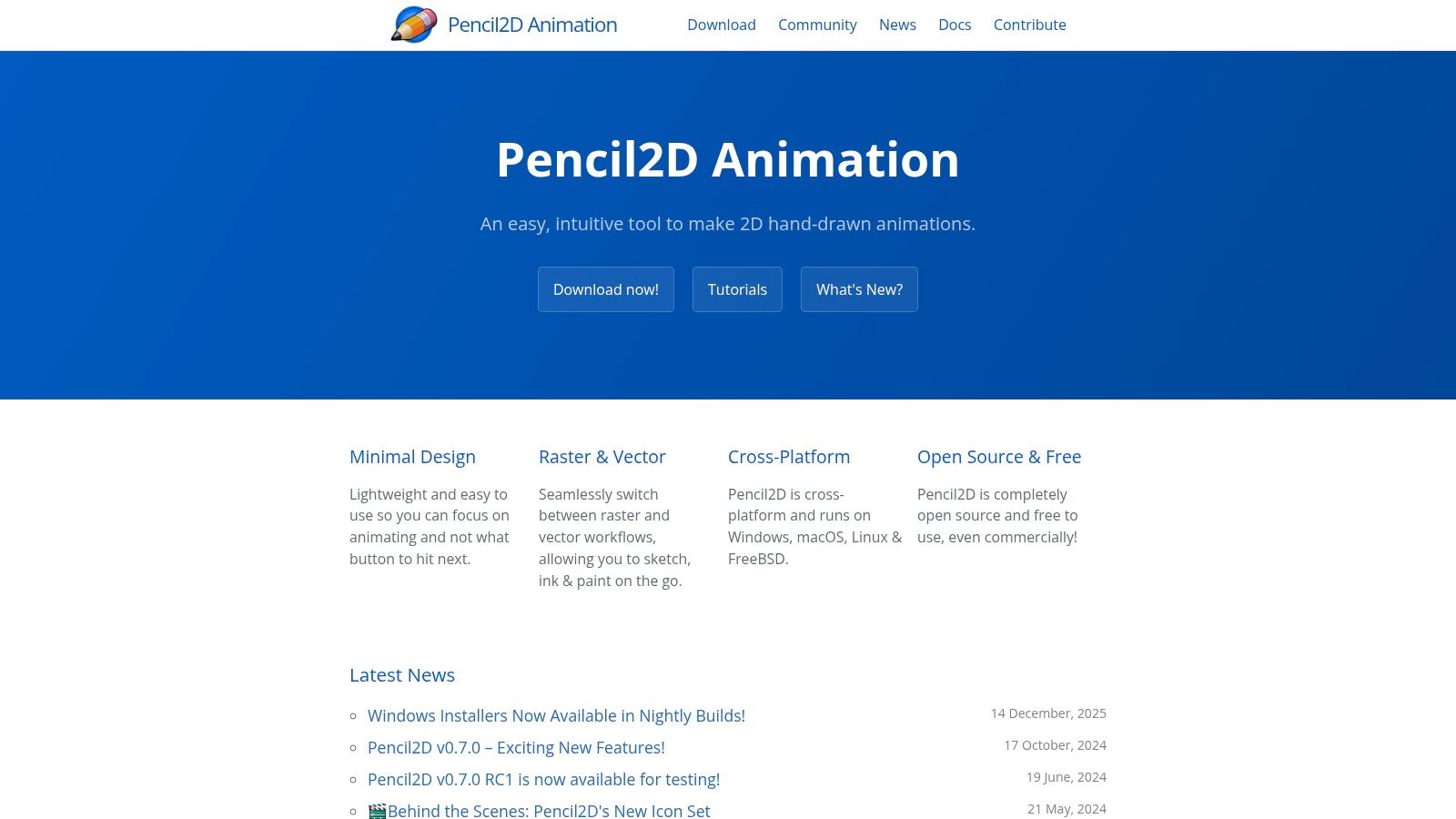
This tool strips away the non-essentials to provide a clean, intuitive workflow that supports both bitmap and vector graphics. Beginners will appreciate the straightforward timeline and onion skinning features, which make it easy to see previous and subsequent frames while drawing. It runs on almost any computer, removing technical barriers for aspiring animators.
Key Details & Pricing
- Best For: Hobbyists, students, and beginners learning the fundamentals of traditional 2D animation.
- Key Features: Minimalist interface, onion skinning, support for both raster and vector layers, and cross-platform compatibility.
- Pricing: Completely free and open-source.
- Pros: Extremely easy to learn and use; no cost to get started; runs on minimal system requirements.
- Cons: Lacks advanced features like rigging or complex effects; export options are more limited than professional tools.
Website: https://www.pencil2d.org/
7. Krita
Krita is a free, open-source digital painting program that also includes a surprisingly robust 2D animation workspace. While primarily known for illustration, its frame-by-frame animation tools make it one of the best animation software choices for beginners who want a hand-drawn, painterly aesthetic. If you're an artist comfortable with a stylus and a layer-based workflow, Krita offers a natural transition into creating animation.
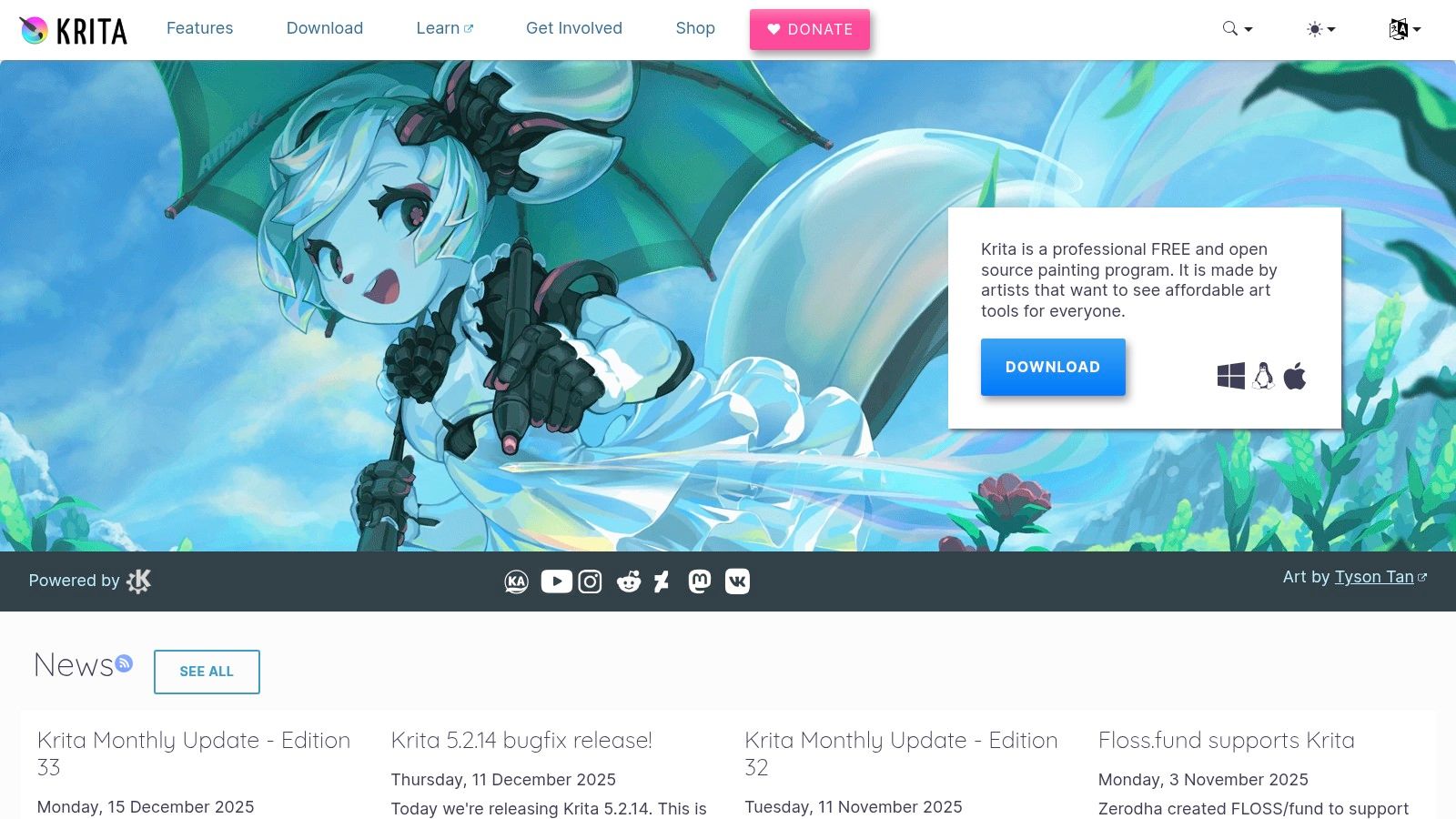
The software provides an intuitive timeline, onion skinning to see previous frames, and audio import capabilities. Its main advantage is the powerful brush engine, allowing you to paint your animation with the same rich textures and effects you would use in a digital painting. This makes it ideal for artists looking to bring their illustrations to life without learning a complex, vector-based system.
Key Details & Pricing
- Best For: Artists and illustrators venturing into hand-drawn, frame-by-frame 2D animation.
- Key Features: Animation timeline with audio support, powerful brush engine, onion skinning, and a robust layer system.
- Pricing: Completely Free. Optional paid versions on Steam or the Microsoft Store are available to support development and get auto-updates.
- Pros: No cost to get started; natural, painterly tools are perfect for a classic hand-drawn look.
- Cons: Not a full animation suite; lacks advanced rigging or compositing features found in dedicated studio software.
Website: https://krita.org/en/
8. Clip Studio Paint EX
Clip Studio Paint EX is a top-tier illustration and comic creation tool that also includes powerful animation features. While traditionally known for its exceptional drawing engine, its EX version provides a full-featured animation timeline, making it one of the best animation software options for beginners who are artists first and want to bring their drawings to life. The transition from static art to motion feels natural, especially for creating short animated loops and scenes.
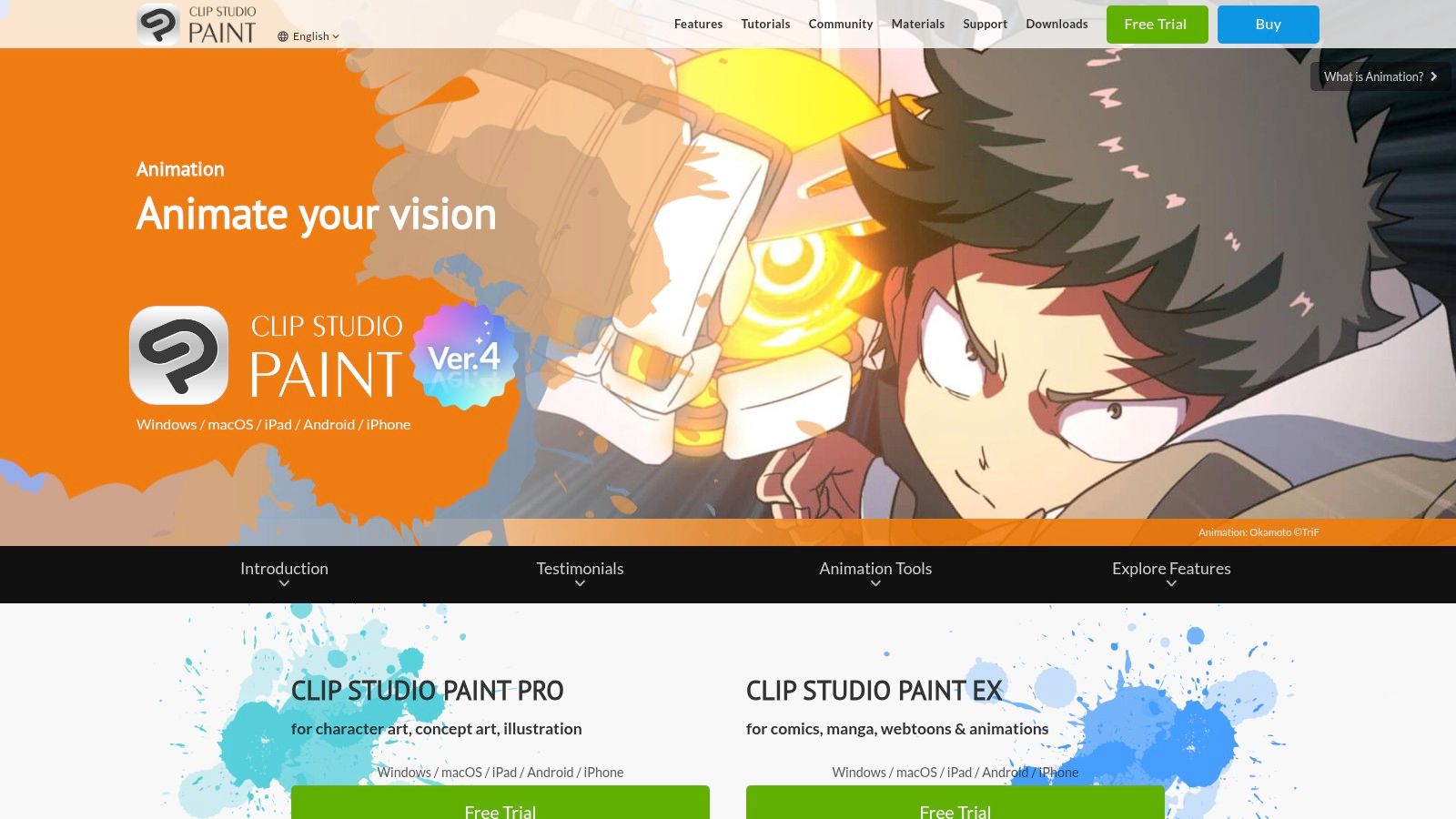
This tool is ideal for artists who value a superior drawing experience with extensive brush customization and stabilization. Beginners can start with the more affordable PRO version for basic animation (up to 24 frames) and upgrade to EX for unlimited frames, camera movements, and multiple timelines. The software's strength lies in its blend of high-quality vector and raster tools within a single, artist-focused environment.
Key Details & Pricing
- Best For: Illustrators and comic artists venturing into 2D frame-by-frame animation and animated shorts.
- Key Features: Unlimited animation timeline (EX), camera effects, extensive brush ecosystem, and multi-platform support (Windows, macOS, iPad, Android).
- Pricing: A one-time purchase is available for PC/Mac ($219 for EX). Subscription plans are also offered for all devices, starting around $9.99/month.
- Pros: Fantastic drawing and painting engine; affordable perpetual license option; huge online library of free and paid assets.
- Cons: Full animation features require the more expensive EX version; the interface can be dense for absolute beginners.
Website: https://www.clipstudio.net/en/animation/
9. FlipaClip
FlipaClip has become a go-to animation app for beginners, hobbyists, and students, thanks to its mobile-first design and intuitive frame-by-frame workflow. It brilliantly simplifies the animation process, making it accessible on phones and tablets. If you want to learn the fundamentals of animation like timing and spacing without needing complex desktop software, FlipaClip is an excellent starting point. It's designed for quick, creative expression anywhere you are.
The app is praised for its user-friendly interface, which includes features like onion skinning, layers, and a timeline that are easy to grasp. This makes it one of the best animation software for beginners looking to create short animated sketches, memes, or storyboards on the go. The large community provides endless tutorials and inspiration for new users.
Key Details & Pricing
- Best For: Learning animation fundamentals, creating short sketches, and animating on mobile devices.
- Key Features: Touch-friendly frame-by-frame workflow with onion skinning, up to 10 layers, audio import, and a simple drawing toolset.
- Pricing: Free version with watermarks and ads. FlipaClip Plus subscriptions unlock premium features and start around $7.99/month or $35.99/year, with pricing varying by platform.
- Pros: Very approachable for first projects and students; large, supportive community; allows for quick animation on a mobile device.
- Cons: Subscription model for premium features; some users have reported issues with older purchases not being recognized after updates.
Website: https://flipaclip.com/
10. Stop Motion Studio
Stop Motion Studio is a highly focused and accessible app designed purely for creating stop-motion animations. It’s an excellent choice for beginners wanting to bring physical objects like LEGO, clay figures, or product models to life. Available across nearly every device, from phones to desktops, its straightforward interface removes the technical barriers often associated with this animation style, making it one of the best animation software options for hands-on, tangible projects.
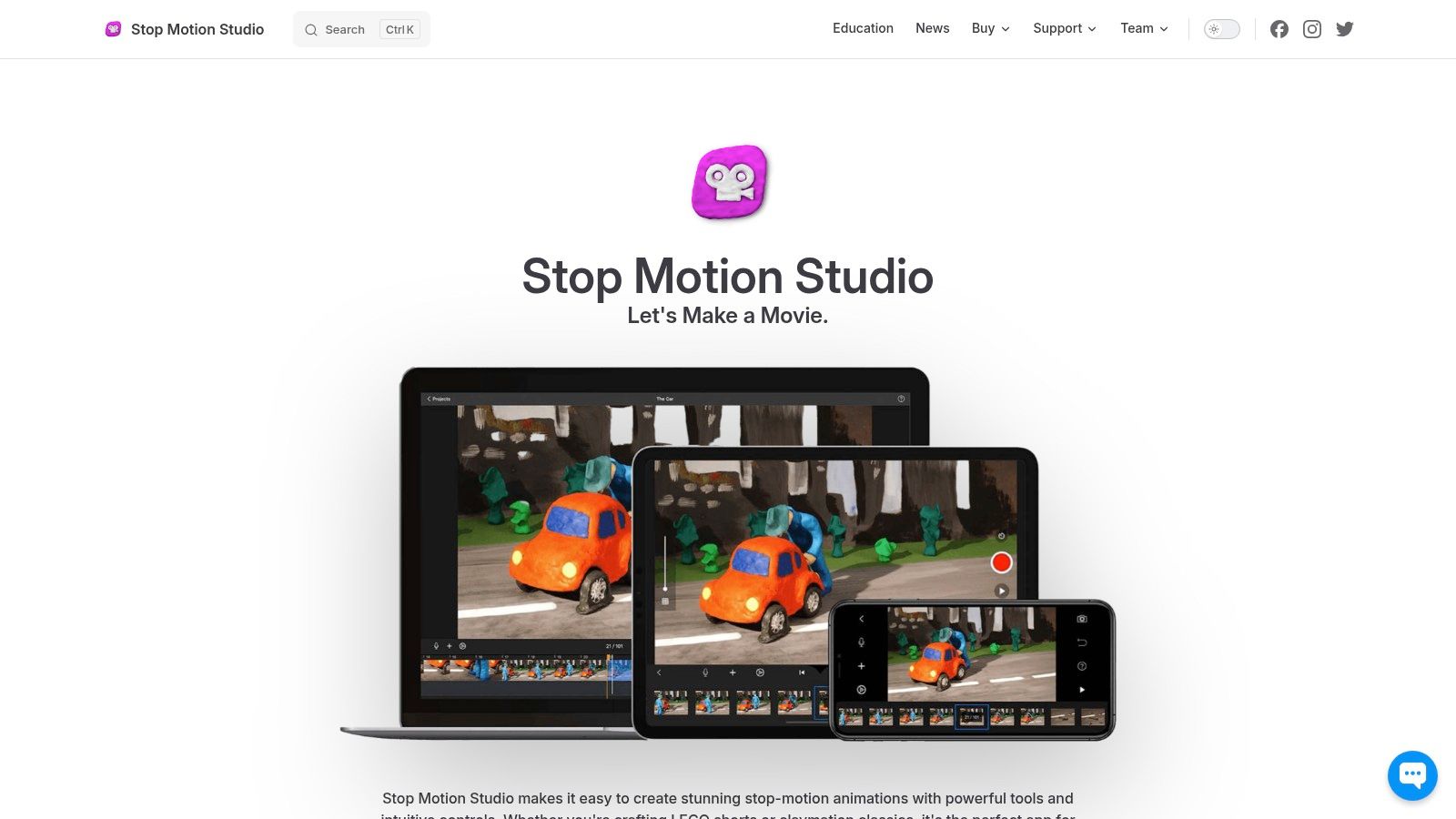
This tool excels with its powerful camera controls, which feel surprisingly professional for such a user-friendly app. Features like onion skinning, grid guides, and remote camera support give you precise control over each frame. Its singular focus on stop motion means it does one thing and does it exceptionally well, offering a clear path from setup to final export without overwhelming you with unnecessary features.
Key Details & Pricing
- Best For: Creating LEGO brickfilms, claymation, and animated product showcases.
- Key Features: Onion skinning, manual camera controls, 4K export, DSLR support, and a library of titles, filters, and audio.
- Pricing: A one-time purchase of $9.99 on desktop (macOS/Windows) and $5.99 on mobile (iOS/Android).
- Pros: Very affordable with a one-time payment; simple UI paired with powerful camera features; works on almost any device.
- Cons: Strictly limited to stop-motion animation; some advanced camera features depend on your specific DSLR model.
Website: https://www.cateater.com/
11. Animaker
Animaker is a browser-based animation maker built for speed and simplicity. It uses a drag-and-drop interface with thousands of pre-built characters, assets, and templates, making it one of the best animation software for beginners who need to create professional-looking videos quickly. This platform is perfect for producing animated explainers, social media content, and marketing promos without needing any technical drawing skills or software installation.
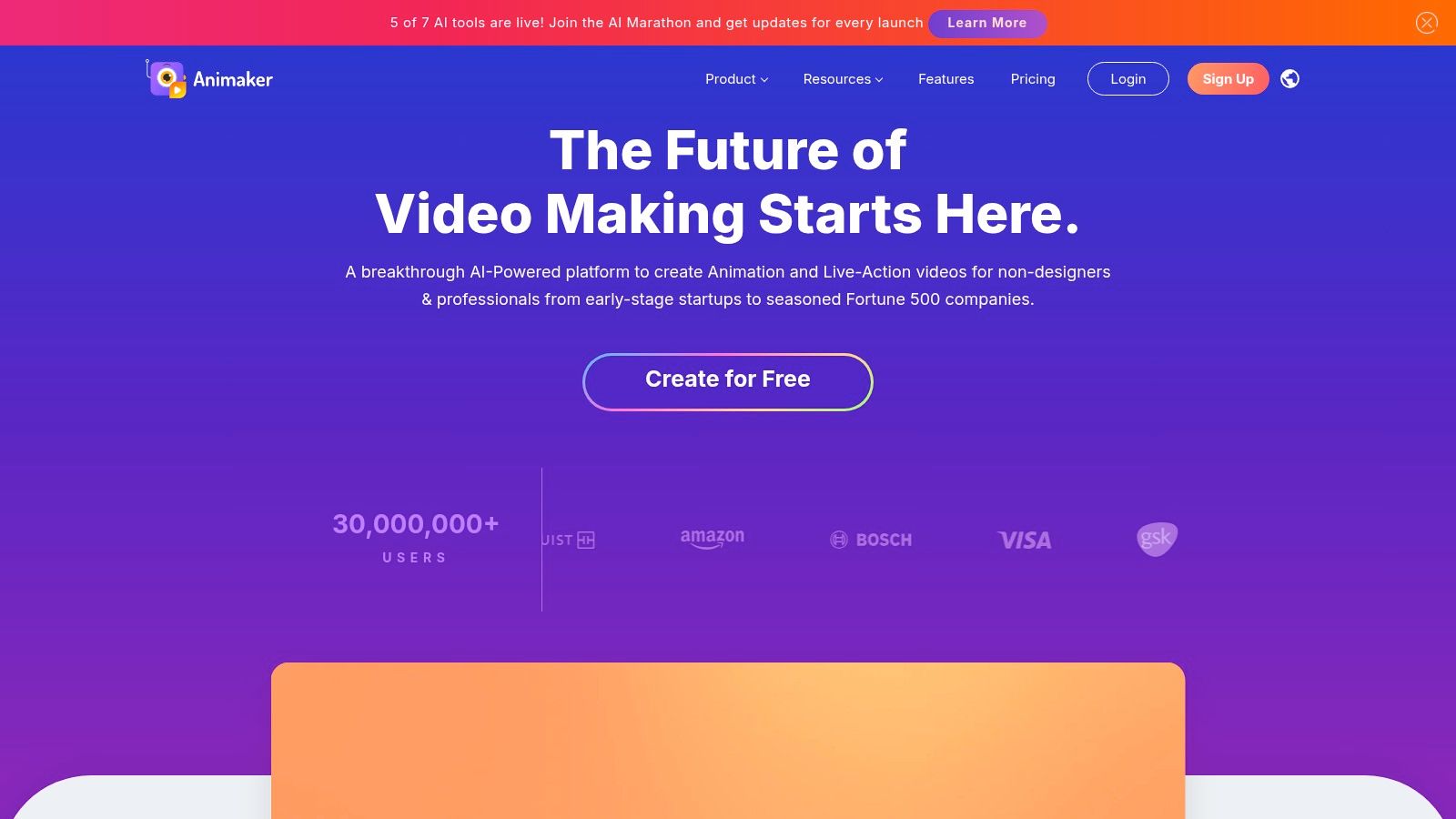
The tool stands out with its massive library that allows you to assemble scenes rapidly. For real estate agents, this means creating an animated "About Us" video or a short promo for a new listing in minutes. The built-in text-to-speech engine and access to stock assets further streamline the content creation process, removing the need for external tools.
Key Details & Pricing
- Best For: Creating quick marketing videos, social media ads, and animated presentations.
- Key Features: Huge library of characters and templates, drag-and-drop scene builder, text-to-speech, and direct social media exports.
- Pricing: Offers a free plan with watermarks and limited exports. Paid plans start at $12.50/month (billed annually) for more features and higher quality exports.
- Pros: Extremely easy to learn with no installation required; vast template library saves significant time.
- Cons: Less creative freedom and granular control compared to desktop software; asset and export limits are tied to subscription tiers.
Website: https://www.animaker.com/
12. Vyond
Vyond is a premium, business-oriented online platform designed for creating professional animated explainer videos, marketing content, and training materials. It's an excellent choice for beginners in a corporate setting who need to produce polished, on-brand videos without a steep learning curve. The platform's strength is its massive library of customizable templates, props, and characters, which allows users to build high-quality scenes quickly.
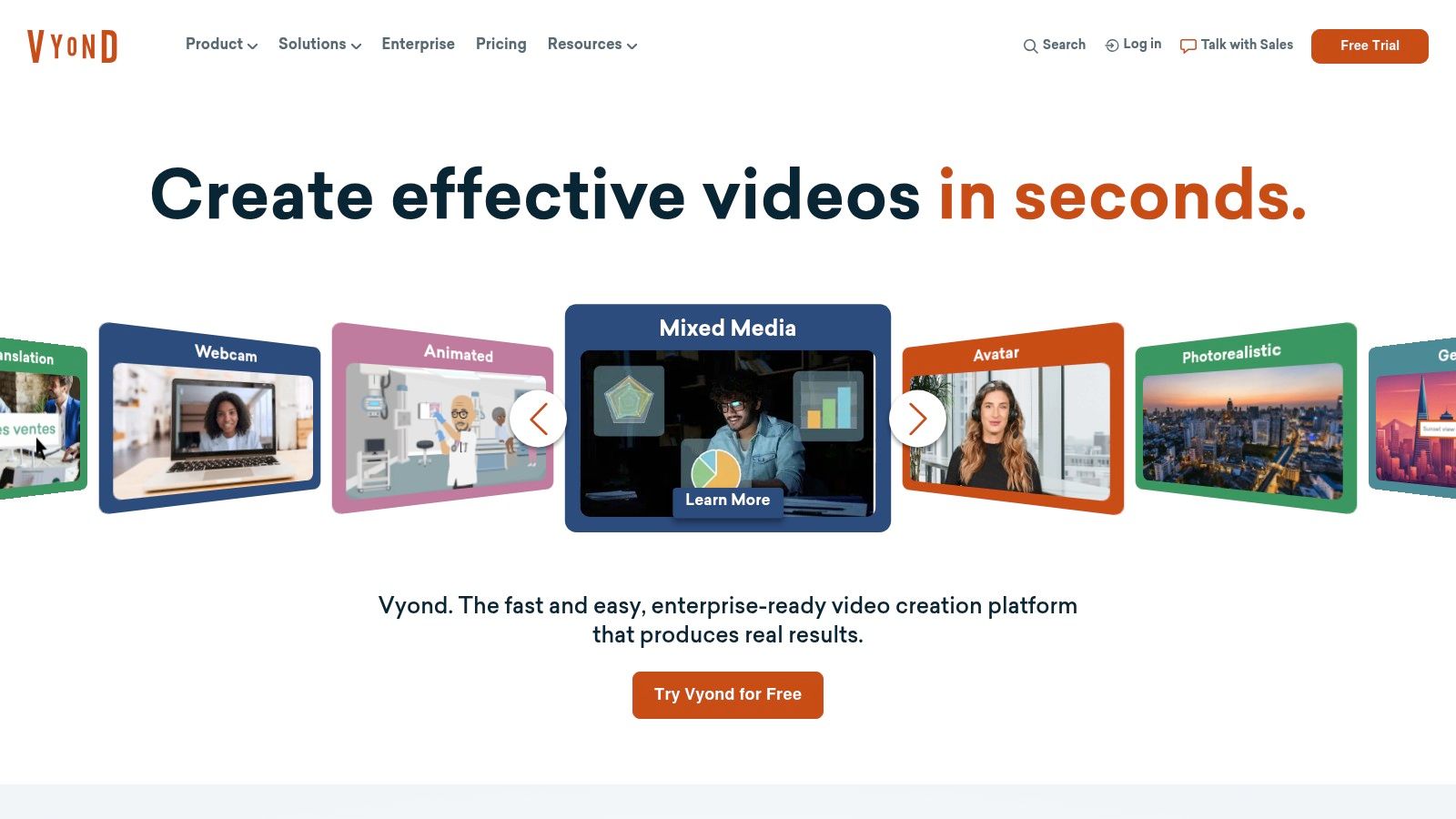
This tool is perfect for businesses that want to streamline their video creation process. Its drag-and-drop interface, automatic lip-sync, and powerful AI features, like text-to-video, make it one of the best animation software options for teams needing efficiency. For those interested in similar platforms, you can explore other top AI video generators. Vyond excels at turning complex ideas into engaging visual stories with minimal effort.
Key Details & Pricing
- Best For: Corporate training videos, marketing explainers, and internal communications.
- Key Features: Large asset library, brand management tools, AI-powered text-to-video, team collaboration, and automatic lip-sync.
- Pricing: Plans start with the Essential tier at $49/month (billed annually), with higher tiers for premium features and team collaboration.
- Pros: Produces polished, business-quality videos quickly; strong voice and brand management options; excellent collaboration features.
- Cons: Higher price point than most beginner tools; being web-based requires a stable internet connection.
Website: https://www.vyond.com/
Top 12 Beginner Animation Software Comparison
| Product | Core features | Ease & output quality (★) | Price & value (💰) | Target audience (👥) | Unique selling points (✨ 🏆) |
|---|---|---|---|---|---|
| Adobe Animate | 2D vector timeline, HTML5/Web exports, CC libraries | ★★★★ | 💰 Subscription — medium→high | 👥 Web animators, motion designers | ✨ Tight Adobe CC integration; asset reuse |
| Toon Boom Harmony Essentials | Vector/cut-out, frame-by-frame, HD camera | ★★★★ | 💰 Subscription — mid | 👥 Students & aspiring studio artists | ✨ Studio workflows + upgrade path to Advanced |
| Moho (Debut & Pro) | Bone rigging, IK/FK, vector drawing, perpetual option | ★★★★ | 💰 Perpetual (Debut low → Pro mid) | 👥 Character animators & indie studios | ✨ Smart Bones rigging; buy-once licensing |
| Blender | Full 3D pipeline + Grease Pencil 2D | ★★★★★ | 💰 Free (open-source) — huge value | 👥 Budget-conscious pros & hybrid artists | ✨ 3D+2D in one; massive community 🏆 |
| OpenToonz | Bitmap/vector pipeline, compositing, effects SDK | ★★★★ | 💰 Free (open-source) | 👥 Production-minded 2D artists | ✨ Toonz heritage; studio-grade toolset |
| Pencil2D | Simple timeline, onion skinning, raster+vector | ★★★ | 💰 Free — minimal overhead | 👥 Beginners, hobbyists, students | ✨ Extremely lightweight and easy to start |
| Krita | Painterly brush engine + animation timeline | ★★★★ | 💰 Free (donations/paid stores) | 👥 Stylus artists & painted animators | ✨ Powerful brushes for hand-drawn frames |
| Clip Studio Paint EX | Frame-by-frame timeline, camera moves, multi-platform | ★★★★ | 💰 Perpetual or subscription — mid | 👥 Illustrators → animators | ✨ Excellent drawing/stabilization; EX animation |
| FlipaClip | Mobile-first frame-by-frame, onion skin, audio | ★★★ | 💰 Freemium/subscription — low | 👥 Students & mobile creators | ✨ Touch-friendly, quick sketches on the go |
| Stop Motion Studio | Onion skin, DSLR support, 4K export, manual camera | ★★★★ | 💰 One-time purchase per platform — low→mid | 👥 Stop-motion hobbyists, educators | ✨ Powerful camera controls; cross-device sync |
| Animaker | Browser drag‑and‑drop, templates, TTS, stock assets | ★★★ | 💰 Subscription — low→mid (limits) | 👥 Marketers & social creators | ✨ Fast template-based explainer/video output |
| Vyond | Business templates, lip-sync, TTS, team tools | ★★★★★ | 💰 Subscription — high | 👥 Corporate training & marketing teams | ✨ AI avatars, branding tools, enterprise features 🏆 |
Choosing Your Path: Which Animation Tool is Right for You?
We've explored a wide range of tools, from professional-grade desktop applications to simple, on-the-go mobile apps. The journey to finding the best animation software for beginners isn't about picking the most powerful or feature-rich option; it's about finding the right fit for your specific goals.
Your choice ultimately boils down to a few key questions. What do you want to create? How much time can you invest in learning? And what is your budget? By answering these, you can navigate the options with clarity.
Matching the Tool to Your Goal
To make your decision easier, let's recap the primary pathways you can take based on the software we've covered:
- For Aspiring Animators & Hobbyists: If your dream is to learn the art of animation, from character design to frame-by-frame storytelling, start with accessible yet powerful tools. Pencil2D, Krita, and OpenToonz are excellent free starting points to master the fundamentals without financial commitment. For a more structured learning curve with industry-relevant skills, Toon Boom Harmony Essentials and Moho Debut are fantastic investments.
- For Marketers & Business Professionals: When your priority is creating clean, professional explainer videos, social media content, or training materials quickly, web-based platforms are your best bet. Animaker and Vyond eliminate the steep learning curve of traditional animation, offering drag-and-drop interfaces and vast asset libraries to produce polished results in a fraction of the time.
- For Real Estate Professionals: If your objective is specifically to create engaging video tours from property photos, a general animation tool introduces unnecessary complexity. While you could technically animate photos in Adobe Animate, the process is slow and inefficient. This is where a specialized tool shines, bypassing manual timelines and keyframes for a purpose-built workflow.
Final Considerations Before You Start
As you begin your animation journey, remember that the software is just one part of the equation. Dedicate time to practice, and don't be afraid to start small. Create short, simple loops to get comfortable with the interface before tackling a major project.
Furthermore, as you venture into creating and sharing your animations online, especially on platforms like YouTube, understanding intellectual property is vital. To protect your work and your channel, it's wise to learn how to avoid copyright strikes on YouTube as an animator early on. This will save you significant headaches down the road.
Ultimately, the best way to choose is to simply start creating. Download a free trial or a free program from this list and bring your first idea to life. Your initial experiences will teach you more about what you need than any article ever could.
Ready to create stunning real estate videos without the animation learning curve? While the tools above are great for general animation, AgentPulse is the purpose-built solution for transforming property photos into dynamic, cinematic video tours in minutes. Let our AI do the heavy lifting so you can focus on marketing your listings.