Finding the right app to make a reel can feel overwhelming, with countless options promising professional results. This guide cuts through the noise. We provide a detailed breakdown of the top 12 video editing apps, helping you choose the perfect tool to create engaging property tours, agent introductions, and market updates that capture attention on platforms like Instagram and TikTok. Whether you're a real estate agent aiming to boost listing views or a property manager marketing a new apartment, the right app can transform your raw footage into a compelling short video.
This resource is designed to be your go-to reference. For each application, you'll find an honest assessment of its strengths and weaknesses, ideal use cases specifically for the real estate industry, and clear pricing information. We analyze everything from user-friendly template-based editors like Canva and Adobe Express to more powerful, feature-rich platforms like DaVinci Resolve and LumaFusion. We've included screenshots and direct links for every app, so you can quickly explore the ones that best fit your workflow and technical skill level.
Our goal is to give you a practical comparison, not just a list of features. We’ll show you what it’s like to actually use these tools for creating property-focused content. To master the art of reel creation, it's beneficial to explore a wide range of tools. Discover more about the best video editing apps for TikTok to expand your editing toolkit. Let's dive in and find the app that will help you create standout real estate reels.
1. Adobe Express
Adobe Express is an all-in-one design tool that makes it incredibly simple to create professional-looking social media content, positioning itself as the go-to app to make a reel for those who need speed and polish. It shines with its vast library of templates, allowing you to produce eye-catching videos without starting from scratch. For real estate agents, this means you can quickly turn property photos and short clips into a compelling "Just Listed" or "Open House" announcement in minutes.
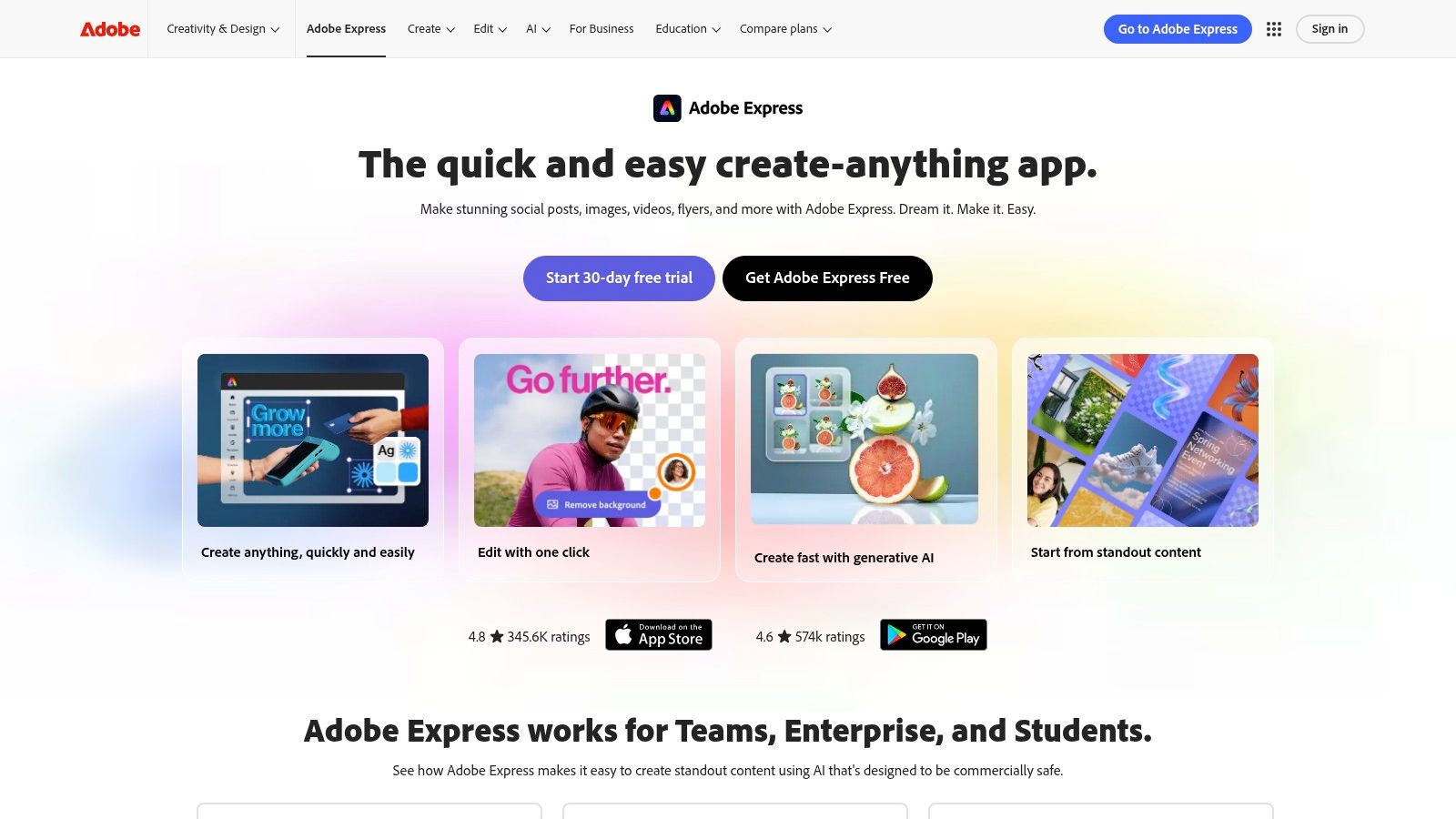
The platform’s one-click "Resize" feature is a massive time-saver, letting you adapt a single video for Instagram Reels, TikTok, and YouTube Shorts instantly. The interface is intuitive and browser-based, making it accessible from any computer without a heavy software installation.
Key Features and Use Case
- Best For: Marketing teams and agents who value brand consistency and quick turnarounds.
- Standout Feature: The integrated brand kit allows you to save your brokerage’s logo, fonts, and colors, ensuring every video aligns with your brand identity. This is a critical component for building a recognizable presence, a concept further explored in guides on using videos in real estate marketing.
- Pricing: A robust free plan is available. The Premium plan ($9.99/month) unlocks premium assets, the content scheduler, and more advanced features.
| Pros | Cons |
|---|---|
| User-friendly interface with a low learning curve | Some advanced features are behind the paywall |
| Huge library of templates and stock assets | Team pricing can be more expensive than other options |
| Built-in social media content scheduler (Premium) | Video editing capabilities are simpler than pro software |
| Excellent brand kit management |
You can start using Adobe Express directly on their website: https://www.adobe.com/express
2. Canva
Canva is a powerhouse in the online design world and has firmly established itself as a top-tier app to make a reel, especially for users who prioritize speed and brand consistency. Its strength lies in an enormous library of vertical video templates and an intuitive drag-and-drop interface, making video creation accessible to everyone. For real estate agents, this means transforming a set of property photos into a dynamic, music-backed Reel for a new listing can be done in just a few minutes, even from a mobile device.
The platform's recent additions, like the AI-powered Magic Studio and the Beat Sync feature, elevate its video capabilities significantly. Beat Sync automatically matches your video clips to the rhythm of a chosen audio track, creating a professional-looking, engaging Reel without any manual timeline editing. This is perfect for creating energetic property tours or agent introductions that capture viewer attention immediately.
Key Features and Use Case
- Best For: Solo agents and small teams needing to produce a high volume of on-brand social media content quickly.
- Standout Feature: The combination of AI-powered video templates and a comprehensive brand kit makes producing consistent, branded Reels incredibly efficient. You can set up your brokerage’s fonts, colors, and logos once, and apply them to any template with a single click.
- Pricing: A generous free plan offers plenty of core features. Canva Pro ($14.99/month for one person) unlocks premium templates, the brand kit, Beat Sync, and the content planner.
| Pros | Cons |
|---|---|
| Extremely fast to produce consistent vertical assets | Advanced timeline tools are simpler than pro software |
| Integrated brand tools for on-brand output | Recent price and plan changes have confused some users |
| Huge library of templates and stock media | AI features can sometimes feel less precise than manual editing |
| Beat Sync makes for dynamic, engaging edits |
You can start using Canva directly on their website: https://www.canva.com
3. Microsoft Clipchamp
Microsoft Clipchamp is a browser-based video editor that has quickly become a contender for the best free app to make a reel, especially for those already integrated into the Microsoft ecosystem. Its standout feature is offering watermark-free 1080p exports on its free plan, a rarity among web-based editors. For property managers or agents needing to create a quick, high-quality walkthrough video, Clipchamp provides a straightforward timeline editing experience without requiring any software installation.
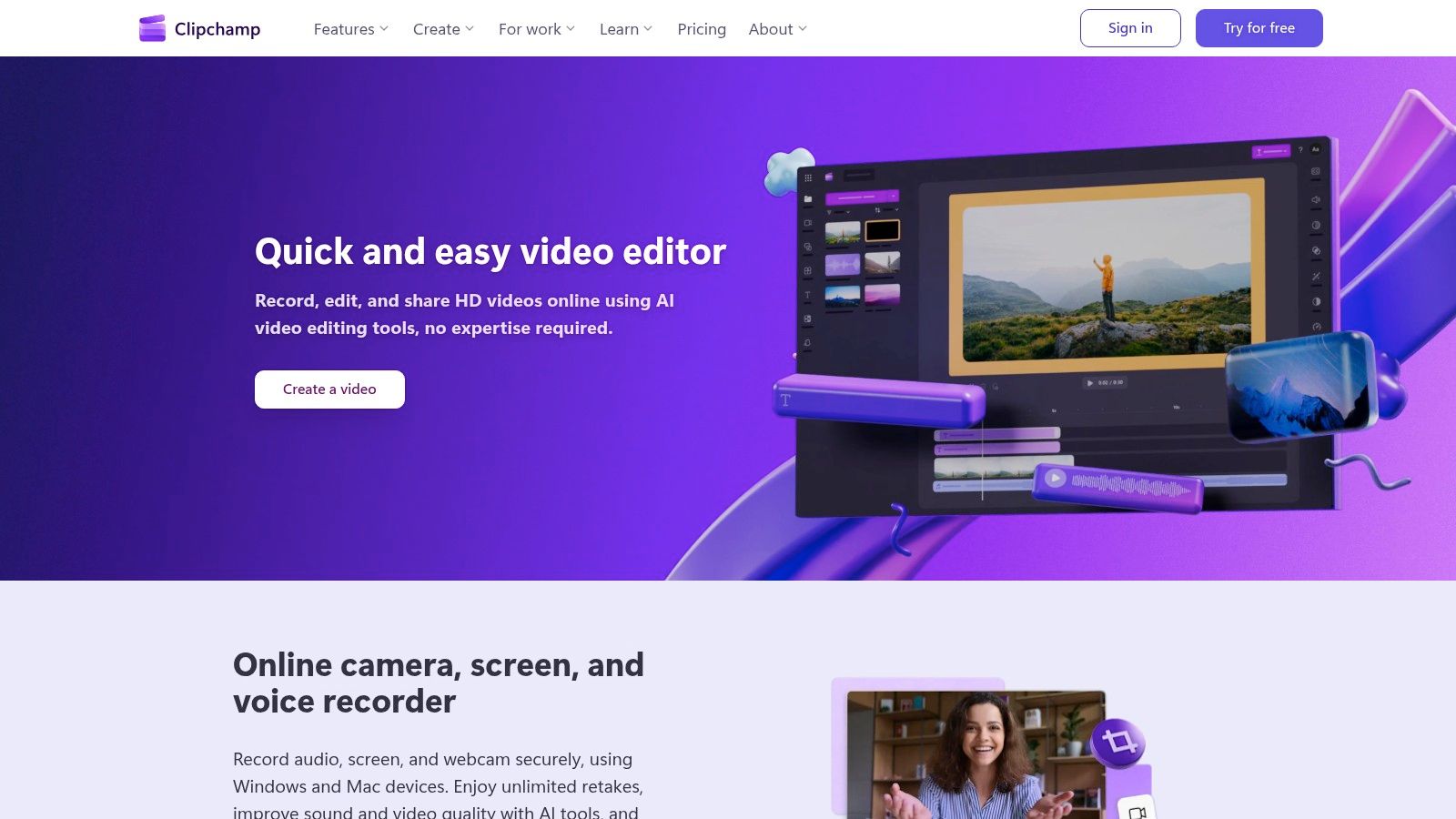
The platform includes accessible AI-powered tools like auto-captions and text-to-speech voiceovers, which can significantly speed up the creation of engaging Reels. If you are a Microsoft 365 subscriber, the value increases dramatically, unlocking premium stock assets, a brand kit for consistency, and 4K exports.
Key Features and Use Case
- Best For: Real estate professionals and teams who already use Microsoft 365 and need a simple, no-install editor for quick projects.
- Standout Feature: The generous free tier with watermark-free 1080p exports makes it one of the most accessible and functional options for creating professional-looking social media videos without an initial investment.
- Pricing: A powerful free plan is available. The Premium plan (included with Microsoft 365 Personal/Family or available separately for $11.99/month) unlocks premium stock, effects, and brand kit features.
| Pros | Cons |
|---|---|
| No-install web editor is great for quick Reels | Web UI can feel sluggish on complex or heavy projects |
| Free 1080p exports without a watermark | Preview window can be small for detailed editing |
| Excellent value if already bundled with Microsoft 365 | AI features are useful but less advanced than competitors |
| Simple, traditional timeline-based editing |
You can start using Microsoft Clipchamp directly on their website: https://clipchamp.com
4. Descript
Descript revolutionizes video editing by making it as simple as editing a text document, establishing itself as a unique app to make a reel, especially for content that is heavy on narration. It transcribes your video, and you edit the footage simply by deleting words or sentences in the transcript. This is a game-changer for real estate agents creating market update videos or agent introductions, as it allows for the rapid removal of mistakes and filler words like "um" and "uh" with a single click.
The platform excels at creating highly engaging, captioned clips perfect for social media. Its workflow is designed for speed and efficiency, letting you record, edit, and export a polished, subtitled Reel in a fraction of the time it would take with traditional software.
Key Features and Use Case
- Best For: Agents and marketers who produce talking-head videos, interviews, or educational content.
- Standout Feature: The text-based editing and automatic filler-word removal are unparalleled for quickly refining spoken content. This intuitive approach is a core reason it’s featured among the best AI video creation tools for modern workflows.
- Pricing: A free plan is available with limited transcription. Paid plans start at $12/month (Creator) and unlock more features and higher export quality.
| Pros | Cons |
|---|---|
| Edit video by editing text, which is incredibly fast | Complex visual editing is better suited to traditional NLEs |
| Automatic filler-word removal saves hours of editing | Some advanced finishing features are limited compared to pro tools |
| Excellent automatic and dynamic captions for social media | The workflow can have a slight learning curve for new users |
| Built-in screen recorder and stock media library |
You can get started with Descript on their official website: https://www.descript.com
5. CapCut
CapCut has become a powerhouse in short-form video, making it an essential app to make a reel for anyone aiming to capture current social media trends. It is renowned for its vast library of user-generated templates, allowing agents to quickly drop property clips into a pre-made, trending audio and effects sequence. This makes it incredibly efficient for creating a dynamic "day in the life" or neighborhood tour video that feels native to platforms like TikTok and Instagram.
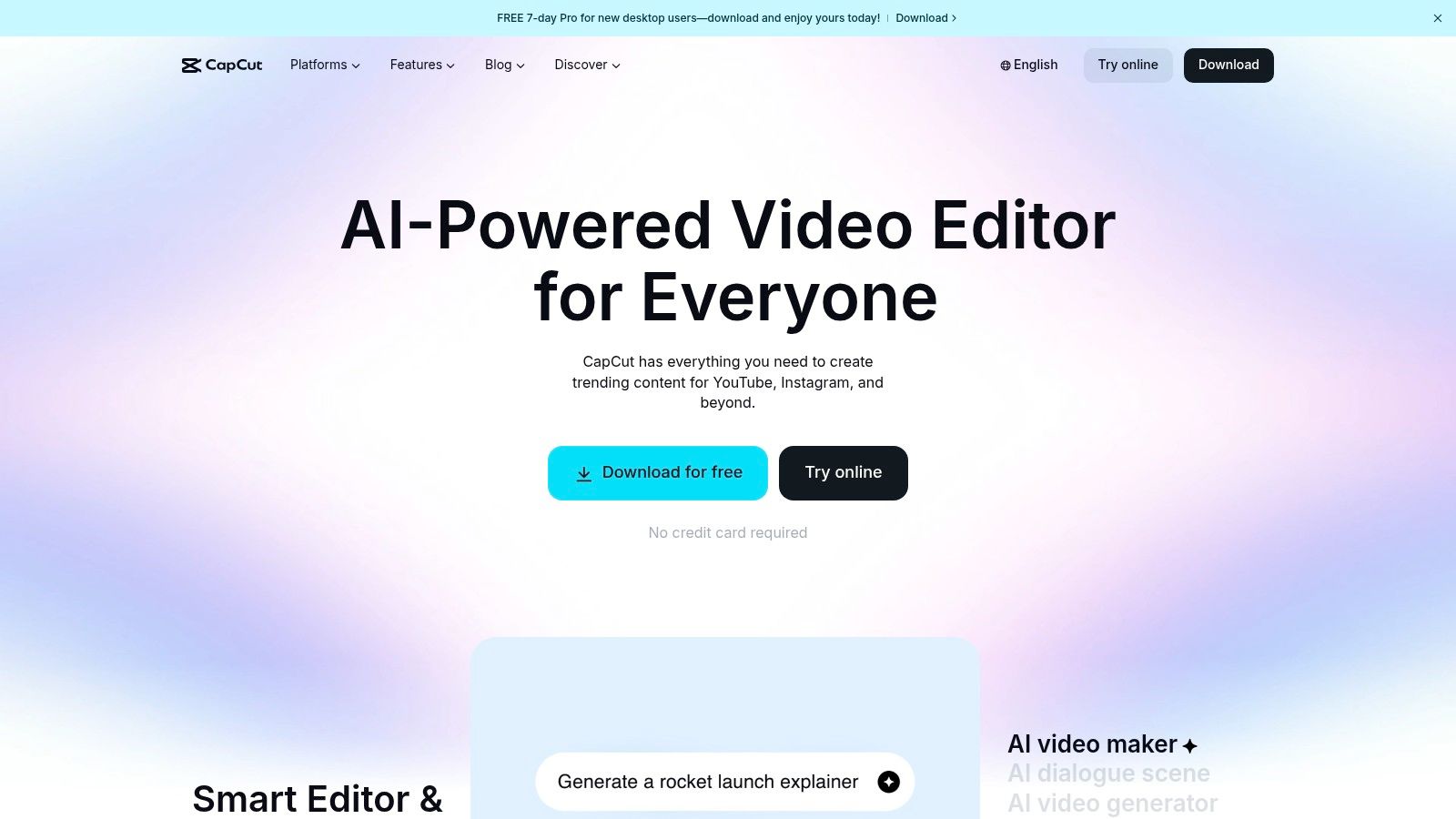
The platform offers a surprising level of depth for a free tool, with features like auto-captions, one-tap vertical resizing, and cloud sync across its mobile, desktop, and web versions. This multi-platform accessibility means you can start a project on your phone at a property and finish it on your computer back at the office.
Key Features and Use Case
- Best For: Agents and marketers who want to quickly replicate viral video trends without a steep learning curve.
- Standout Feature: The "Templates" feature is unparalleled, providing a shortcut to sophisticated edits. You can find a popular real estate tour style, tap "Use template," and simply replace the placeholder clips with your own. For those who want more control, CapCut still functions as one of the best video editing software for beginners with its manual tools.
- Pricing: A very capable free version is available. CapCut Pro (pricing varies, around $7.99/month) unlocks cloud storage, more effects, and removes watermarks.
| Pros | Cons |
|---|---|
| Fastest way to create trendy, template-based Reels | Pricing and subscription options can vary across platforms |
| Huge community and an extensive library of assets | Recent policy changes have caused availability issues in some regions |
| Excellent auto-captioning feature | Can feel less "professional" than brand-focused editors |
| Free version is extremely powerful |
You can start using CapCut directly on their website: https://www.capcut.com
6. InShot
InShot is a powerhouse mobile video editor that has earned its spot as a go-to app to make a reel directly from your phone. It excels at quick, on-the-go editing, making it perfect for solo agents or social media managers who need to create and post content while in the field. Its streamlined workflow allows you to trim clips, add text overlays, apply filters, and stitch together a property tour in minutes, all from an intuitive mobile interface.
The app is particularly useful for batching content. You can edit multiple Reels for the week in one session, easily switching aspect ratios to ensure each video is perfectly formatted for Instagram. The performance is consistently stable on most iOS and Android devices, avoiding the crashes that can plague other mobile editors.
Key Features and Use Case
- Best For: Solo agents and social media managers creating and posting content directly from their mobile devices.
- Standout Feature: The incredibly simple timeline editor and quick-export function make it one of the fastest ways to get a finished Reel from your camera roll to your Instagram feed. This efficiency is critical for time-sensitive posts like "Just Sold" announcements or live open house updates.
- Pricing: Free version with ads and watermarks. InShot Pro is available via subscription ($3.99/month) or a one-time purchase (pricing varies) to remove ads and unlock all features.
| Pros | Cons |
|---|---|
| Very simple and fast for creating Reels on mobile | Advanced features are less robust than desktop software |
| Stable performance on most phones | Customer support responsiveness can be inconsistent |
| Low-cost Pro options, including a one-time purchase | The lifetime purchase option is not available in all regions |
| Quick aspect-ratio switching for vertical formats |
You can download InShot from your device’s app store or visit their website: https://inshot.com
7. VN (VlogNow)
VN Video Editor, often called VlogNow, is a powerful mobile and desktop app that bridges the gap between template-based tools and professional editing software. It's the perfect app to make a reel when you need more creative control over your video's timing, effects, and flow. For agents wanting to create a more cinematic property tour, VN offers features like speed ramping to smoothly transition from slow-motion detail shots to faster-paced walkthroughs, adding a dynamic and professional feel.
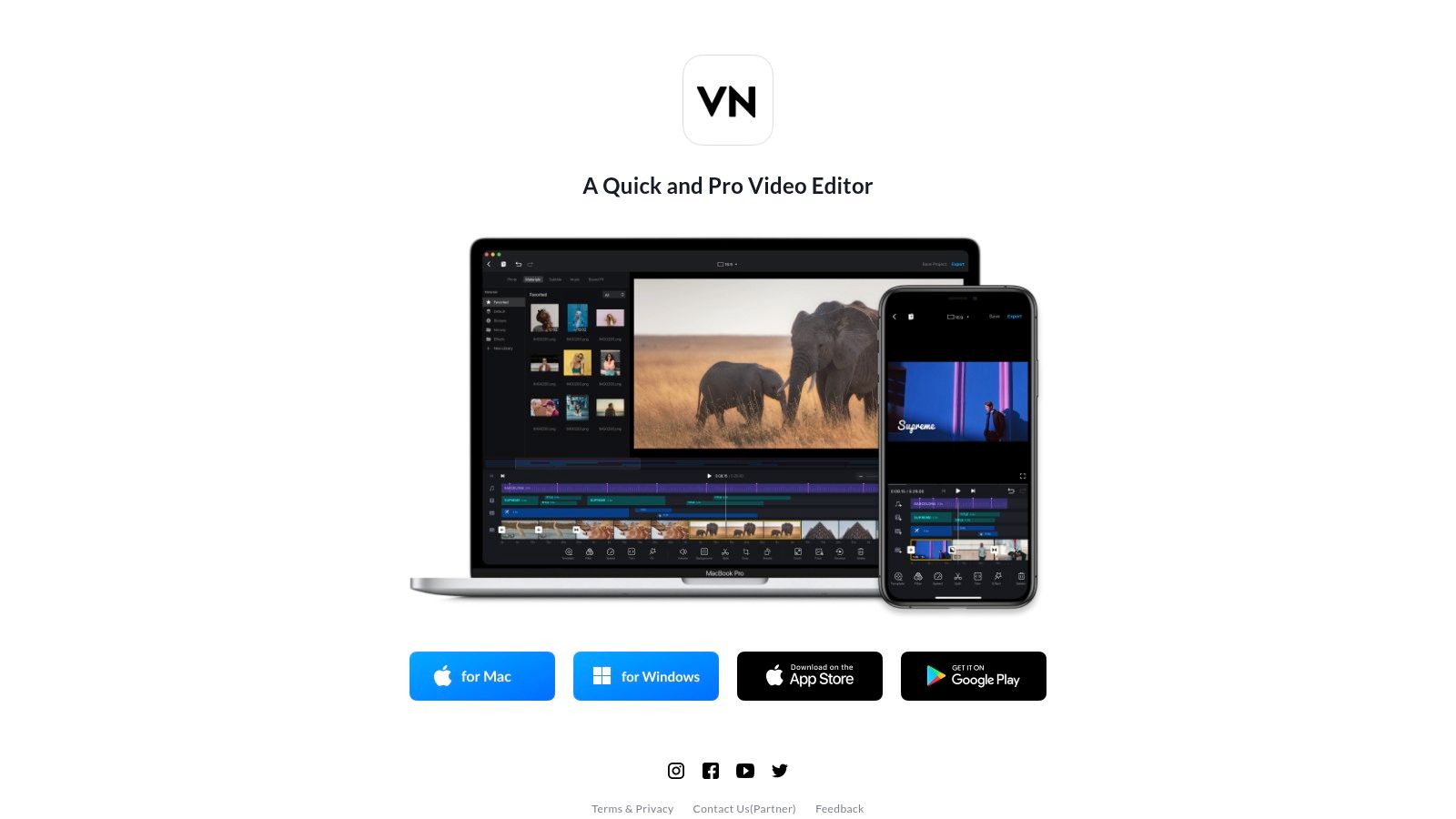
The app's multi-track timeline allows for sophisticated layering of video clips, text, and music, which is ideal for adding property-specific callouts or branding elements without being restricted by a template. Unlike many free apps, VN allows you to export your final video in up to 4K resolution at 60fps without a watermark, ensuring your content looks crisp and professional on any screen. The ability to sync projects between phone, iPad, and Mac also provides a flexible workflow.
Key Features and Use Case
- Best For: Agents and content creators who want more manual control and advanced editing features without a subscription fee.
- Standout Feature: The combination of keyframe animation and speed curves gives you precise control over motion and timing. You can use keyframes to smoothly animate text overlays, logos, or picture-in-picture videos, such as a clip of yourself explaining a home's unique feature.
- Pricing: The core features are completely free with no watermarks. A VN Pro plan is available (starting at $9.99/month) for cloud storage and access to more advanced templates and materials.
| Pros | Cons |
|---|---|
| Robust feature set, including keyframes and curves | Steeper learning curve than template-driven apps |
| No watermark on free 4K exports | The user interface can feel cluttered on smaller screens |
| Cross-device project syncing (iOS/macOS) | Lacks the vast template library of apps like Canva |
| Completely free for most core editing functions |
You can download VN Video Editor from their official website: https://www.vlognow.me
8. LumaFusion
For the real estate professional who wants desktop-grade editing power on an iPad or iPhone, LumaFusion is the definitive app to make a reel. It's a professional-grade, non-linear mobile editor that brings multi-track timelines, advanced color grading, and precise keyframe controls to your fingertips. This allows for sophisticated storytelling, such as layering a voiceover, background music, property graphics, and multiple video clips into one seamless, high-impact reel.

Unlike template-driven apps, LumaFusion gives you complete creative control. You can precisely manage every aspect of your video, from audio mixing to color correction with LUTs, making it ideal for creating signature-style property tours that stand out from the competition. It’s the closest you’ll get to Final Cut Pro or Premiere Pro on a mobile device.
Key Features and Use Case
- Best For: Agents and videographers who want to produce highly polished, custom-edited reels entirely on their mobile devices.
- Standout Feature: The multi-track timeline offers six video/audio tracks plus an additional six audio tracks, enabling complex edits. For a listing reel, this means you can layer drone footage, agent commentary, background music, and text animations without compromise.
- Pricing: A one-time purchase of $29.99 for the app. Optional subscriptions are available for stock footage and additional effects.
| Pros | Cons |
|---|---|
| Near-desktop level editing power on iPad/iPhone | Deeper learning curve compared to template-based apps |
| One-time purchase for the base app (no subscription) | Advanced features may require time to master fully |
| Advanced color tools, keyframing, and audio mixing | Can be overkill for agents needing simple, quick videos |
| Popular with mobile journalists and pro creators |
You can learn more and purchase LumaFusion from their website: https://luma-touch.com
9. VEED.io
VEED.io is a powerful, web-based video editor that positions itself as a top-tier app to make a reel, especially for users who prioritize speed and accessibility. Its standout feature is the incredibly accurate automatic subtitling, which makes content more engaging and accessible for viewers watching with the sound off. For real estate agents, this means you can quickly add professional captions to a property tour or market update, ensuring your message is understood by the widest possible audience.
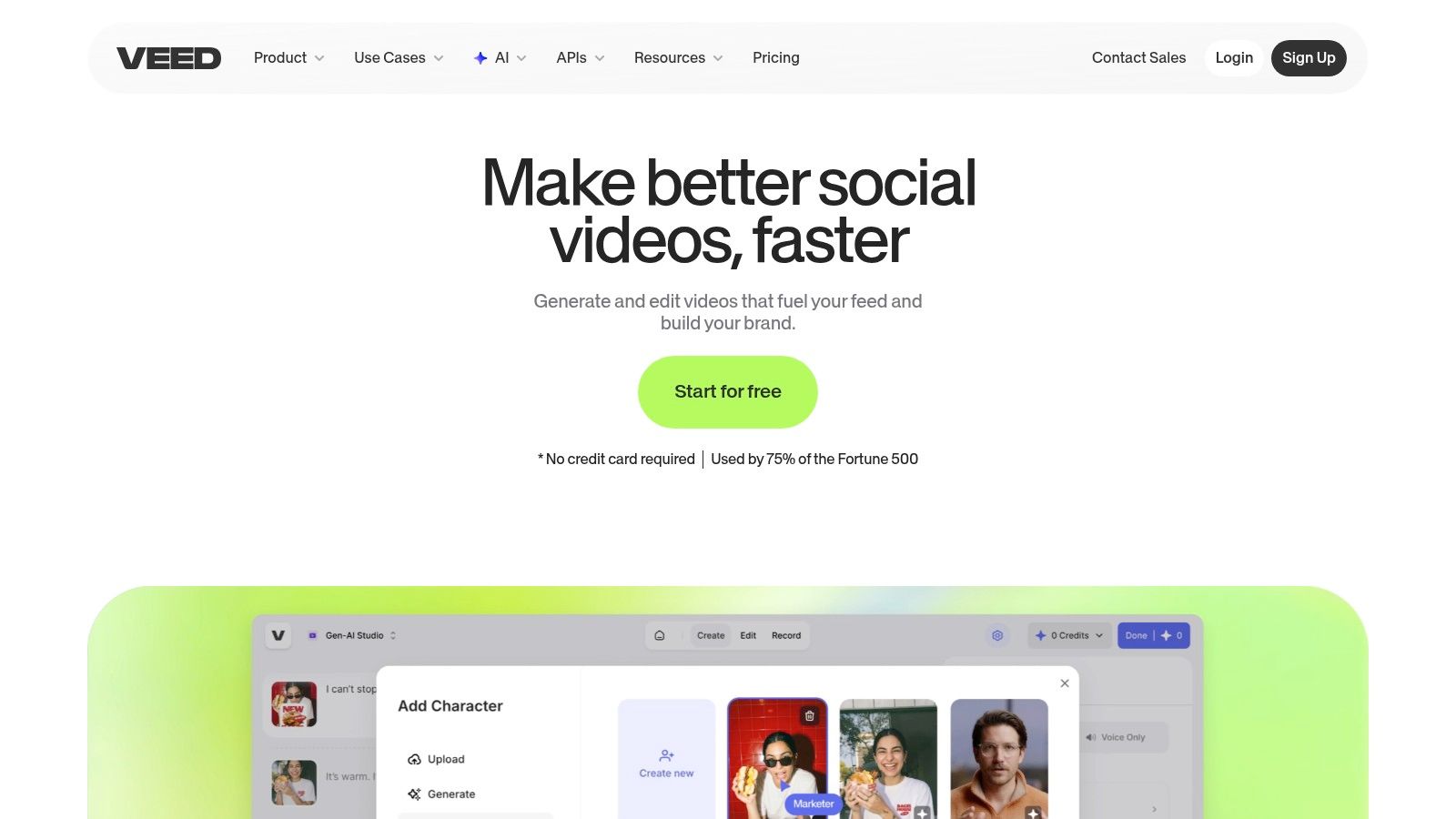
The platform operates entirely in the browser, eliminating the need for software downloads and making it perfect for team collaboration. Features like screen recording, brand kits, and one-click resizing for different social platforms streamline the content creation workflow from start to finish.
Key Features and Use Case
- Best For: Solo agents and teams who need fast, accurate captions and a simple browser-based editing workflow.
- Standout Feature: The automatic subtitle generator is fast and highly accurate, saving immense time compared to manual transcription. You can easily customize the style to match your brand.
- Pricing: A free plan is available with watermarks. Paid plans start at the Basic tier ($12/user/month billed annually) and go up to Pro ($24/user/month) and Business plans for more features and team access.
| Pros | Cons |
|---|---|
| Excellent automatic subtitle and captioning tools | Pricing for AI credits and add-ons can be confusing |
| Fully browser-based with no software to install | Some user feedback notes a lack of clarity on plan limits |
| Strong team collaboration and brand kit features | Interface can feel less polished than some competitors |
| Includes screen and webcam recording capabilities |
You can start using VEED.io directly on their website: https://www.veed.io
10. Splice
Splice is a powerful mobile video editor designed for creators who need to produce polished vertical clips directly on their phones. It stands out as an excellent app to make a reel when you're on the go, offering an intuitive timeline editor that feels both robust and user-friendly. For real estate agents, this means you can quickly stitch together clips from a property tour, add a professional voiceover, and sync it to a trendy audio track, all without ever touching a desktop computer.
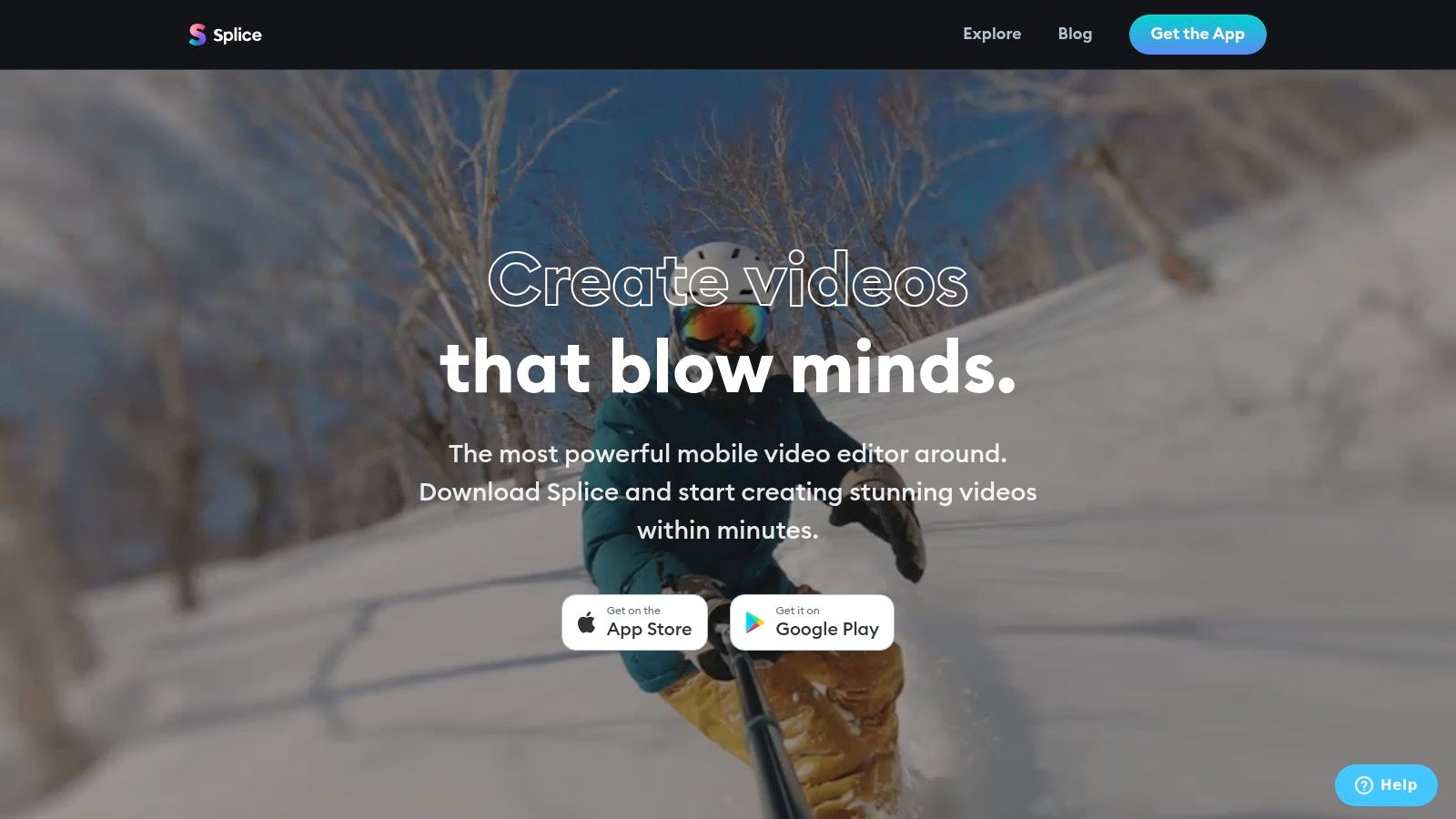
The platform is particularly strong for creating dynamic, fast-paced Reels. Its simple workflow makes it easy to trim clips, apply smooth transitions, and add text overlays. The ability to create compelling slideshows from still photos with pan and zoom effects is perfect for showcasing listing images in an engaging video format.
Key Features and Use Case
- Best For: Agents and creators who primarily edit and post social media videos from their mobile devices.
- Standout Feature: Its extensive, high-quality, royalty-free music library (with over 6,000 tracks) is a major advantage. Finding the perfect background music to set the mood for a property reveal or neighborhood tour is seamless and integrated directly into the app.
- Pricing: Offers a free version with limited features. The subscription unlocks all features, with flexible weekly, monthly, or yearly plans available. Pricing can vary based on your region and the app store.
| Pros | Cons |
|---|---|
| Simple and fast mobile-first workflow for Reels | Most useful features require a subscription |
| Huge library of royalty-free music and sound effects | Pricing can vary by region and in-app store platform |
| Intuitive timeline-based editing | Less powerful than desktop-based editing software |
| Flexible trial options to test affordably |
You can download Splice from your device's app store or learn more on their website: https://spliceapp.com
11. DaVinci Resolve (Blackmagic Design)
DaVinci Resolve is an industry-standard editing and color suite that brings Hollywood-level power to your social media content. For agents wanting to elevate their Reels beyond typical app-based editing, this desktop and iPad tool offers unparalleled control over color and polish. It’s the ultimate app to make a reel when you need a high-end, cinematic look for a luxury listing or a polished brand advertisement.
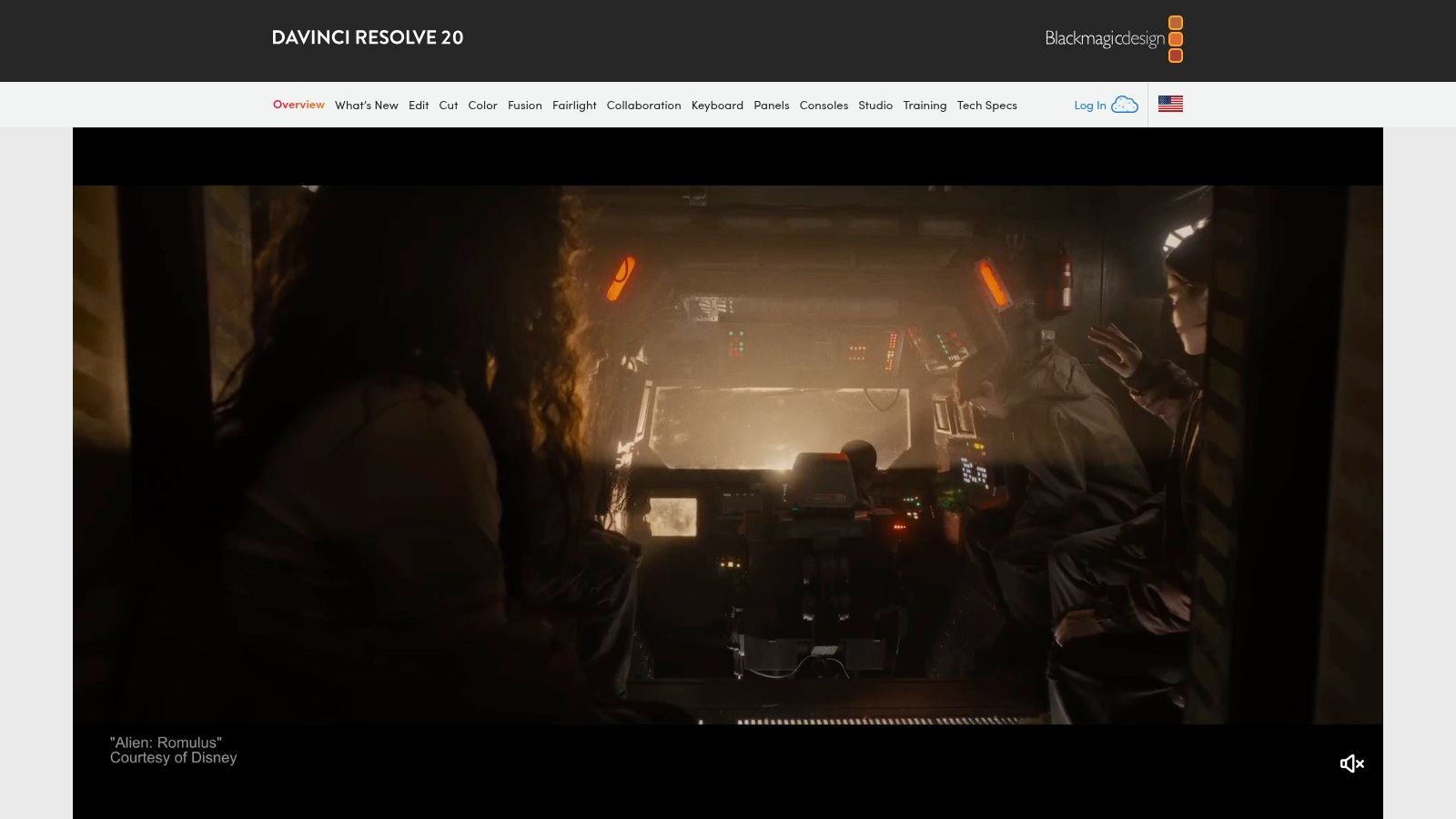
Its combined editing, color grading, and audio tools are packed into one powerful application. Features like Smart Reframe make it easy to adapt widescreen footage for vertical formats, while the advanced finishing tools ensure every frame looks perfect. While its power is immense, users interested in professional-grade software should also explore resources for other platforms, such as guides on Mastering Fcp, to broaden their editing skills.
Key Features and Use Case
- Best For: Agents, videographers, and marketing teams who need professional-grade color correction and finishing for high-impact video ads and luxury property tours.
- Standout Feature: The world-class color grading toolset allows you to precisely match colors, create specific moods, and make your property footage look truly cinematic, a feature unmatched by mobile-first editors.
- Pricing: The standard version is incredibly powerful and completely free. DaVinci Resolve Studio, which adds AI tools and more, is available for a one-time purchase of $295.
| Pros | Cons |
|---|---|
| Best-in-class color grading and finishing tools | Steeper learning curve than consumer-focused apps |
| The free version is extremely capable and robust | Requires a powerful computer for smooth performance |
| Perpetual license option for the Studio version | Can be overkill for simple, quick social media posts |
| Available on desktop (Mac, Windows, Linux) and iPad |
You can download DaVinci Resolve from their official website: https://www.blackmagicdesign.com/products/davinciresolve
12. AgentPulse
AgentPulse is a specialized tool designed to solve a major pain point for real estate professionals: creating engaging listing videos without the time and cost of a video shoot. This platform is a uniquely powerful app to make a reel because it automatically transforms standard property photos into dynamic, music-backed vertical videos. It uses AI-driven, 3D-aware motion planning to generate cinematic effects like pans and dolly-ins, making still images feel alive and immersive.
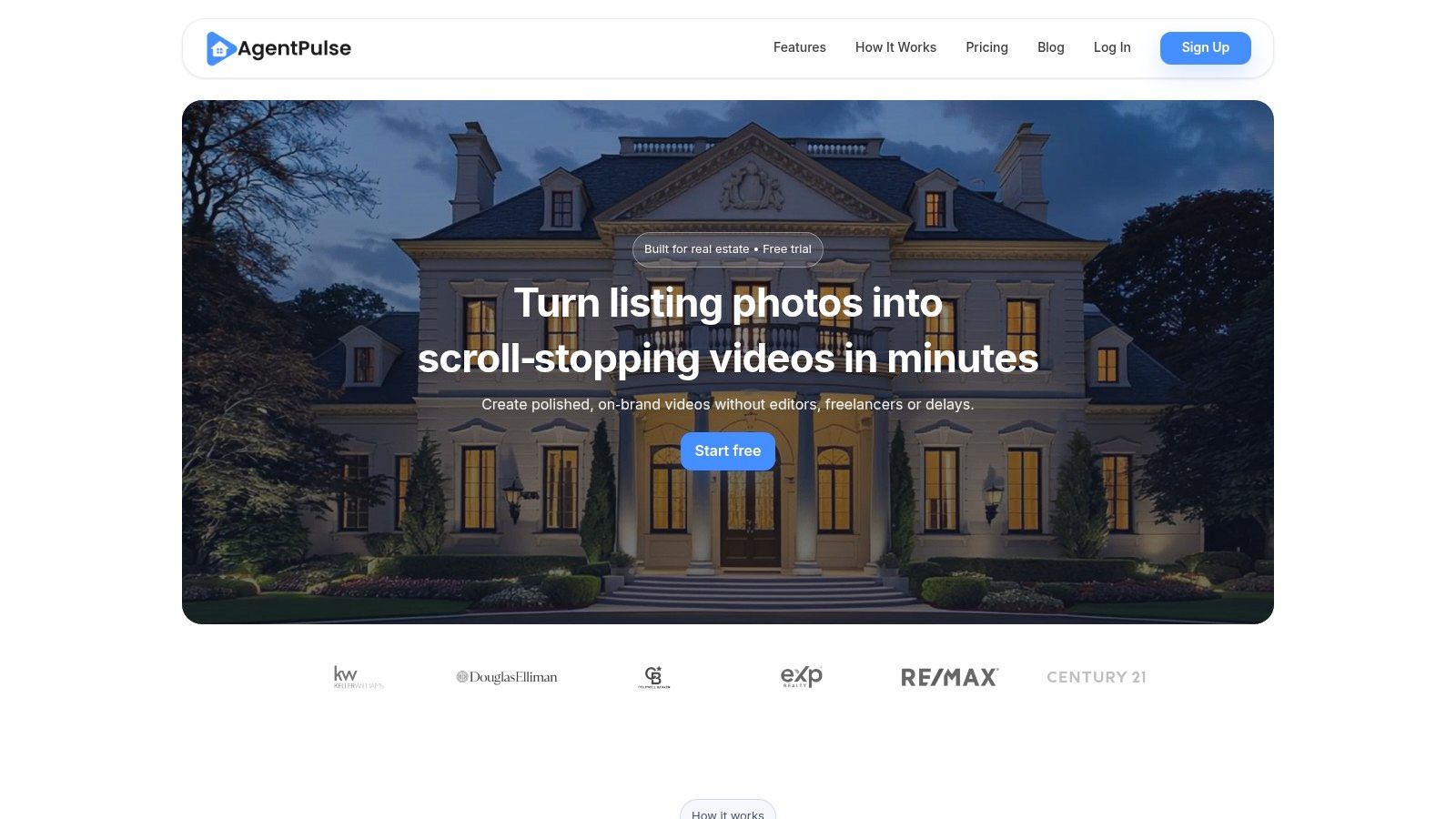
This tool is built for speed and consistency, allowing an agent or marketing team to produce a scroll-stopping Reel in minutes, not hours. The entire process is automated, from choreographing motion to syncing with curated, royalty-free music cleared for commercial use. It’s the perfect solution for generating high-quality marketing assets for every single listing, ensuring you never miss an opportunity to capture attention on social media.
Key Features and Use Case
- Best For: Real estate agents, leasing teams, and property managers who need a fast, automated way to create listing videos from photos.
- Standout Feature: The automated 3D-aware motion planning is a game-changer. It intelligently analyzes still photos to create realistic camera movements, giving the impression of a professional video shoot without any actual filming, which is a significant advantage for quick turnarounds.
- Pricing: Offers a free trial to create a watermarked video. Paid plans start at $29/month, providing HD downloads, unlimited re-renders, and access to the full music library.
| Pros | Cons |
|---|---|
| No filming or editing skills required | Not a full timeline editor; creative control is limited |
| Creates professional-looking videos in minutes from photos | Designed specifically for real estate, less versatile for other |
| Built specifically for real estate marketing needs | Lacks advanced features like text overlays or voiceovers |
| Consistent, high-quality output for brand uniformity |
You can start creating listing videos with AgentPulse on their website: https://agentpulse.ai
Top 12 Reel-Making Apps: Feature Comparison
| Tool | Core features ✨ | Quality ★ | Value & Pricing 💰 | Target audience 👥 | Standout / USP 🏆 |
|---|---|---|---|---|---|
| Adobe Express | ✨ Reel/vertical templates, one‑click resize, brand kits, stock library | ★★★★☆ | 💰 Free tier; premium assets on paid plans; team plans costlier | 👥 Marketers & teams | Templates + cleared stock; scheduler on paid tiers |
| Canva | ✨ AI Reel maker, vertical templates, beat‑sync, brand kits | ★★★★☆ | 💰 Free & Pro tiers; Pro needed for full assets | 👥 Small teams, solo agents, fast creators | Rapid, on‑brand vertical production |
| Microsoft Clipchamp | ✨ Free 1080p exports, AI subtitles, MS365 integration | ★★★★☆ | 💰 Free 1080p; premium features with Microsoft 365 | 👥 Microsoft users, quick Reels creators | No‑install editor with good bundled value |
| Descript | ✨ Transcript editing, auto filler removal, dynamic captions | ★★★★☆ | 💰 Free limited tier; paid adds media minutes & AI credits | 👥 Talking‑head creators, agent intros | Edit-by-transcript for fast captioned clips |
| CapCut | ✨ Trendy templates, auto‑captions, one‑tap vertical resizing | ★★★★☆ | 💰 Mostly free; regional pricing/availability varies | 👥 Trend-driven mobile creators | Fast viral templates & large creator community |
| InShot | ✨ Quick trimming, transitions, filters, easy vertical export | ★★★★☆ | 💰 Low cost; ad‑free Pro / occasional lifetime offers | 👥 Solo agents & social managers on mobile | Very simple, fast mobile workflow |
| VN (VlogNow) | ✨ Multi‑track timeline, keyframes, 4K export, auto‑captions | ★★★★☆ | 💰 Feature‑rich free app; optional paid extras | 👥 Creators wanting more control than templates | Strong free feature set; cross‑device transfer |
| LumaFusion | ✨ Pro multi‑track NLE, keyframing, LUTs, ProRes/HDR | ★★★★★ | 💰 One‑time purchase; near‑desktop power on iPad/iPhone | 👥 Mobile pros, journalists, advanced editors | Desktop‑grade editing on mobile |
| VEED.io | ✨ Auto‑subtitles, brand kits, screen/webcam recording, AI tools | ★★★★☆ | 💰 Free tier; paid plans + AI credits (check inclusions) | 👥 Remote teams & browser collaborators | Fast browser captioning + team features |
| Splice | ✨ Transitions, pan/zoom for photos, large music catalog | ★★★★☆ | 💰 Subscription features; trial options available | 👥 Mobile creators needing quick polished clips | Easy slideshow/Reel workflows with big music library |
| DaVinci Resolve | ✨ Pro Edit+Color, smart reframe, Studio AI tools (add‑on) | ★★★★★ | 💰 Very capable free desktop; optional Studio perpetual license | 👥 Professional editors & high‑end finishers | Best‑in‑class color & finishing |
| AgentPulse 🏆 | ✨ 3D‑aware motion from listing photos (parallax, dolly‑ins), aspect presets, royalty‑free music | ★★★★★ | 💰 Free → Standard → Advanced; HD/no watermark on paid; extra credits for Advanced | 👥 Agents, photographers, property marketers | 🏆 Automated, listing‑focused videos from photos — no shoot or editor required |
Final Thoughts
We've journeyed through a comprehensive landscape of tools, each offering a unique pathway to crafting compelling short-form videos. From the all-in-one design powerhouses like Canva and Adobe Express to the professional-grade editing suites of DaVinci Resolve and LumaFusion, the perfect app to make a reel is truly within your reach. The key is no longer about finding a tool, but about finding your tool.
The sheer variety can feel overwhelming, but this is a significant advantage. It means there is a tailored solution waiting for your specific needs, budget, and skill level. Your choice ultimately boils down to a few critical questions you should ask yourself before committing to a platform.
How to Choose Your Perfect Reel-Making App
To simplify your decision, consider these three core pillars: your workflow, your goals, and your growth.
Your Workflow: Simplicity vs. Control
- Need speed and simplicity? If your goal is to quickly produce clean, professional-looking videos with minimal fuss, tools like InShot, CapCut, and Canva are your best friends. Their template-driven, mobile-first approach is designed for rapid creation and direct sharing.
- Need granular control? For those who want to fine-tune every transition, color grade every clip, and master multi-layered audio, desktop-centric apps like DaVinci Resolve or mobile powerhouses like LumaFusion provide the deep feature sets you crave.
Your Goals: General Content vs. Niche Specialization
- Creating a variety of content? If your social media strategy includes more than just property tours, a versatile tool like VEED.io or Adobe Express is invaluable. They handle everything from lifestyle content and team introductions to market updates with ease.
- Focusing on a specific niche? For real estate professionals, a specialized app to make a reel like AgentPulse is a game-changer. It’s built from the ground up to understand the specific needs of property marketing, turning your listing photos into engaging video tours automatically. This focus eliminates the guesswork and streamlines a very specific, high-value task.
Your Growth: Scalability and Features
- Starting out? Free, highly capable apps like CapCut and the free tiers of Clipchamp or Canva are excellent starting points. They allow you to learn the fundamentals of video editing without any financial commitment.
- Ready to scale? As your video needs become more complex, think about which platform will grow with you. A tool like Descript is perfect for content that is heavy on dialogue and repurposing, while a subscription to Adobe Express integrates you into a larger creative ecosystem.
The Takeaway: It's About Action, Not Perfection
The single most important takeaway from this guide is this: the best app to make a reel is the one you will actually use. Don't let the pursuit of the "perfect" tool lead to paralysis. Pick one that feels intuitive, aligns with your immediate goals, and start creating.
Your first reel won’t be your best, but it will be your most important. It's the first step in a process of learning, iterating, and discovering what resonates with your audience. The tools we’ve covered are incredibly powerful, but they are just that-tools. Your unique perspective, your property expertise, and your voice are what will ultimately connect with viewers and drive results. Start simple, stay consistent, and let your creativity lead the way.
Ready to create stunning real estate reels in under two minutes? While the tools on this list are powerful, AgentPulse is the only one purpose-built to automatically transform your property photos into a dynamic video tour with a single click. Stop spending hours editing and start showcasing your listings with the specialized AI video generator designed for real estate agents. Try AgentPulse today and see how simple professional property reels can be.