To get started with social media automation, you really only need two things: a tool to help you create content and another one to schedule it. The whole idea is to get your posts ready, pop them into a content calendar, and let a scheduler like Buffer or Hootsuite push them out at the best times.
Why Smart Automation Is Your New Secret Weapon
Let's be real. Juggling social media as a real estate agent can feel like a second full-time job. You’re already buried in listings, client meetings, and paperwork. Who has the time to consistently come up with and post compelling content? This is exactly where setting up a smart system stops being a nice-to-have and becomes absolutely essential.
If you think of automation as just a way to save a few minutes, you’re missing the point. It’s about building a dependable marketing machine that hums along in the background, freeing you up to do what you do best: connect with people and sell homes.
Move Beyond Manual Posting
Posting to social media by hand is a notorious time-killer. Just look at the numbers. Recent data from HubSpot shows businesses can easily spend 6-10 hours every week on each platform just to manage posts and engage with followers. If you're active on Instagram, Facebook, and YouTube, that's 24-50 hours you could be spending on actual client work.
That’s why you need to shift your mindset. A well-oiled automation system gives you a serious leg up on the competition in a few key ways.
- Unbreakable Brand Consistency: Automation keeps your brand voice, colors, and overall vibe the same everywhere. It reinforces your professional image without you having to think about it every single day.
- Strategic Content Delivery: You can map out your content for weeks or even months. This lets you align posts with holidays, local events, market shifts, or new listings to get the biggest bang for your buck.
- Freedom to Focus on People: Once the posting is taken care of, you can put your energy into the high-value stuff—replying to comments, answering DMs, and actually nurturing the leads that come in.
The goal of automation isn’t to "set it and forget it." It’s about taking the repetitive work off your plate so you can be more present and human where it really matters. You’re automating the mechanics, not the relationship.
At the end of the day, this entire system is designed to protect your most precious resource: your time. By building a workflow that turns your listings into ready-to-go content and schedules it all out, you claw back hours every single week. If you want a more detailed breakdown of the process, this guide on how to automate social media posts is a great resource.
This foundation lets you consistently grab attention and establish yourself as an authority, all without sacrificing the personal touch that makes your business yours.
Building Your Real Estate Automation Toolkit
To really get your social media working for you without taking over your life, you need a simple but powerful toolkit. This isn't about signing up for a dozen different apps. It’s about being smart and choosing the right tools for two critical jobs: creating great content and scheduling it automatically. If you can nail these two, you'll have a system that's always working in the background.
The old way of doing things—manually creating posts, logging in to schedule them, and trying to keep up with comments—is a recipe for burnout and inconsistent marketing.
This is exactly what that time-consuming, manual grind looks like for most agents.
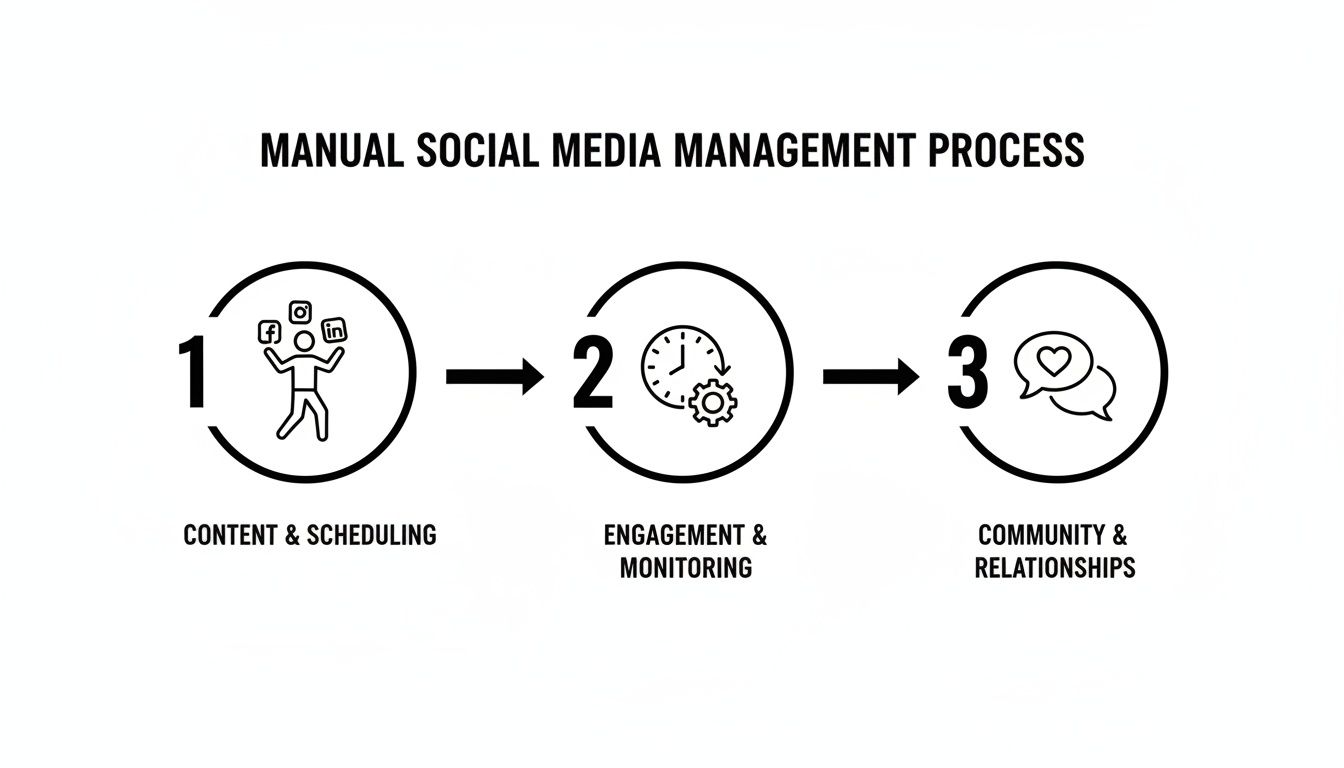
Every one of those steps eats up hours you could be spending with clients. A dedicated automation toolkit is how you reclaim that time.
Your Go-To for Content Creation
As an agent, your listings are your best content. Period. But a slideshow of static photos doesn’t always do a home justice. This is where AI-powered video creation completely changes the game.
Tools like AgentPulse are becoming the centerpiece of a modern agent's content strategy. Instead of spending thousands on a videographer or struggling with editing software for hours, you just upload your high-res listing photos. The AI gets to work analyzing each shot, finding the best features, and adding cinematic pans and zooms. Suddenly, your flat photo gallery is a dynamic, eye-catching property tour.
This is a massive leap in efficiency. You can pump out professional-looking videos for Instagram Reels, Facebook, and YouTube Shorts from one set of photos, and it often takes just a few minutes. This directly solves the biggest problem most agents face: the constant pressure to create fresh, high-quality content.
This isn't just a real estate trend; the entire marketing world is on board. A recent report on AI in social media marketing found that a staggering 89.7% of marketers use AI tools every single day. And, more to the point for us, 59% are using visual AI to turn images into videos—the perfect workflow for turning listings into must-see reels.
Choosing Your Social Media Scheduler
Once you've got your content, you need a scheduler. Think of this as your social media command center. You can plan out your posts for weeks or even months at a time, so you're not scrambling to post something every single day. You upload your videos and photos, write your captions, and tell the scheduler exactly when to push everything live.
For real estate, some features matter more than others. You want something visual, easy to use, and smart enough to tell you the best times to post. Let's break down three of the most popular options out there.
Choosing Your Social Media Scheduler
When you're trying to pick a scheduler, it's easy to get lost in the feature lists. This table cuts through the noise and focuses on what really matters for agents trying to market properties and build their brand.
| Feature | Buffer | Later | Hootsuite |
|---|---|---|---|
| Visual Planner | Basic visual grid for planning your feed. | Best-in-class visual planner, great for curating your Instagram aesthetic. | Good visual calendar view, but less focused on the grid look. |
| Best Time to Post | Provides suggestions based on past engagement data. | Offers detailed analytics and suggestions for optimal posting times. | Includes robust "AutoSchedule" feature to post when engagement is highest. |
| Ease of Use | Very user-friendly and clean interface, ideal for beginners. | Highly intuitive, especially for Instagram-focused users. | More comprehensive and powerful, but can have a steeper learning curve. |
| Pricing | Offers a generous free plan, with affordable paid tiers. | Has a free plan, but paid plans are needed for full features. | Generally more expensive, aimed at larger teams and agencies. |
My Two Cents: Don't just pick the one with the most features. Pick the one you actually like using. If the interface feels clunky, you won't stick with it, and the whole point of automation goes out the window.
For a lot of agents I've talked to, Later is a great place to start. Its focus on visual planning is perfect for Instagram, which is a huge channel for real estate. If you want something dead simple, Buffer is fantastic for its clean, no-fuss experience. Hootsuite is more of a powerhouse, probably a better fit for a brokerage or a team managing several different social media accounts.
By pairing an AI content creator like AgentPulse with a scheduler you trust, you build a smooth, repeatable workflow. This two-part system is the foundation for a social media strategy that works for you, giving you back the time you need to focus on what really matters: your clients.
Want to explore more options? Check out our guide on real estate marketing automation software.
Make Listing Videos in Minutes with AgentPulse
Let's be honest: static photos of a property are the bare minimum. They get the job done, but they rarely get a buyer truly excited. This is where you can leapfrog the competition by turning your standard listing photos into a whole library of video content that will feed your social media for weeks.
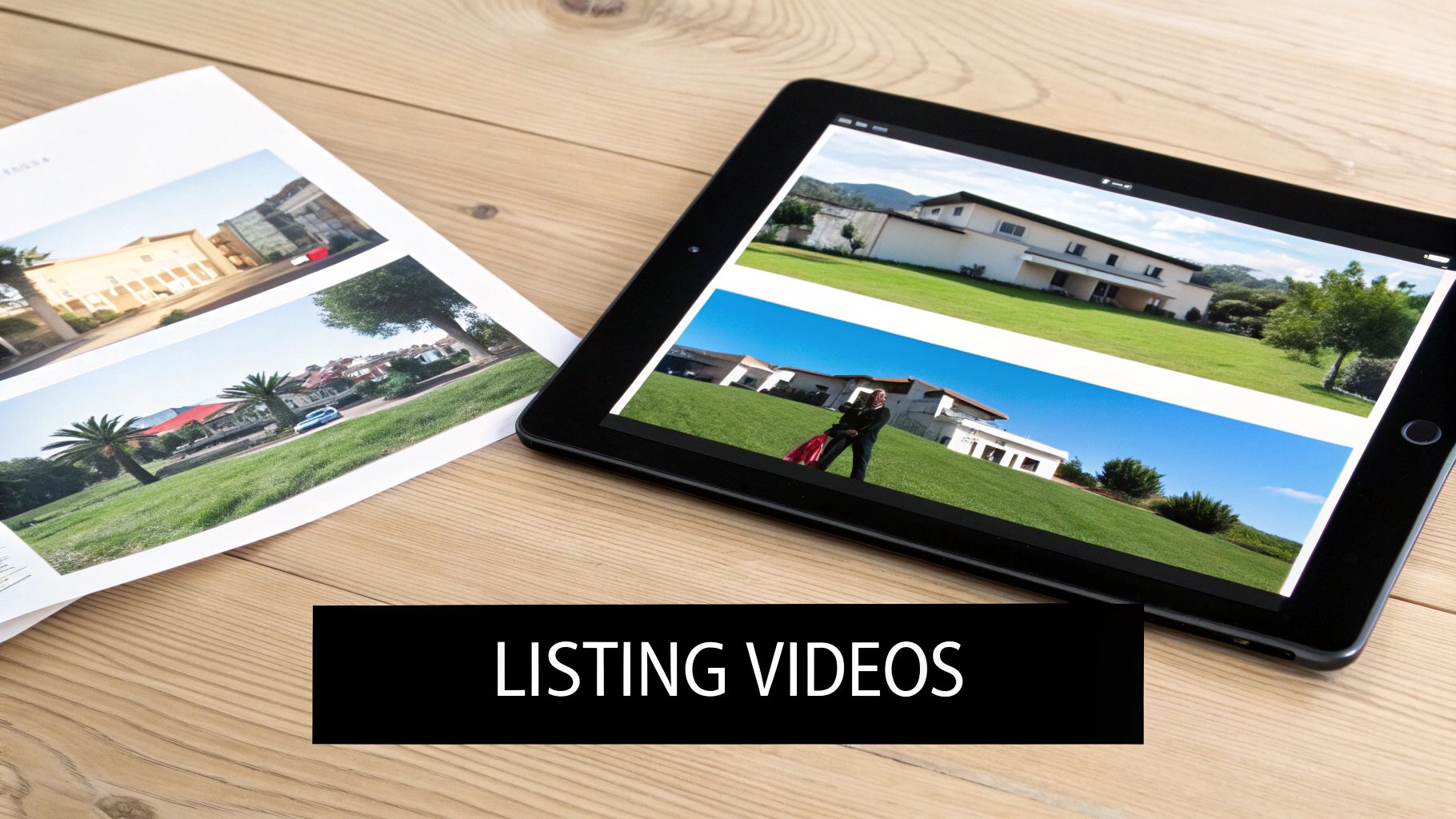
With a tool like AgentPulse, you can generate a complete set of videos for a single listing in less time than it takes to get through your morning coffee. The whole process is built for busy agents, not professional video editors. You just upload your high-resolution JPGs and let the system do the heavy lifting.
And this isn't just a simple slideshow. The platform's 3D-aware engine actually analyzes each photo to understand the room's layout. It figures out where the walls, windows, and key features are, then plans out cinematic camera movements that feel like a professional videographer walked through the space.
The end result? You get smooth pans, gentle zooms, and compelling shots that make a home feel alive. You're getting the emotional pull of a high-end video shoot without the cost, the scheduling nightmares, or the week-long wait for an editor.
From Photos to Polished Videos
The real game-changer here is the speed. I've seen agents get overwhelmed by the thought of video, but this workflow makes it ridiculously easy. Platforms like AgentPulse can turn a folder of JPGs into a polished HD video in just 2-5 minutes.
Let’s run through a quick example. Your photographer just sent over 25 beautiful photos for your new listing at 123 Main Street. Here’s how you turn that into a week’s worth of content:
- Upload the Photos: Just log in to AgentPulse and drag that folder of JPGs right into the platform. You can also give it a share link from Dropbox or your photographer.
- Let the AI Work Its Magic: The system immediately starts analyzing each photo, figuring out the best way to add motion that shows off that gorgeous fireplace or the new kitchen island.
- Review and Add Finishing Touches: In a few minutes, you’ll have a draft video ready. From there, you can easily drag scenes around, add a title card with the address, and pick a music track that fits the home's vibe—maybe something upbeat for a modern condo or a bit more classical for a historic property.
The whole thing might take you ten minutes, tops. Now, let’s take it a step further.
One Upload, Multiple Formats
One of the biggest time-wasters in social media is reformatting your content for every single platform. What looks great on YouTube is going to get awkwardly cropped on Instagram Reels. AgentPulse gets around this by letting you export your video in different shapes and sizes from the same project.
- Portrait (9:16): Perfect for Instagram Reels, TikTok, and YouTube Shorts. It fills the whole phone screen and is fantastic for quick, eye-catching property tours.
- Square (1:1): Your go-to for the main Instagram feed and for Facebook posts. It's a classic format that always performs well.
- Landscape (16:9): The standard for full-length YouTube videos, your own website, and for embedding into your email newsletters.
By exporting your video in all three formats, you’ve just created three unique pieces of content from a single 10-minute task. You're ready for every channel without touching a single piece of complicated editing software.
Go Beyond the Standard Listing Tour
A full property tour is great, but you can get even more creative. Use the tool to generate quick, snackable videos that highlight specific features. Think of a "Kitchen Spotlight" Reel, a "Backyard Oasis" video for Facebook, or a quick tour of just the primary suite. Each of these can be scheduled as a separate post throughout the week, keeping your listing front and center.
If you want to really expand your content, look into tools that help with AI content creation, which can turn simple scripts into videos. This is a great way to produce quick market updates or neighborhood guides that complement your property videos.
This approach is a fundamental shift. You’re not just scheduling content anymore; you’re automating its creation. This ensures you always have a deep well of high-quality video ready to go, keeping your feed fresh and your listings top of mind.
Designing Your Automated Content Calendar
So, you've got a library of incredible, AI-generated videos ready to go. That's a huge win. But having the content is only half the battle; you need a smart plan to get it out there. This is where a well-designed, automated content calendar becomes your blueprint for consistent engagement.
It transforms your social media from a reactive chore into a proactive lead-generation machine.
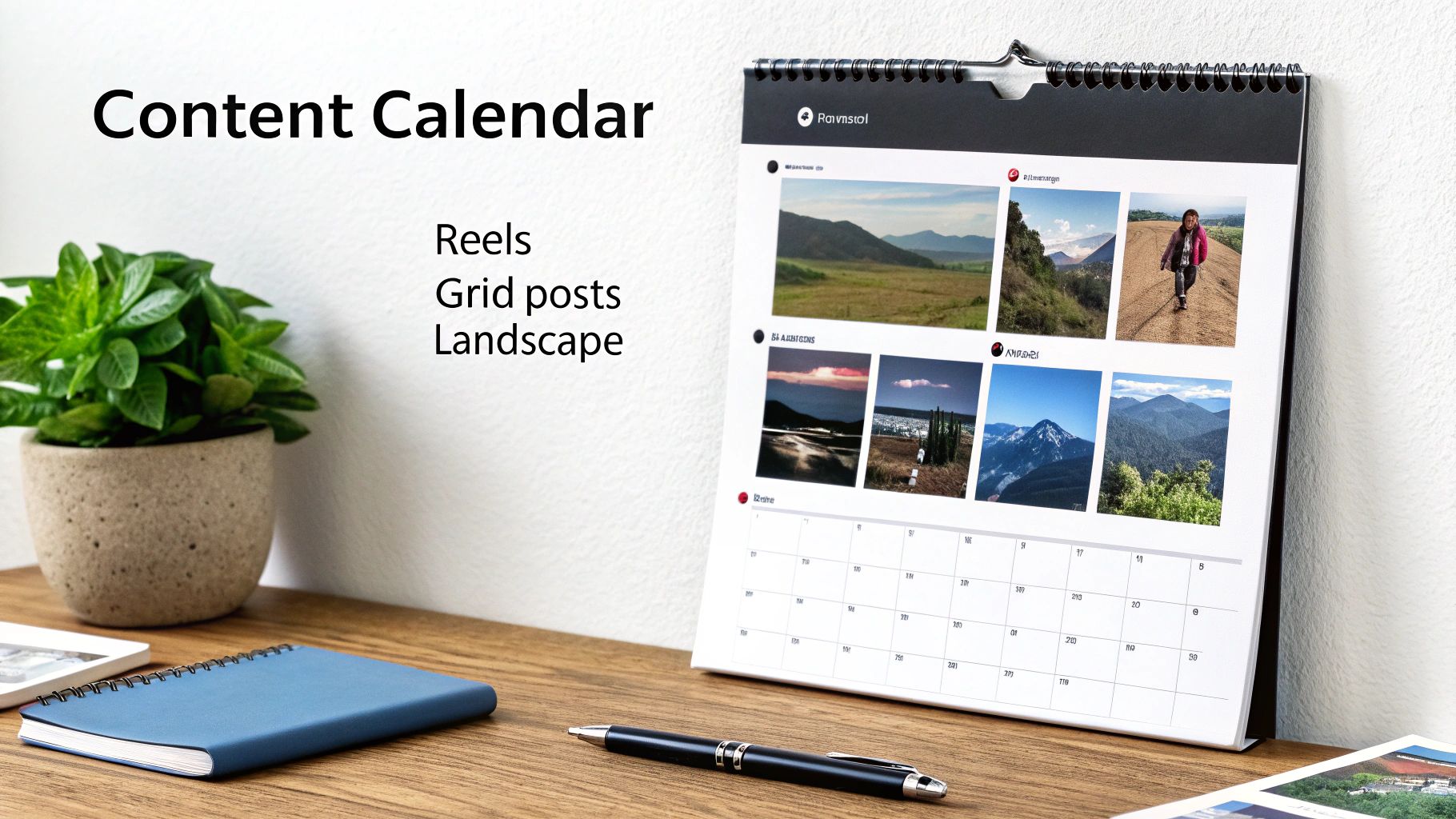
The goal here isn't just to fill empty slots on a schedule. It's about creating a sustainable rhythm that keeps your audience interested without you having to manually post every single day. Let's be honest, random acts of content rarely build any real momentum. A strategic calendar, on the other hand, ensures you’re always delivering value.
Structuring Your Week with Content Buckets
I see this all the time: an agent's feed is nothing but new listings. While your listings are obviously crucial, a page full of "Just Listed" posts starts to feel like a constant sales pitch pretty quickly.
To avoid this trap, you need to think in terms of content buckets. This simple approach guarantees a healthy mix of content that educates, entertains, and builds genuine trust with your audience.
Here are the essential content buckets I recommend to every agent:
- Property Spotlights: This is your bread and butter—your "Just Listed," "Open House," and "Sold" videos. Use the clips from AgentPulse to create everything from full tours to quick highlight Reels.
- Market Updates: Think short, snappy videos or graphics sharing local stats, interest rate news, or inventory levels. This is how you position yourself as the neighborhood expert.
- Community Highlights: Showcase that new coffee shop, a local park, or a weekend farmers' market. This proves you're deeply connected to the communities you serve, not just selling houses in them.
- Educational Tips: Offer quick advice for first-time homebuyers, sellers prepping their homes, or insights into the mortgage process. You're giving away value for free.
- Behind the Scenes & Personal Brand: Share a client success story, a video testimonial, or even a quick clip from a home inspection. It adds a much-needed human touch.
By planning your week around these buckets, you guarantee a balanced feed. Your followers get valuable info and a local connection, which makes them way more receptive when you do post a new listing.
A Sample Automated Weekly Schedule
Putting this all into practice is easier than it sounds. The key is to create a template for your week that you can populate quickly. This structure becomes the engine of your automated posting system, letting you batch-create and schedule content far more efficiently.
For a deeper dive, our detailed guide on building a real estate social media calendar provides even more templates and ideas.
Below is a sample weekly plan designed specifically for automation. Think of it as a starting point to build from.
Sample Weekly Real Estate Content Calendar
This template helps structure an automated weekly posting schedule for maximum audience engagement across different platforms.
| Day | Instagram Post/Reel | Facebook Post | LinkedIn Post |
|---|---|---|---|
| Mon | Market Update Monday (short video with a key stat) | Link to a blog post with home-buying tips | Professional article on local market trends |
| Tue | Teaser Tuesday (quick video clip of a new listing) | "Just Listed" photo album with a detailed description | Announcement of a new high-value property |
| Wed | Community Spotlight (Reel of a local park or cafe) | Question post to engage the community (e.g., "Favorite local restaurant?") | Post about the importance of community when choosing a home |
| Thu | Throwback Thursday (a "Just Sold" property from the past) | Full virtual tour video of the new listing from Tuesday | Client testimonial highlighting a successful sale |
| Fri | "Weekend Plans" post featuring open house times | Open House Event post with details and directions | Article sharing weekend productivity tips for homeowners |
This structure isn't set in stone; it's a framework. Once you have a system like this, you can pop open your scheduling tool and plug in your AgentPulse videos and other content weeks in advance. This is how you automate social media effectively—by building a system that delivers consistent, high-value content without the daily scramble.
How to Avoid Common Automation Pitfalls
Automating your social media is a massive time-saver, but it's not a magic wand. The single biggest mistake I see agents make is treating it as a "set it and forget it" system. That's a surefire way to lose the human touch that actually sells homes.
The real goal here isn't to remove yourself from the conversation. It's to automate the grunt work so you have more time for the meaningful connections that build your business. Let's walk through the most common traps and how you can steer clear of them.
The Robotic Content Trap
You can spot lazy automation from a mile away. It's that agent who posts the exact same caption, hashtags, and all, across LinkedIn, Instagram, and Facebook. What reads as sharp and professional on LinkedIn just feels clunky and out of place on Instagram.
Every platform has its own vibe and its own rules of engagement. You have to play the part.
- LinkedIn: Think professional. This is where you talk market analysis, investment opportunities, and career milestones. The tone is more buttoned-up.
- Instagram: It's all about the visuals and conversation. Tell a story, ask a question in your caption, and keep it personal and friendly.
- Facebook: This is your digital neighborhood. It's perfect for building community, so mix in local news and events with your listings to spark discussion.
Your automation tool is there to do the posting, not the talking. Take five extra minutes to tweak your captions for each network. It’s a tiny bit of effort that makes a world of difference in how people connect with your content.
Ignoring Your Community
The second deadly sin of automation is broadcasting without listening. Your scheduler can push content out, but it can't reply to a question in the comments, answer a DM about a listing, or thank someone for sharing your post.
When a potential buyer asks for more details and gets nothing but silence, you haven't just lost a follower—you've fumbled a lead. Authenticity isn't in the post; it's in the reply.
Block out 15-20 minutes on your calendar every single day just for engagement. That's it. Pop into your accounts, check your notifications, and have actual conversations with people. This hybrid approach is the secret sauce: automate the posting, but always handle the engagement personally.
Neglecting Your Analytics
Finally, don't just assume your strategy is working. If you're not looking at your analytics, you're flying blind. You could be posting at the worst possible times, using hashtags that go nowhere, or creating videos that nobody watches past the first three seconds.
Your scheduling tool is sitting on a goldmine of data. Dive in at least once a week and find the answers to these questions:
- Which posts are getting the most likes, comments, and shares?
- When are my followers actually online and active?
- Are my quick video tours outperforming the professional photos?
- Which platform is actually sending people to my website?
This data is your roadmap. It tells you exactly what to do more of and what to cut loose. It's no wonder that with 83% of marketing departments now automating their posts, agents using tools like AgentPulse are seeing 20-30% bumps in engagement. They're not just scheduling—they're analyzing and adjusting. You can find more data on these trends at sociality.io.
Pay attention to what the numbers tell you. That's how you turn a good automation strategy into a great one.
What This All Means for Your Business
Okay, let's bring this all together. We’ve walked through turning your listing photos into eye-catching videos with AgentPulse and building a content calendar that pretty much runs on autopilot. But what does that actually do for your business? This is about more than just saving a few minutes; it’s about creating a powerful, reliable system for attracting clients.
When you automate your social media, you stop the daily scramble to find something to post. Instead, you're consistently putting high-value content in front of your ideal audience while you’re out showing homes or negotiating deals. That consistency is what builds a memorable brand and positions you as the go-to agent who knows how to market a property in 2024.
Turning Saved Time into New Opportunities
The results aren't just theoretical—they show up in your schedule and your bank account. Smart automation means more listing inquiries, a stronger professional reputation, and getting back precious hours every single week. It's a real competitive edge.
Don't just take my word for it. Research highlighted by Templated.io found that automation can deliver some serious numbers:
- A 20-30% lift in engagement per post, on average.
- A 30% reduction in time spent creating content.
- A 14.5% boost in productivity and a 12.2% cut in overhead.
This isn't just about being efficient. It’s a formula for growth. By automating the repetitive tasks, you free up your time for what really matters: building the relationships that lead to closed deals.
Think about it this way: you create, you schedule, and then you focus your energy on genuinely connecting with the people who respond. That last part is where the magic happens. If you want to dive deeper into that, we have a whole guide on how to properly engage with real estate leads.
Ultimately, this is about working smarter. Your social media channels transform from a daily chore into a dependable, lead-generating machine for your business.
A Few Common Questions
Diving into social media automation for the first time usually sparks a few questions. I've heard these a lot over the years, so let's tackle them head-on.
How Much Time Can I Really Save?
Let's be realistic. You can easily get back 15-20 hours a week. Think about it: no more scrambling for something to post every single day. Instead, you'll block out one or two short sessions to get everything lined up for the weeks ahead.
This isn't just about saving time; it's about reallocating it. Those reclaimed hours can now go toward what actually grows your business—following up with leads, nurturing client relationships, and closing deals. It’s a complete shift in your marketing workflow.
Will My Posts Seem Robotic or Inauthentic?
Only if you let them. Automation is just a tool for distribution, not a replacement for your voice. It handles the when and where your content goes live, but the what and why—the message, the personality, the strategy—are still all you.
Authenticity isn't just about the post itself; it's about the conversation that follows. The real magic happens when you use the time you've saved to jump into the comments, respond to DMs, and have genuine conversations. That's where connections are made.
What's the Best Content to Automate for Real Estate?
Hands down, video. Especially for property tours and shining a spotlight on a single listing. Nothing captures the feel of a home like a video, and it consistently stops people from scrolling past.
Beyond your latest listings, evergreen content is an absolute goldmine for automation. This is the stuff that stays relevant and valuable, meaning you can schedule it out for months.
- Neighborhood Spotlights: Quick videos showing off the best local parks, coffee shops, or hidden gems in the communities you serve.
- Market Insights: Short, digestible tips on buying, selling, or local trends that build your credibility.
- Client Testimonials: There's no better social proof. Drip these out over time to consistently build trust with your audience.
Ready to turn your listing photos into scroll-stopping videos in minutes? AgentPulse uses AI to create cinematic property tours automatically, giving you a library of content ready for your automated calendar. Start creating for free at https://www.agentpulse.ai.