
In today's crowded market, static photos are no longer enough to capture buyer attention. The best real estate video content does more than just showcase a property; it tells a compelling story, forges an emotional connection, and ultimately generates more qualified inquiries. For years, producing high-quality video has been expensive, slow, and technically demanding, putting it out of reach for many.
Fortunately, a new wave of tools has made it easier and more affordable than ever for agents, teams, and photographers to create stunning videos. From AI-powered platforms to vast creative libraries, professional-grade marketing is now accessible to everyone. This guide breaks down the top 7 platforms and services you need to know in 2026, with a deep dive into their strengths, weaknesses, and ideal use cases.
We will explore how each solution tackles the core challenges of video production, from sourcing music and templates to editing and final delivery. For instance, integrating stunning aerial views can significantly boost engagement, and you can learn more about mastering drone photography for real estate listings. Our analysis is designed to help you choose the right tools to elevate your brand, win more listings, and sell properties faster.
Inside, you will find a detailed breakdown of each platform, complete with strategic analysis, actionable takeaways, and direct links. We cut through the noise to give you a clear, comprehensive roadmap for creating impactful real estate videos that stop the scroll and start conversations.
1. AgentPulse: The AI-Powered Solution for Instant Cinematic Listing Videos
For real estate professionals who need high-quality video content without the high cost and time commitment of traditional production, AgentPulse stands out as a powerful and indispensable tool. It solves a core industry problem: how to create engaging, professional-grade videos for every single listing, quickly and affordably. By transforming standard listing photos into dynamic, cinematic video tours, AgentPulse delivers one of the most efficient ways to produce the best real estate video content at scale.
This platform is specifically engineered for the fast-paced real estate market. Its core innovation is a sophisticated, 3D-aware AI engine that analyzes still images to reconstruct the spatial dimensions of a room. It identifies key features like walls, windows, and furniture, then automatically generates smooth camera movements like pans, dolly-ins, and reveals. The result is a polished video that feels like it was filmed on-site with professional equipment, all rendered from the JPGs or PNGs you already have.
Key Strengths and Strategic Advantages
AgentPulse’s primary advantage is its blend of speed, quality, and simplicity. Where a traditional video shoot requires scheduling, on-site filming, and post-production editing, AgentPulse condenses the entire workflow into a simple upload-and-render process that takes just a few minutes. This makes it an ideal solution for agents, photographers, and property managers aiming to elevate their marketing for every property, not just high-end luxury listings.
Core Features Breakdown:
- AI-Powered Cinematic Motion: The platform's standout feature is its ability to create natural-looking camera movements from static photos. It adds parallax and depth, making spaces feel more immersive and engaging to potential buyers scrolling through social media or MLS listings.
- Multi-Format Optimization: AgentPulse understands that video isn't one-size-fits-all. It allows you to export videos in portrait (9:16 for Reels/Shorts/TikTok), square (1:1 for Instagram feeds), and landscape (16:9 for YouTube/MLS), ensuring your content is perfectly framed for every platform.
- Marketing-Ready Exports: Paid plans provide 1080p, watermark-free downloads complete with online-cleared, royalty-free music. This means your videos are ready for commercial use across social media, websites, and ad campaigns without any licensing concerns.
- Cost-Effective Scalability: The platform's tiered pricing structure allows individuals and teams to produce videos at a fraction of the cost of hiring a videographer. This empowers users to offer video for every listing, ensuring brand consistency and maximizing each property's visibility. If you want to dive deeper into the process, AgentPulse provides a great guide on how to create stunning real estate videos using their platform.
Pricing and Plan Tiers
AgentPulse offers a flexible pricing model designed to suit different user needs, from individual agents to large teams.
- Free ($0/mo): A great entry point to test the platform. It includes 5 video credits per month for videos up to 5 images each, with exports at 720p and watermarked.
- Standard ($49/mo): Labeled "Most Popular," this plan is ideal for active agents and photographers. It offers 40 credits per month, allows up to 25 images per video, and unlocks 1080p, watermark-free exports.
- Advanced ($99/mo): Built for power users and teams, this tier provides 100 credits per month, priority support, and the option to purchase additional credits for $10 each.
Who is AgentPulse For?
This tool is exceptionally well-suited for:
- Real Estate Agents: To quickly create a video for every new listing, increasing engagement on Zillow, social media, and the MLS.
- Real Estate Photographers: To expand their service offerings by providing video packages to clients without needing to invest in new camera gear or editing software.
- Property Managers & STR Hosts: To make apartment, condo, or vacation rental listings more compelling and attract more inquiries.
While the AI-driven approach means less manual creative control compared to traditional software like Adobe Premiere Pro, its strength lies in its efficiency. For professionals who value speed, consistency, and a high-quality automated output, AgentPulse is a game-changing platform that makes professional video marketing accessible to everyone.
Visit the website: https://www.agentpulse.ai
2. Canva
Canva is a powerhouse for real estate agents who need to create polished, branded listing videos quickly and without advanced editing skills. It's a browser-based platform that swaps complex timelines and keyframes for a user-friendly, drag-and-drop interface powered by thousands of ready-made templates. This makes it an ideal tool for producing some of the best real estate video content for social media, MLS listings, and agent profiles.
The platform is designed for speed and consistency. Agents can upload their property photos and video clips, drop them into a professionally designed template, and have a shareable video ready in minutes, not hours.
Why Canva Stands Out
Canva's strength lies in its massive template library and integrated asset collection. Instead of starting from scratch, you can search for "real estate listing" or "just sold" and find dozens of video layouts optimized for Instagram Reels, TikTok, or standard widescreen formats. This eliminates the guesswork of creating engaging content.
Strategic Insight: Canva's "Brand Kit" feature is a game-changer for brokerages and teams. You can pre-load your logos, brand colors, and fonts, ensuring every video produced by any team member remains consistent and professional. This saves time and reinforces brand identity across all marketing channels.
Key Features and User Experience
The user interface is incredibly intuitive. Everything is clearly labeled, and features like one-click background removal for images and simple animation presets make videos look dynamic with minimal effort.
Noteworthy Features:
- Massive Template Library: Thousands of templates specifically for real estate, including listings, market updates, agent introductions, and testimonials.
- Huge Stock Asset Pool: Access to millions of stock photos, video clips, and audio tracks is included in the Pro plan, reducing the need for separate subscriptions.
- One-Click Resize: Instantly convert a widescreen YouTube video into a vertical format for Instagram Stories or a square format for your feed.
- Team Collaboration: Paid tiers allow team members to comment, edit, and approve designs in real-time, streamlining the marketing workflow.
| Feature | Canva (Pro) | Traditional NLEs (e.g., Premiere Pro) |
|---|---|---|
| Learning Curve | Very Low | High |
| Speed | Very Fast (Template-based) | Slower (Manual editing) |
| Templates | Thousands built-in | Requires third-party templates |
| Collaboration | Built-in and seamless | Requires separate cloud solutions |
| Control | Limited granular control | Full creative control |
Practical Tips for Agents
- Start with a Template: Don't try to reinvent the wheel. Find a "New Listing" template you like and simply replace the placeholder media with your own photos and videos.
- Use the Brand Kit: Before you do anything else, set up your Brand Kit. Upload your headshot, logo, and define your brokerage's colors and fonts. This will save you immense time on every future project.
- Schedule Directly: Connect your social media accounts and use Canva's Content Planner to schedule your finished videos directly to Instagram, Facebook, and other platforms.
Canva offers a robust free version with plenty of functionality, while the Canva Pro and Canva for Teams plans unlock premium features like the Brand Kit, unlimited stock assets, and advanced collaboration tools. For agents who want to dive deeper into its capabilities, we offer a comprehensive guide on our blog. Learn more about using Canva for real estate video editing.
Website: https://www.canva.com
3. Animoto
Animoto is a purpose-built online video creator that excels at turning property photos and video clips into dynamic slideshows and promotional videos with minimal effort. Its drag-and-drop interface and focus on structured templates make it a go-to for agents who need to create some of the best real estate video content quickly, especially for MLS-compliant slideshows and social media teasers.
The platform is designed for users with no prior editing experience. Agents can select a real estate-specific template, upload their media, add some text, and let Animoto's engine assemble a polished video, complete with licensed music, in a matter of minutes.
Why Animoto Stands Out
Animoto's core strength is its streamlined, story-driven workflow. Unlike more open-ended editors, its templates guide you through a sequence, such as "Introduction," "Property Features," and "Call to Action," ensuring your video has a logical and effective flow. This structure removes the guesswork and helps create compelling narratives from a simple set of photos.
Strategic Insight: Animoto's "Saved Templates" feature is highly effective for maintaining brand consistency. Create a master template with your brokerage’s logo, colors, and font, and then simply swap out the property photos and details for each new listing. This guarantees a uniform, professional look across all your video marketing.
Key Features and User Experience
The user interface is exceptionally clean and straightforward, making it one of the easiest tools to master. The platform provides clear prompts and a simplified timeline, focusing on content blocks rather than complex layers and keyframes.
Noteworthy Features:
- Real Estate Templates: A dedicated library of templates for listings, virtual tours, agent bios, and testimonials.
- Stock Library Access: Paid plans include access to a Getty Images stock library for photos and video clips, perfect for adding lifestyle B-roll.
- Licensed Music Library: A vast collection of commercially licensed music tracks, eliminating any copyright concerns for online use.
- Voice-Over Recording: Higher-tier plans allow you to record and add voice-over narration directly within the platform, ideal for guided property tours.
| Feature | Animoto (Professional) | Traditional NLEs (e.g., Final Cut Pro) |
|---|---|---|
| Learning Curve | Very Low | High |
| Speed | Extremely Fast (Template-based) | Slower (Manual editing) |
| Music Licensing | Built-in and cleared | Requires separate licensing |
| MLS Compliance | Easy to create unbranded versions | Requires manual export settings |
| Creative Flexibility | Limited by template structure | Full creative control |
Practical Tips for Agents
- Start with Photos: Animoto shines brightest when creating "Ken Burns" style video slideshows. Gather your best 15-20 high-resolution photos of a property to create a compelling virtual tour.
- Use Text Overlays: Clearly label each room or highlight key features (e.g., "Newly Renovated Kitchen," "Hardwood Floors Throughout") using the simple text overlay tools. This provides crucial context for viewers.
- Create Branded and Unbranded Versions: Use the "Saved Template" feature to create two versions of your listing video: one with your branding for social media and one without for the MLS. You can easily duplicate a project and remove the branding elements.
Animoto offers a free plan with Animoto branding. The Professional and Professional Plus plans remove branding, unlock higher resolution exports (1080p), and provide access to the full stock and music libraries, making them the best choice for serious real estate professionals.
Website: https://animoto.com
4. Envato Elements
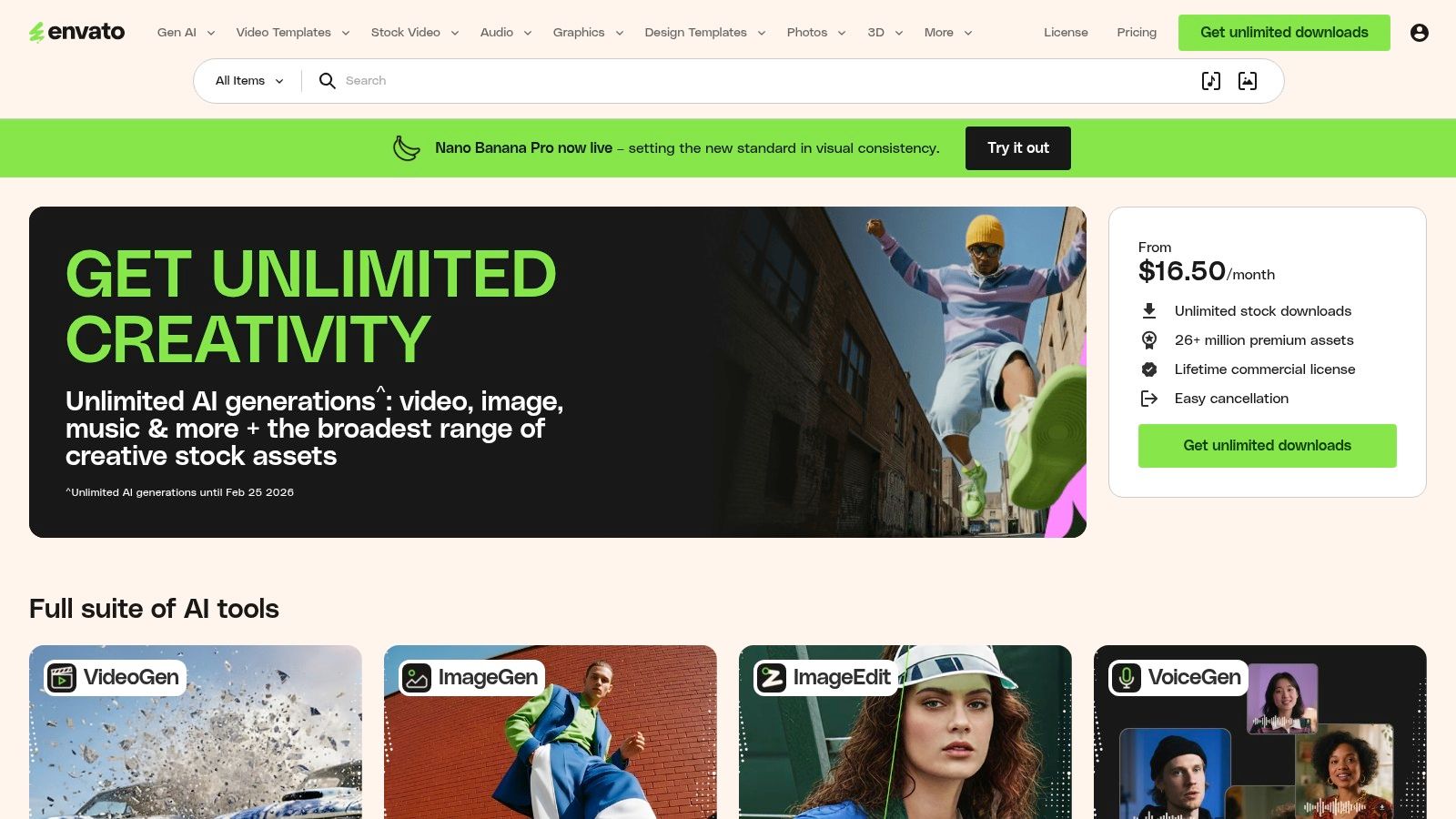
Envato Elements is a creative powerhouse for real estate professionals who want to produce high-end, cinematic videos without building every graphic and transition from scratch. It’s an unlimited-download subscription service offering a vast library of video templates, stock footage, music, and sound effects. This makes it a go-to resource for crafting some of the best real estate video content, from luxury property promos to polished agent branding reels.
The platform is built for editors who use professional software like Premiere Pro, After Effects, or Final Cut Pro but want to dramatically speed up their workflow and elevate the production value. Instead of creating complex motion graphics manually, you can download a template and simply drop in your own property clips.
Why Envato Elements Stands Out
The all-in-one subscription model is Envato's biggest advantage. While other services charge per asset, Envato gives you unlimited access to over 26 million creative assets. You can download a video opener, a lower-third graphic for your name, five stock clips of a local landmark, and a perfect background music track all under one simple monthly or annual fee.
Strategic Insight: The commercial license is a major benefit for agents and marketing teams. Every time you download an asset, you can register it for a specific project. Even if you cancel your subscription later, the license for that registered project remains valid, giving you long-term peace of mind for your marketing materials.
Key Features and User Experience
The website is well-organized, allowing you to filter assets by application (e.g., Premiere Pro), category, or keywords like "real estate tour." While the assets themselves are professional-grade, using them effectively requires a foundational knowledge of video editing software, as you are customizing templates, not just using a drag-and-drop editor.
Noteworthy Features:
- Massive Template Library: Thousands of real estate-specific templates for property slideshows, agent introductions, callouts, and social media stories.
- All-in-One Asset Access: One subscription includes templates, millions of stock video clips, royalty-free music tracks, and sound effects.
- Professional Software Compatibility: Templates are designed for industry-standard software like Adobe Premiere Pro, After Effects, and Apple Final Cut Pro.
- Simple Commercial Licensing: Register assets to projects for a clear and perpetual commercial license, crucial for business use.
| Feature | Envato Elements | Stock Asset Marketplaces (e.g., Pond5) |
|---|---|---|
| Pricing Model | Unlimited Subscription | Pay-per-asset |
| Asset Types | All-in-one (video, music, templates) | Specialized (often video-only) |
| Cost Predictability | Highly predictable (fixed fee) | Variable (depends on usage) |
| Software Required | NLE (e.g., Premiere Pro) | Any video editor |
| Target User | Editor seeking efficiency | Anyone needing specific assets |
Practical Tips for Agents
- Create a Collection: Use the "Collections" feature to save your favorite real estate templates, music tracks, and lower thirds. This creates a curated toolkit for your brand that you can access instantly for new projects.
- Search by Application: To save time, filter your search results by the specific video editing software you use. This ensures you only see compatible templates.
- Download B-Roll: Beyond templates, use the stock video library to find establishing shots of your city or lifestyle clips that match the property's vibe. This adds a professional layer that elevates your listing videos.
Envato Elements operates on a subscription basis, with monthly and yearly plans available that grant unlimited downloads. The ongoing commercial license adds significant value, making it a cost-effective solution for agents consistently producing video content.
Website: https://elements.envato.com
5. Motion Array
Motion Array is an all-in-one digital asset powerhouse for real estate marketers, videographers, and brokerages that want to elevate their video production beyond basic templates. It provides a massive subscription library of professional video templates, stock footage, music, sound effects, and powerful plugins for advanced editing software like Adobe Premiere Pro and DaVinci Resolve. This makes it a go-to resource for creating some of the best real estate video content that has a high-end, cinematic feel.
The platform is designed for creators who are comfortable with professional video editing software but want to dramatically speed up their workflow and improve the final quality. Instead of sourcing assets from multiple sites, Motion Array consolidates everything under one unlimited-download subscription.
Why Motion Array Stands Out
Motion Array's core strength is its immense value for volume producers. For a single monthly or annual fee, users get unlimited downloads of everything on the platform. This includes not just templates, but also high-quality 4K stock video for B-roll, an extensive library of royalty-free music, and professional plugins that can add stunning effects with a few clicks.
Strategic Insight: For in-house brokerage marketing teams or real estate photographers, Motion Array is a strategic investment. The plugins and Adobe Premiere Pro extension panel allow you to browse and import assets directly inside your editing software, eliminating wasted time downloading and organizing files. This streamlined workflow is a massive competitive advantage when producing multiple property videos per week.
Key Features and User Experience
The user interface is clean and asset-focused, with powerful filters to help you find the perfect template or music track quickly. You can filter real estate templates by style, such as "modern," "luxury," or "minimalist," to match a property's brand.
Noteworthy Features:
- Unlimited Downloads: A single subscription provides unlimited access to millions of assets, including templates, music, footage, sound effects, and LUTs (color grading presets).
- Professional Templates: A huge collection of templates for Premiere Pro, After Effects, DaVinci Resolve, and Final Cut Pro specifically designed for real estate listings, agent profiles, and market updates.
- Workflow-Integrated Plugins: Adobe extension panels and dedicated plugins allow editors to work more efficiently without ever leaving their editing software.
- AI Voiceover Tool: A built-in feature to quickly generate professional-sounding voiceovers for property tours or market reports, saving time and money on hiring voice actors.
| Feature | Motion Array (Subscription) | A La Carte Asset Sites (e.g., Pond5) |
|---|---|---|
| Cost Model | All-inclusive subscription | Pay per asset |
| Templates | Included and unlimited | Sold individually, can be costly |
| Music & SFX | Included and unlimited | Licensed separately per track |
| Workflow | Integrated plugins for NLEs | Manual download and import |
| Value | High for high-volume users | Better for one-off projects |
Practical Tips for Agents
- Filter for "Real Estate": Use the powerful search and filtering system. A simple search for "real estate slideshow" or "property promo" will reveal hundreds of high-quality templates to start from.
- Build a Core Asset Kit: As you browse, use the "favorites" feature to save your preferred music tracks, title animations, and call-to-action graphics. This creates a go-to kit for maintaining brand consistency across all your videos.
- Use LUTs for Quick Color Grading: Don't underestimate the power of LUTs (Look-Up Tables). Applying a professional color grade preset can instantly give your footage a more cinematic and polished look.
Motion Array operates on a subscription model, with monthly and annual plans offering the best value. Their licensing is straightforward: any video you create while your subscription is active is cleared for commercial use forever. This provides peace of mind for agents and marketing teams using the assets across various platforms.
Website: https://motionarray.com
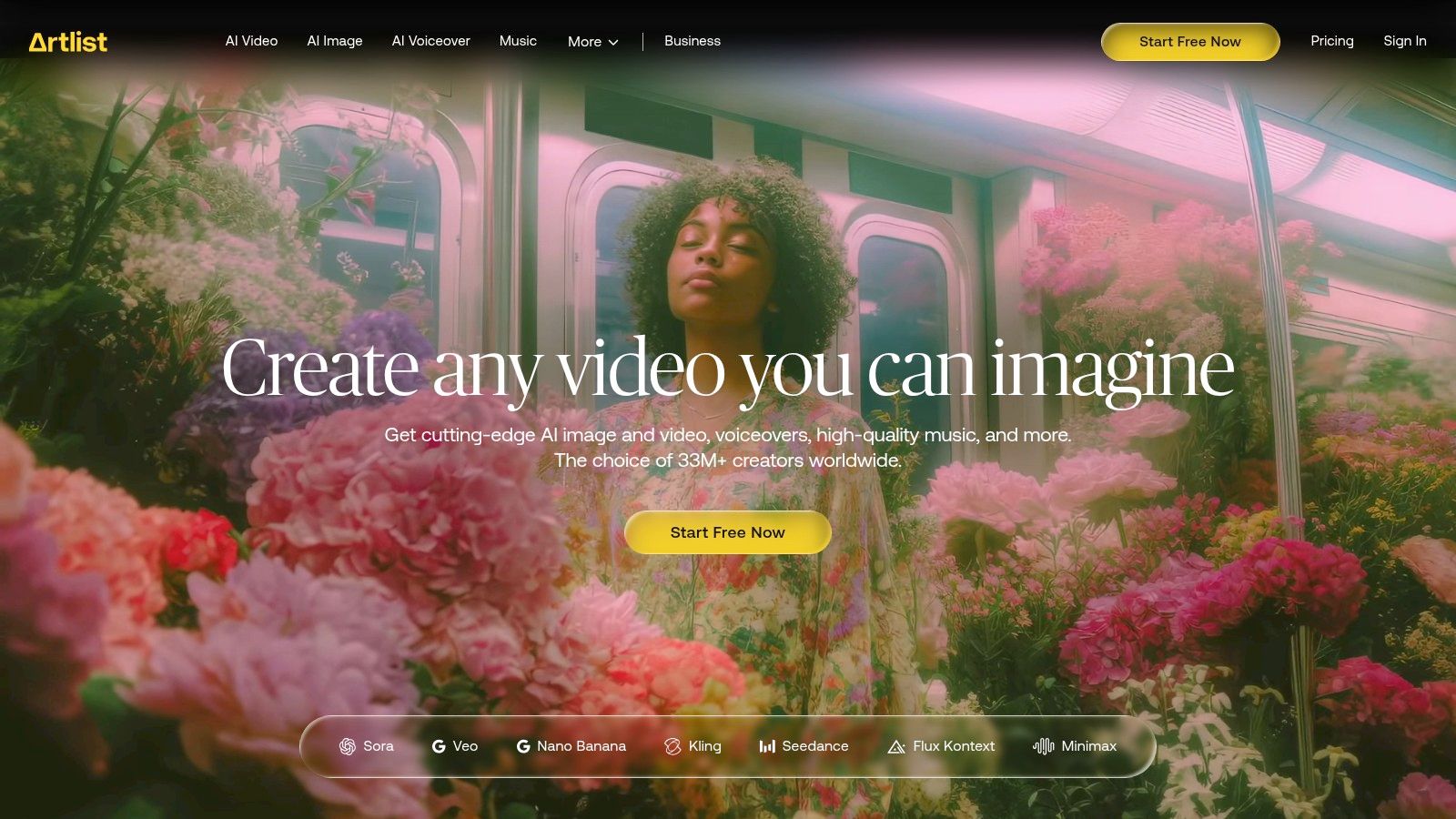
6. Artlist (including Artlist Max)
Artlist is an indispensable resource for real estate professionals who want to elevate their property videos with high-quality, cinematic music and sound effects. It's a subscription-based platform offering royalty-free assets, which means agents can use any track in their library for commercial purposes, including social media ads and MLS listings, without worrying about copyright strikes or additional fees. This makes it a core tool for creating some of the best real estate video content that feels premium and emotionally engaging.
The platform has expanded with Artlist Max, a comprehensive bundle that includes not just music and SFX, but also stock footage, video templates, and even AI-powered tools for voiceovers and image generation. This positions it as a one-stop creative hub for agents who need high-quality b-roll, professional audio, and cutting-edge creative assets all under a single, simple license.
Why Artlist Stands Out
Artlist's strength is its impeccably curated library of music. Unlike other stock sites with generic corporate tracks, Artlist focuses on authentic, cinematic music created by real artists, which is perfect for setting the mood in a luxury property tour or a lifestyle-focused neighborhood video. The universal license is its key differentiator, removing the legal complexities of music licensing for business use.
Strategic Insight: The emotional impact of a video is driven heavily by its soundtrack. Using a high-quality, fitting track from Artlist can be the difference between a property video that feels like a generic slideshow and one that tells a compelling story, making potential buyers feel an emotional connection to the home before they even visit.
Key Features and User Experience
The platform is designed for creators, with a clean interface that makes it easy to filter and find the perfect track by mood, genre, instrument, or video theme. The Artlist Max plan integrates footage and templates seamlessly, allowing you to source all your creative assets from one place.
Noteworthy Features:
- Universal Royalty-Free License: One subscription covers all your projects, from YouTube videos to paid social media advertising campaigns, forever.
- Highly Curated Music Library: Focus on quality over quantity, making it faster to find a track that elevates your content.
- Artlist Max Bundle: A comprehensive plan including stock footage, video templates (for Premiere Pro, After Effects), plugins, and AI tools.
- Premiere Pro Extension: Allows editors to browse and add music from the Artlist library directly within their editing software, speeding up the workflow.
| Feature | Artlist Max | Typical Stock Asset Sites |
|---|---|---|
| Licensing | Single, universal license | Complex, per-use, or tiered licenses |
| Content Quality | Highly curated, cinematic | Varies greatly, often generic |
| Asset Types | Music, SFX, footage, templates, AI tools | Often requires separate subscriptions |
| Workflow | Integrated (e.g., Premiere Pro plugin) | Manual download and import |
| Billing | Annual Subscription | Can be per-asset or subscription |
Practical Tips for Agents
- Create a Playlist: As you browse, save tracks you like to a "Real Estate" playlist. This will give you a go-to collection of pre-vetted music for your future listing videos.
- Use SFX for Impact: Don't just use music. Add subtle sound effects like a door opening, a gentle breeze, or birds chirping to make your video tours more immersive.
- Leverage Stock Footage: The Max plan is perfect for neighborhood tours. Instead of spending time filming generic lifestyle shots, you can find high-quality clips of a bustling downtown, a serene park, or a family playing.
Artlist is a subscription-based service, typically billed annually. While it's an investment, the time saved and the professional quality it adds to your video marketing provide significant value. Plans are available for individuals, teams, and entire brokerages.
Website: https://artlist.io
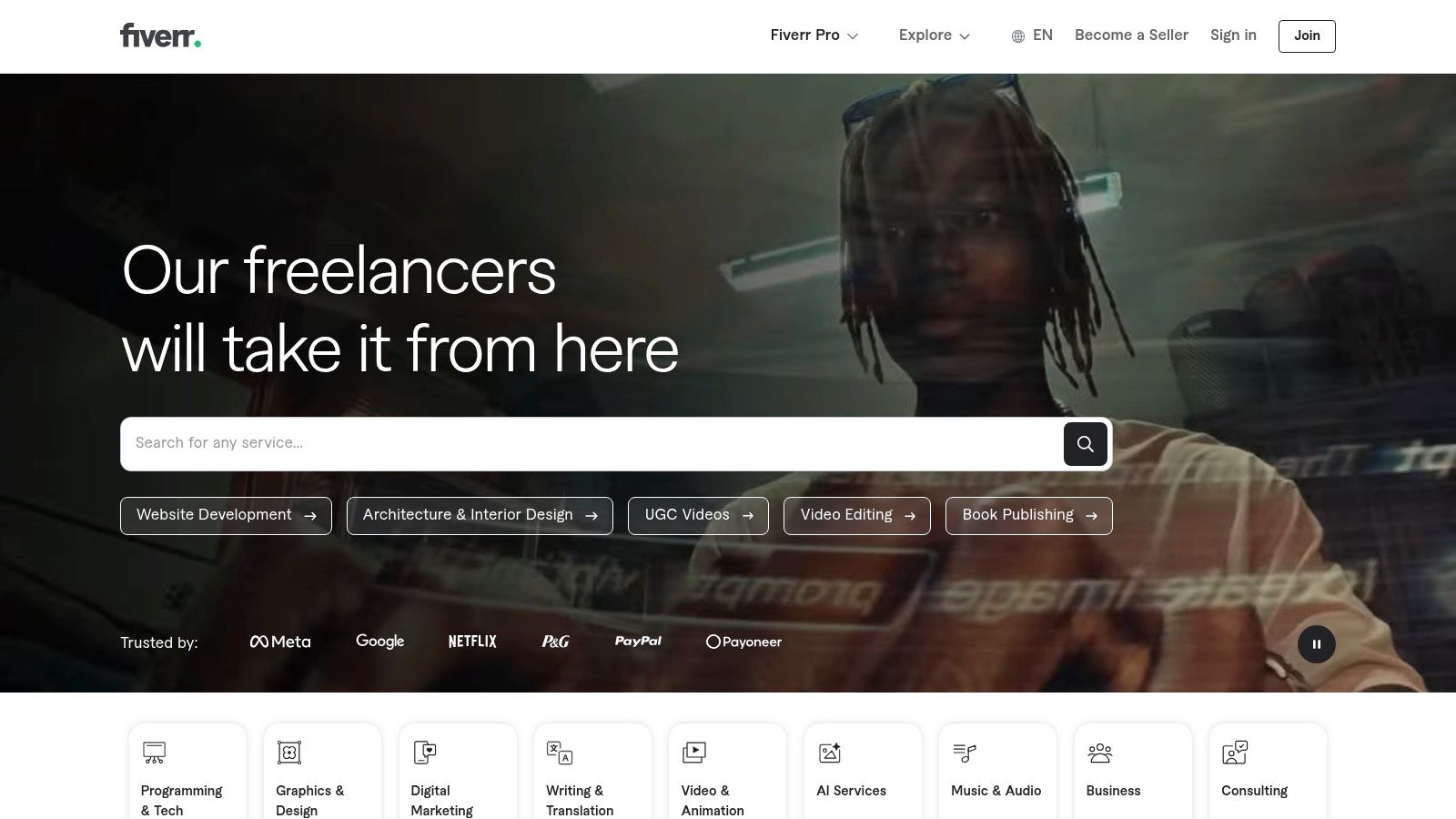
7. Fiverr
Fiverr is a global freelance marketplace that provides a powerful alternative for agents who prefer to outsource video production rather than learn new software. It's a go-to platform for hiring skilled professionals for specific tasks, from editing a full listing tour to creating a branded intro or animating social media graphics. This approach allows you to access high-quality talent on a per-project basis, making it a flexible way to produce some of the best real estate video content without the overhead of subscriptions or software.
The platform excels at connecting you with specialists. Whether you need an expert drone videographer, a motion graphics artist for your branding, or a fast editor for social media reels, you can find a freelancer whose skills match your exact needs and budget.
Why Fiverr Stands Out
Fiverr's strength is its vast, searchable network of specialized talent combined with a transparent, project-based pricing model. Instead of paying a monthly fee for a tool you might not use, you pay for a specific outcome. You can search for "real estate video editing," filter by budget, delivery time, and seller rating, and find the perfect partner for your project. This makes it incredibly scalable, whether you need a single video or a dozen.
Strategic Insight: Use Fiverr to build a "virtual marketing team" on demand. You can find a preferred video editor, a captioning expert, and a graphic designer, and work with them consistently. This gives you the benefits of an in-house team's brand knowledge without the fixed costs, allowing you to scale your video output up or down as needed.
Key Features and User Experience
The user interface is built around "gigs," which are services offered by freelancers at set prices. You can easily compare portfolios, read reviews, and communicate with sellers before purchasing. The platform’s built-in messaging, brief submission, and revision workflows keep project management organized in one place.
Noteworthy Features:
- Granular Search Filters: Find freelancers based on service type, software skills (e.g., Premiere Pro, After Effects), budget, and turnaround time.
- Transparent Pricing Tiers: Most gigs offer basic, standard, and premium packages, so you know exactly what you're getting for the price.
- Built-in Project Management: The platform handles communication, file sharing, revisions, and payments securely.
- Access to Niche Specialists: Hire experts in luxury property videos, 3D architectural rendering, or vertical video optimization for social media.
| Feature | Fiverr | In-House DIY Software (e.g., Canva) |
|---|---|---|
| Effort Required | Low (Outsourcing) | Medium (Learning & Doing) |
| Control | High (Via brief & revisions) | Full creative control |
| Cost Model | Per-Project | Subscription (Monthly/Annual) |
| Scalability | Highly Scalable | Limited by your own time |
| Expertise | Access to professionals | Limited by your own skills |
Practical Tips for Agents
- Create a Detailed Brief: The quality of your final video depends on the quality of your instructions. Clearly outline your vision, provide examples, include brand assets (logo, colors), and specify the target platform (e.g., Instagram Reel, YouTube).
- Vet Sellers Carefully: Don't just look at the price. Scrutinize seller portfolios to ensure their style matches your brand. Read recent reviews to gauge their communication and reliability.
- Start with a Small Test Project: Before committing to a large or recurring project, hire a new freelancer for a smaller task, like a short social media clip, to evaluate their work and process.
Fiverr offers a flexible way to produce professional video content at nearly any budget. For agents who want to understand how outsourced video fits into a larger strategy, we offer additional resources on our blog. Learn more about developing a real estate video marketing plan.
Website: https://www.fiverr.com
Top 7 Real Estate Video Tools Comparison
| Tool | Implementation Complexity 🔄 | Resource Requirements ⚡ | Expected Outcomes ⭐📊 | Ideal Use Cases 💡 | Key Advantages |
|---|---|---|---|---|---|
| AgentPulse | Low 🔄 — automated 3D reconstruction and camera planning | Minimal ⚡ — JPG/PNG photos; paid tiers for more credits/1080p | High ⭐ — cinematic, social/MLS-ready videos in 2–5 min 📊 | Fast listing reels, vertical social ads, scale team output | Turn-key 3D-aware motion, fast renders, marketing-cleared music & rights |
| Canva | Very low 🔄 — template-driven, browser-based editor | Low ⚡ — built-in templates/stock; paid for brand/team features | Good ⭐⭐ — consistent branded social & MLS videos 📊 | Branded agent videos, quick social posts, small teams | Huge template/stock library, brand kits, collaboration tools |
| Animoto | Low 🔄 — drag-and-drop with listing templates | Low ⚡ — photos/clips; paid for 1080p, hosting features | Good ⭐⭐ — fast promos and slideshows, MLS-safe outputs 📊 | Photo-led property promos, voice-over slideshows | Ready templates, cleared music, reusable templates & landing pages |
| Envato Elements | Medium-High 🔄 — requires NLE skills to apply templates | Higher ⚡ — subscription + Premiere/After Effects/Final Cut | Very High ⭐⭐⭐ — polished, high-production-value assets 📊 | Luxury promos, agency posts, when high polish is required | Massive template/stock library, commercial license continuity |
| Motion Array | Medium 🔄 — best with intermediate NLE knowledge | Higher ⚡ — subscription, NLEs, plugins; team licenses available | High ⭐⭐ — streamlined pro workflows for volume 📊 | Brokers/agencies producing many listing videos | All-in-one assets, plugins, Adobe extensions, unlimited downloads on plans |
| Artlist (Max) | Low-Medium 🔄 — asset/licensing focused, easy integration | Medium ⚡ — annual subscription; AI credits for extra features | High ⭐⭐ — cinematic music & cleared b-roll for ads/listings 📊 | Creators needing cleared audio and footage across platforms | Pro-level licensing, strong music catalog, Premiere extension |
| Fiverr | Variable 🔄 — complexity depends on chosen freelancer | Variable ⚡ — pay-per-job; budget/rush options; brief management | Variable ⭐ — quality depends on seller; can be professional 📊 | One-offs, overflow capacity, custom edits or specialized skills | Flexible budget/timeline, access to specialists, done-for-you production |
Choosing the Right Tool to Build Your Video Strategy
Throughout this guide, we've explored a diverse range of examples, each demonstrating how powerful video can be in real estate marketing. We've seen everything from high-energy social media clips to cinematic property tours. The common thread isn't a massive budget or a Hollywood production crew; it's a clear strategy executed with the right tools. The quest to create the best real estate video for your listing starts with understanding your specific goals and constraints.
The examples we've broken down prove that high-quality video is more accessible than ever. You no longer need to be a professional videographer to produce content that stops the scroll, captivates potential buyers, and drives inquiries. The key is aligning your toolset with your desired outcome, whether that's efficiency, brand consistency, or ultimate creative control.
Key Takeaways for Your Video Strategy
As you move forward, keep these core principles in mind. They are the foundation for building a video marketing engine that consistently delivers results.
- Strategy Over Gear: The most effective videos are born from a clear plan. Who is your target buyer? What platform are you creating for? What story does the property tell? Answering these questions before you press record is more important than the camera you use.
- Efficiency is a Competitive Advantage: The ability to create a professional video for every single listing sets you apart. Tools that streamline the creation process, like AgentPulse, allow you to scale your marketing efforts without scaling your workload, ensuring no property gets left behind.
- Asset Libraries Are Your Best Friend: Don't underestimate the power of high-quality stock music, templates, and b-roll footage. Platforms like Envato Elements, Motion Array, and Artlist provide the professional polish that elevates your videos from amateur to amazing, saving you significant time and money.
- Tailor for the Platform: A video that excels on YouTube may not perform well on Instagram Reels. Always consider the viewing context, sound-on versus sound-off behavior, and optimal aspect ratios for each platform you post on.
Your Next Steps: From Inspiration to Action
Now it's time to turn these insights into a tangible plan. Begin by assessing your current resources and workflow. Do you have a library of high-quality photos ready to go? Are you comfortable with template-based editors, or do you need a more automated solution?
Your choice of tools will define your capabilities. For instance, if your primary goal is speed and consistency across all listings, an AI-powered platform is your most direct path to success. To further compare options for your real estate video strategy, you might find a comprehensive guide to the best AI video creation tools helpful. If your focus is on building a strong brand presence through custom social media content, a flexible tool like Canva combined with an asset subscription might be the perfect mix.
Ultimately, the best real estate video is the one that gets made, gets seen, and gets results for your client. The tools we’ve covered provide multiple pathways to achieve that goal. Start small, pick one style from this article that resonates with you, and commit to creating a video for your next listing using a new tool. By taking consistent action, you will build the skills and confidence to make video an indispensable part of your marketing arsenal.
Ready to create stunning, cinematic real estate videos in minutes? AgentPulse uses AI to transform your existing property photos into dynamic video tours that capture attention and engage buyers. Stop letting your best photos sit idle and start turning them into your most powerful marketing asset with AgentPulse today.