Video creation is no longer just for professionals with expensive gear and years of experience. High-quality video is now a must-have for marketing, social media, and internal communications, but the traditional process is often a bottleneck due to its cost, complexity, and time commitment. Scripting, filming, editing, and finding the right music can take days or even weeks.
This is the problem that the best AI video creation tools are built to solve. These platforms automate the most demanding parts of the production process, allowing anyone to generate professional-grade videos in minutes. They can write scripts, create visuals from a simple text prompt, generate realistic voiceovers, and even edit footage based on your instructions. For real estate agents, property managers, and marketers, this technology is a game-changer for creating compelling property tours and promotional content without hiring a production crew.
This guide provides a comprehensive breakdown of the top 12 AI video generators available today. We'll analyze each tool's core features, pricing, unique strengths, and potential drawbacks. To help you make an informed decision, every entry includes screenshots, direct links, and clear use cases to match the right tool to your specific needs. While this article focuses on video, it's worth noting that this is just one part of a much larger shift. To grasp the full scope of how AI is transforming digital creation, exploring the broader landscape of AI content tools provides valuable context. Let’s find the perfect solution to streamline your workflow and elevate your video content.
1. AgentPulse
Best for Real Estate & Property Marketing
AgentPulse stands out as a powerful and highly specialized AI video creation tool, uniquely engineered to transform static property photos into dynamic, professional-grade video tours. Unlike general-purpose video makers, its core technology is built specifically for the real estate industry, making it an indispensable asset for agents, photographers, and property managers. The platform’s 3D-aware engine analyzes standard listing photos (JPG/PNG) to reconstruct the spatial layout of a room, intelligently identifying walls, windows, and furniture. This allows it to automatically generate cinematic camera movements like parallax pans, dolly-ins, and reveal shots that mimic an on-site professional videographer.
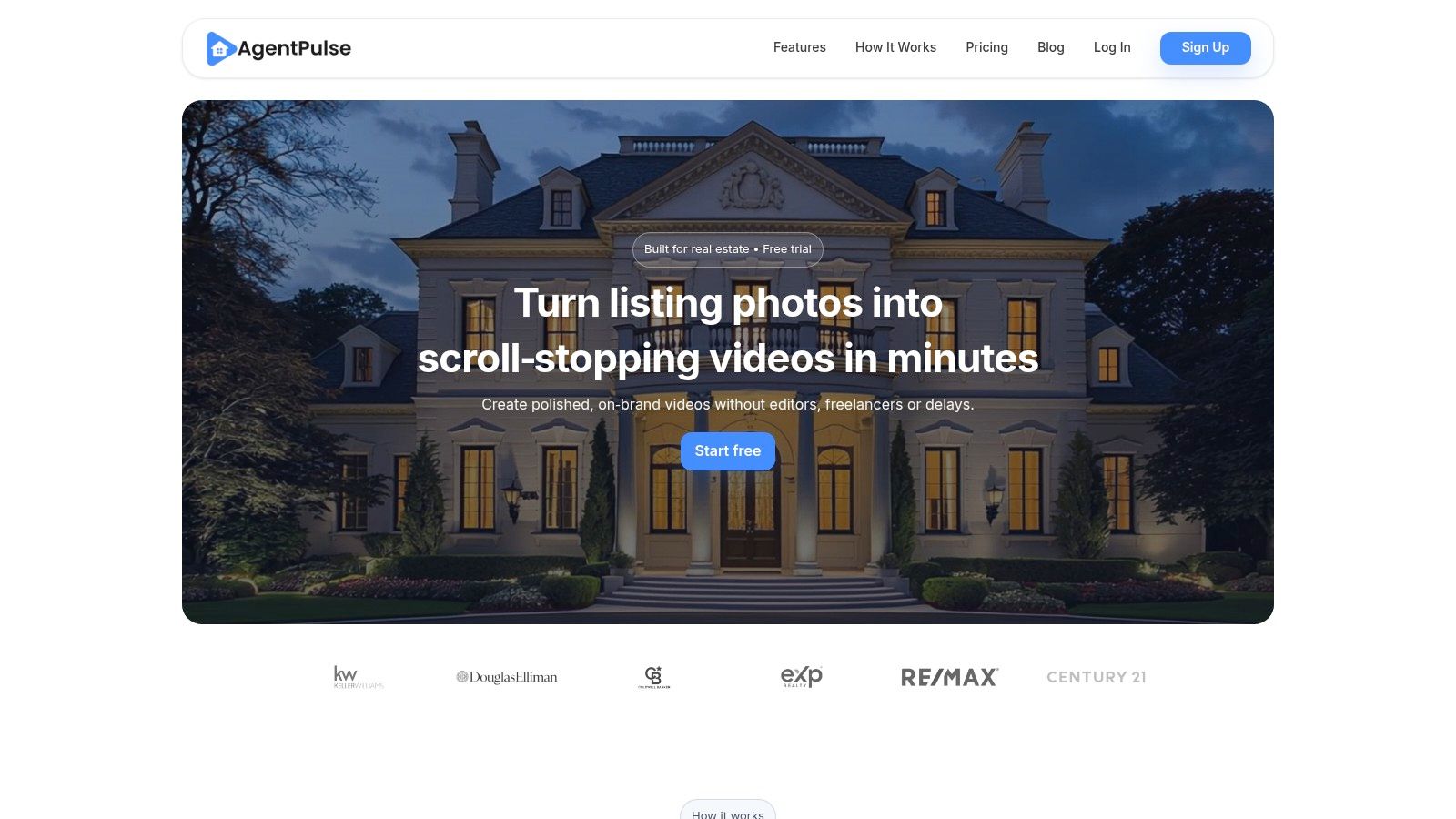
This sophisticated approach delivers a far more immersive and polished result than a simple slideshow. The entire process is exceptionally fast, with most videos rendering in just 2-5 minutes, enabling users to create and publish marketing assets almost instantly. This rapid turnaround is a significant competitive advantage in the fast-paced real estate market.
Key Features & User Experience
AgentPulse simplifies video production to a drag-and-drop workflow. Users upload their images, and the AI handles the complex motion planning. Paid plans offer crucial features for professional use, including unlimited re-renders for fine-tuning, sequence and style control, and access to a library of royalty-free music. This ensures all finished videos are commercially cleared for use on MLS, social media, and ad platforms without copyright concerns.
The platform is designed for efficiency and scale, making it one of the best AI video creation tools for anyone marketing properties. Learn more about the technology behind AI-powered real estate videos from AgentPulse.
| Feature | Details |
|---|---|
| Technology | 3D-aware AI engine for cinematic motion from still photos. |
| Output Formats | Portrait (9:16), Square (1:1), Landscape (16:9). |
| Render Speed | 2-5 minutes per video on average. |
| Licensing | Paid plans include full marketing rights and royalty-free music. |
Pricing & Plans
- Free: 5 credits/month, 720p exports with a watermark.
- Standard ($49/month): 40 credits/month, 1080p watermark-free exports, unlimited edits.
- Advanced ($99/month): 100 credits/month, priority support, and the option to buy extra credits.
Pros & Cons
- Pros: Extremely fast production, genuinely cinematic AI motion, clear licensing for marketing, and a simple, user-friendly interface.
- Cons: Credit limits on paid plans may require purchasing add-ons for high-volume users, and it's not a substitute for high-end, bespoke videography for ultra-luxury listings.
Website: https://www.agentpulse.ai
2. Runway
Runway is a powerhouse among the best AI video creation tools, offering a complete, browser-based suite for creators who need more than basic video generation. It’s best known for its advanced Gen-2 and upcoming Gen-3 models, which transform text prompts or existing images into high-quality, cinematic video clips. This makes it ideal for producing creative b-roll, dynamic social media ads, or visually striking introductions for property tours.
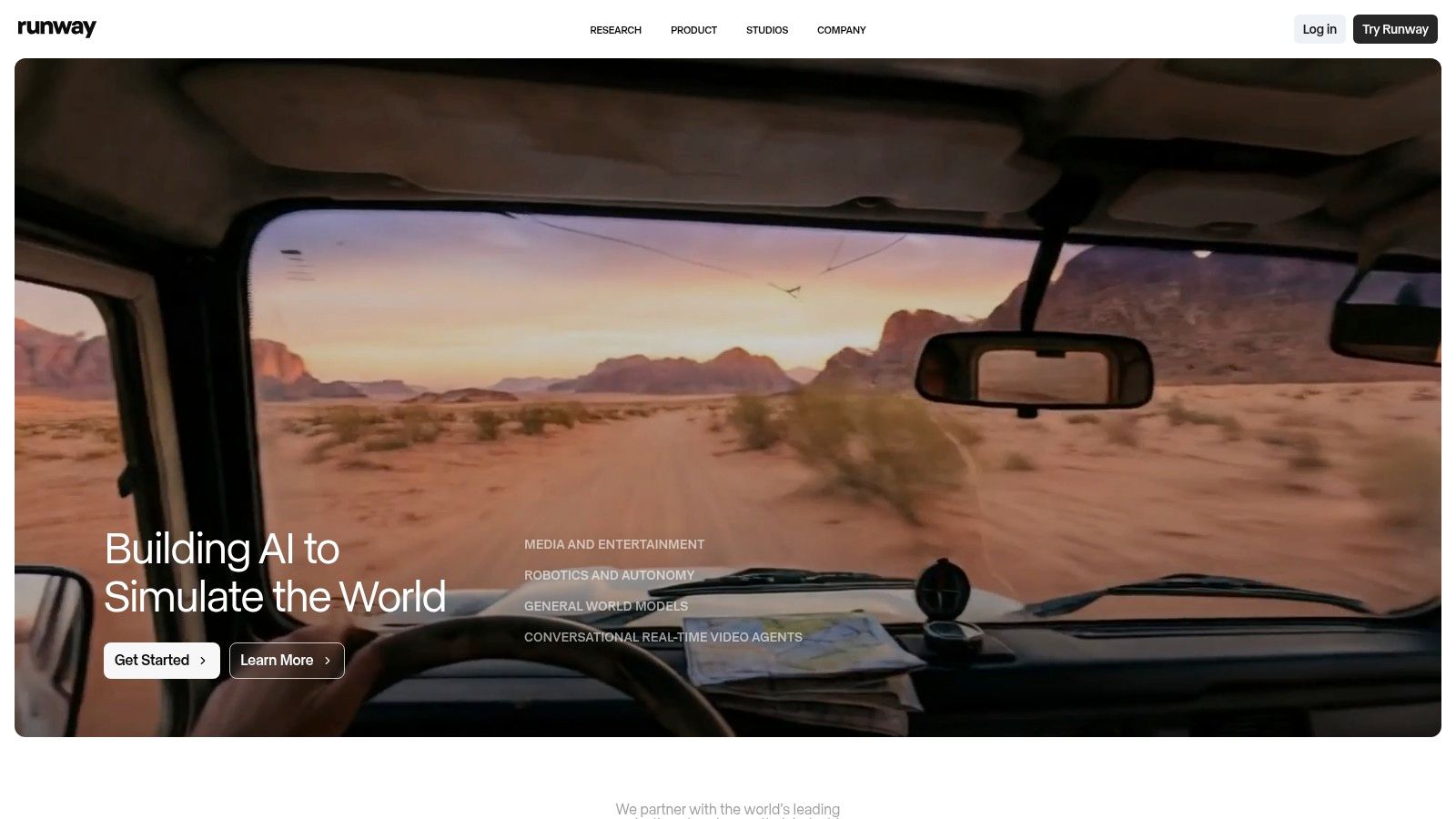
What sets Runway apart is its integrated, production-oriented environment. You aren't just generating a clip; you're working within a full editor where you can upscale footage to 4K, add AI-powered voice dubbing, and chain multiple tasks together using its "Workflows" feature. This allows you to generate, edit, and finalize a project without ever leaving the platform.
Key Features & Use Cases
- Best For: Creating unique b-roll for property videos, generating eye-catching social media ads, or experimenting with artistic video concepts for brand marketing.
- Standout Feature: The Gen-2 text-to-video and image-to-video model is one of the most capable and cinematic generators available.
- Pricing: Starts with a free plan offering limited credits. Paid plans begin at $12/user/month (billed annually) and provide more credits, higher resolution exports, and no watermarks.
- Practical Tip: Use the "image-to-video" feature with a high-quality photo of a listing's exterior. You can add subtle motion like flowing clouds or rustling trees to bring a static image to life for a social media post.
| Pros | Cons |
|---|---|
| Industry-leading text-to-video and image-to-video models. | Credit system can be complex to understand at first. |
| All-in-one editor with upscaling and AI voice tools. | Achieving perfect results requires practice with prompting. |
| Collaborative workspaces for team projects. | Can be overkill for users who only need simple slideshows. |
Website: https://runwayml.com
3. Synthesia
Synthesia is a market leader among the best AI video creation tools, specializing in polished, avatar-driven presentations. Instead of generating cinematic scenes, it creates high-quality videos featuring AI-powered human presenters who speak your script. This makes it an exceptional choice for creating professional training modules, client onboarding videos, or hyper-localized market updates where a human touch is essential.
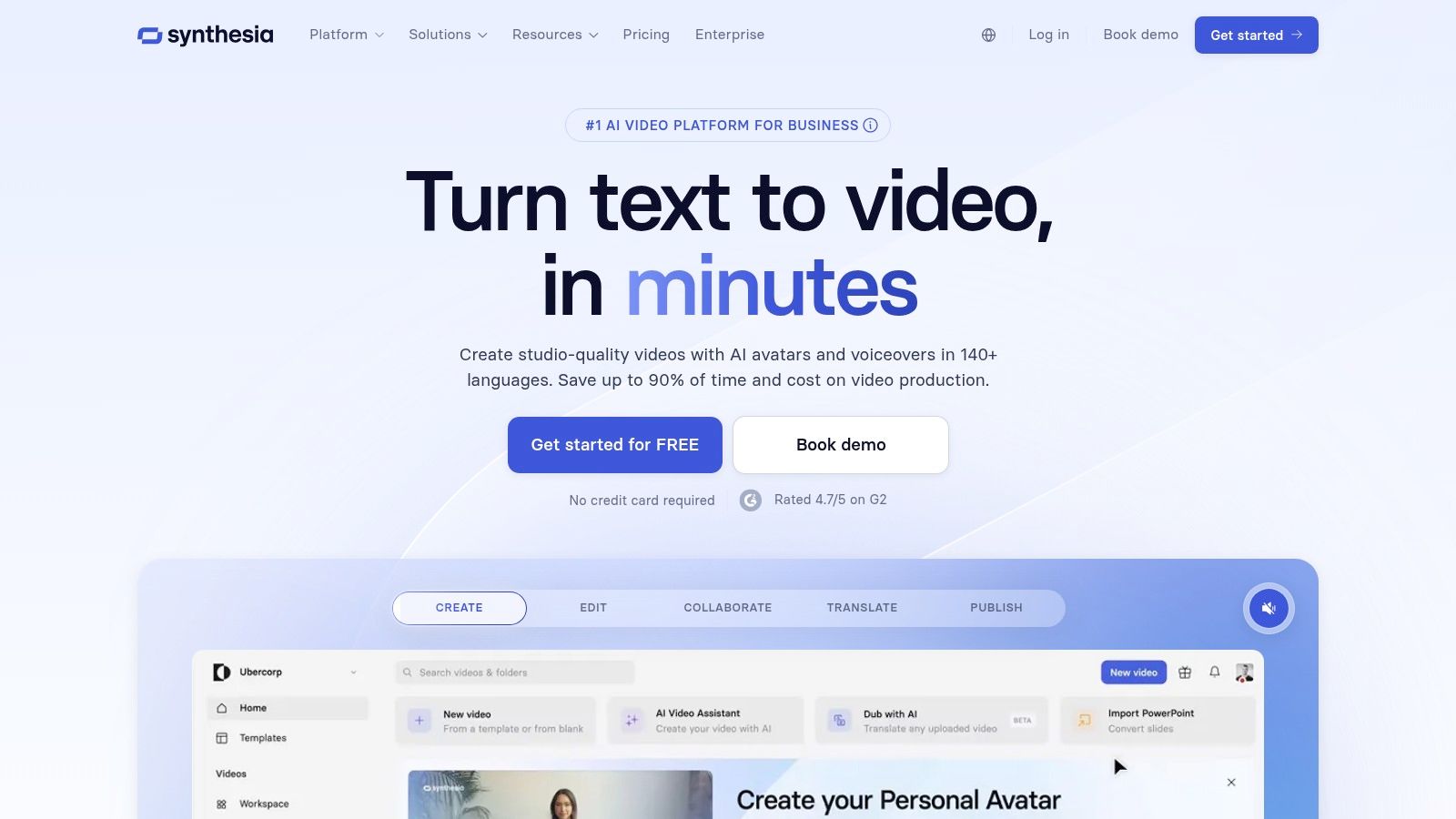
What sets Synthesia apart is its enterprise-grade focus and robust localization capabilities. With over 125 stock avatars and support for more than 80 languages, you can create a single video and instantly dub it for different audiences worldwide. The platform is designed for professional use cases, allowing you to create custom avatars, implement brand kits, and collaborate with your team, all within a secure, user-friendly environment.
Key Features & Use Cases
- Best For: Creating agent introduction videos, multilingual property explainers for international buyers, or standardized training content for a brokerage.
- Standout Feature: The high-quality AI avatars and seamless AI dubbing with accurate lip-syncing provide a professional, human-like presentation.
- Pricing: The Personal plan starts at $22/month (billed annually) for 10 minutes of video. Business and Enterprise plans offer more features and custom pricing.
- Practical Tip: Use Synthesia to create a "Meet the Agent" video for your website bio. You can easily update it with new accolades or market stats without needing to re-record yourself on camera.
| Pros | Cons |
|---|---|
| Enterprise-ready with strong security and team features. | Geared primarily to talking-head formats, not cinematic scenes. |
| High avatar quality suited for corporate and learning content. | Costs scale with minutes/credits at higher usage levels. |
| Robust language and dubbing coverage for localization. | Less ideal for creative, artistic, or social media-focused video. |
Website: https://www.synthesia.io
4. HeyGen
HeyGen is one of the best AI video creation tools for producing polished, avatar-led content without a camera or microphone. It specializes in generating hyper-realistic spokesperson videos where you can type a script, choose an avatar, and create a professional-looking video in minutes. This is ideal for creating personalized agent introductions, market update videos, or explainer content about the home-buying process.
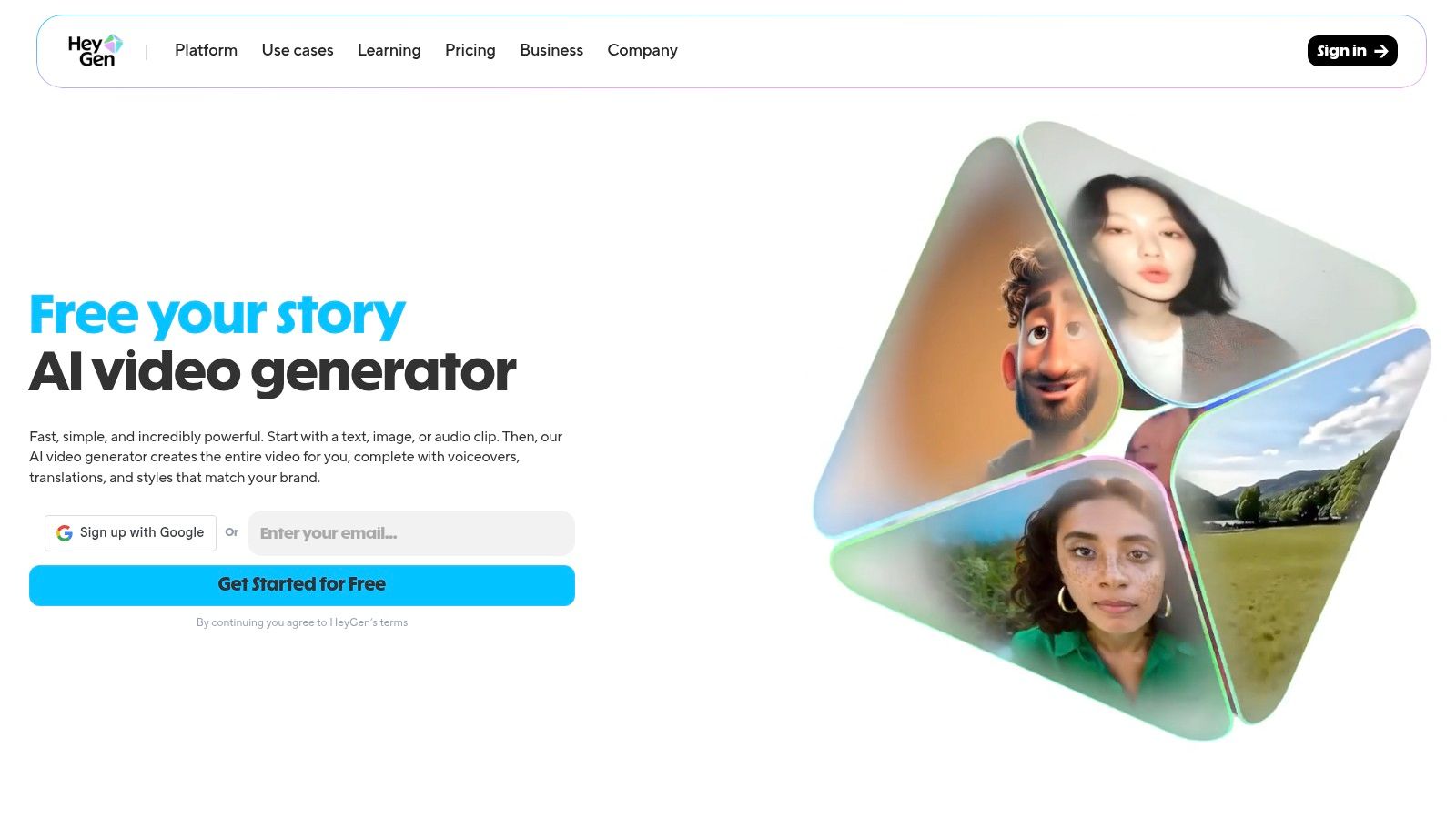
What makes HeyGen stand out is its focus on high-quality lip-sync and localization. The platform's AI can translate your script and dub your video into over 30 languages, matching the avatar's lip movements perfectly. This opens up opportunities to market properties to international buyers or create training materials for a diverse team, all from a simple text-based input.
Key Features & Use Cases
- Best For: Creating personalized sales outreach, scalable training videos, market update announcements, or testimonial-style content using a custom digital avatar.
- Standout Feature: The AI-powered video translation and dubbing tool allows you to repurpose a single video for multiple languages with accurate lip-syncing.
- Pricing: A free plan is available to test the platform. Paid plans start at $24/month (billed annually) for more credits and premium features.
- Practical Tip: Use the "Custom Avatar" feature to create a digital version of yourself. You can then generate quick, personalized video messages for new leads without having to record yourself each time.
| Pros | Cons |
|---|---|
| Fast to produce polished spokesperson-style videos. | Focused on avatar formats, less suited to cinematic b-roll scenes. |
| Clear on-ramp with a free plan for trialing the tool. | Business features increase cost compared with creator tiers. |
| Excellent localization with multi-language dubbing and lip-sync. | Creating a high-quality custom avatar requires a small investment. |
Website: https://www.heygen.com
5. Kapwing
Kapwing is a versatile, browser-based video editor that excels at simplifying social media video creation with its expanding set of AI tools. While it functions as a capable traditional editor, its strength lies in AI-powered workflows like generating video scripts, finding b-roll, and adding automatic subtitles. This makes it an excellent choice for real estate agents who need to quickly repurpose listing clips into polished, vertically formatted videos for platforms like Instagram Reels or TikTok.
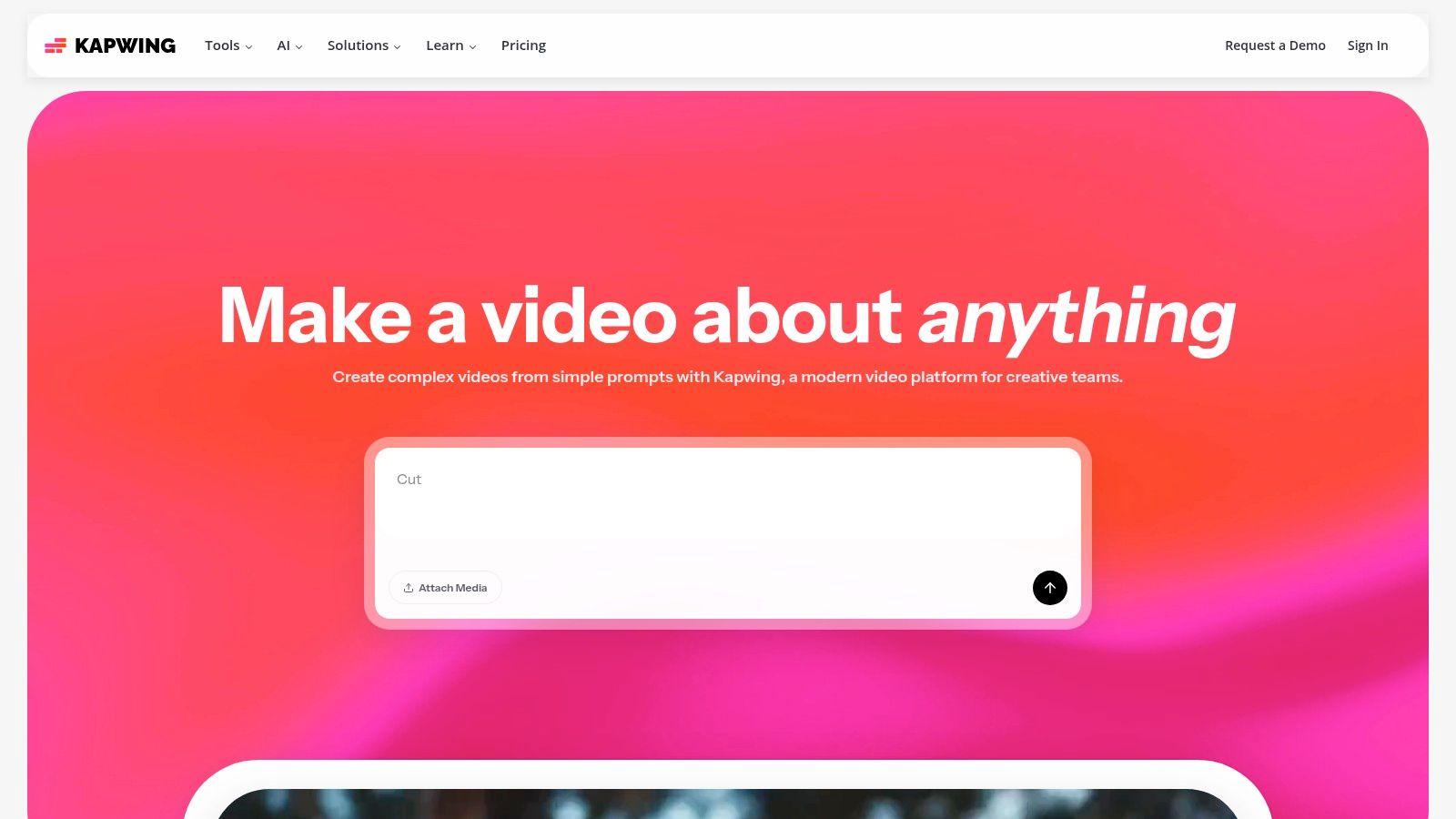
What makes Kapwing one of the best AI video creation tools for social-first content is its all-in-one, template-driven environment. You can go from a simple idea to a fully edited video with captions, music from its stock library, and a call-to-action in minutes. Its tools for auto-translating and dubbing also make it useful for agents serving multilingual communities, allowing them to create accessible property tours effortlessly.
Key Features & Use Cases
- Best For: Quickly creating social media content, adding accurate subtitles to testimonials, or repurposing longer property tours into short, engaging clips.
- Standout Feature: The combination of an easy-to-use editor, an extensive stock media library, and integrated AI tools like auto-subtitling and b-roll generation.
- Pricing: Kapwing has a free plan with watermarked 720p exports. Paid plans start at $16/user/month (billed annually) for 4K exports, no watermarks, and access to all AI features.
- Practical Tip: Use the “Repurpose” tool to upload a horizontal property video. Kapwing’s AI will automatically identify key moments and reframe them into a vertical 9:16 format, adding dynamic captions to create a share-ready social media post.
| Pros | Cons |
|---|---|
| Very approachable for non-editors with strong social templates. | Advanced AI features consume credits and heavy use may require a higher tier. |
| Generous integrated stock library and easy repurposing workflows. | Browser-based editing can be strained by very large projects. |
| Excellent auto-subtitling and translation features. | Less focused on pure generative AI than competitors like Runway. |
Website: https://www.kapwing.com
6. Descript
Descript approaches AI video creation from a unique angle, functioning as an AI-powered editor that revolves around text. Instead of generating video from a prompt, its power lies in radically simplifying the editing process for existing footage, particularly talking-head videos, voiceovers, and interviews. This makes it an indispensable tool for agents creating market updates, recording property voiceovers, or editing client testimonials.
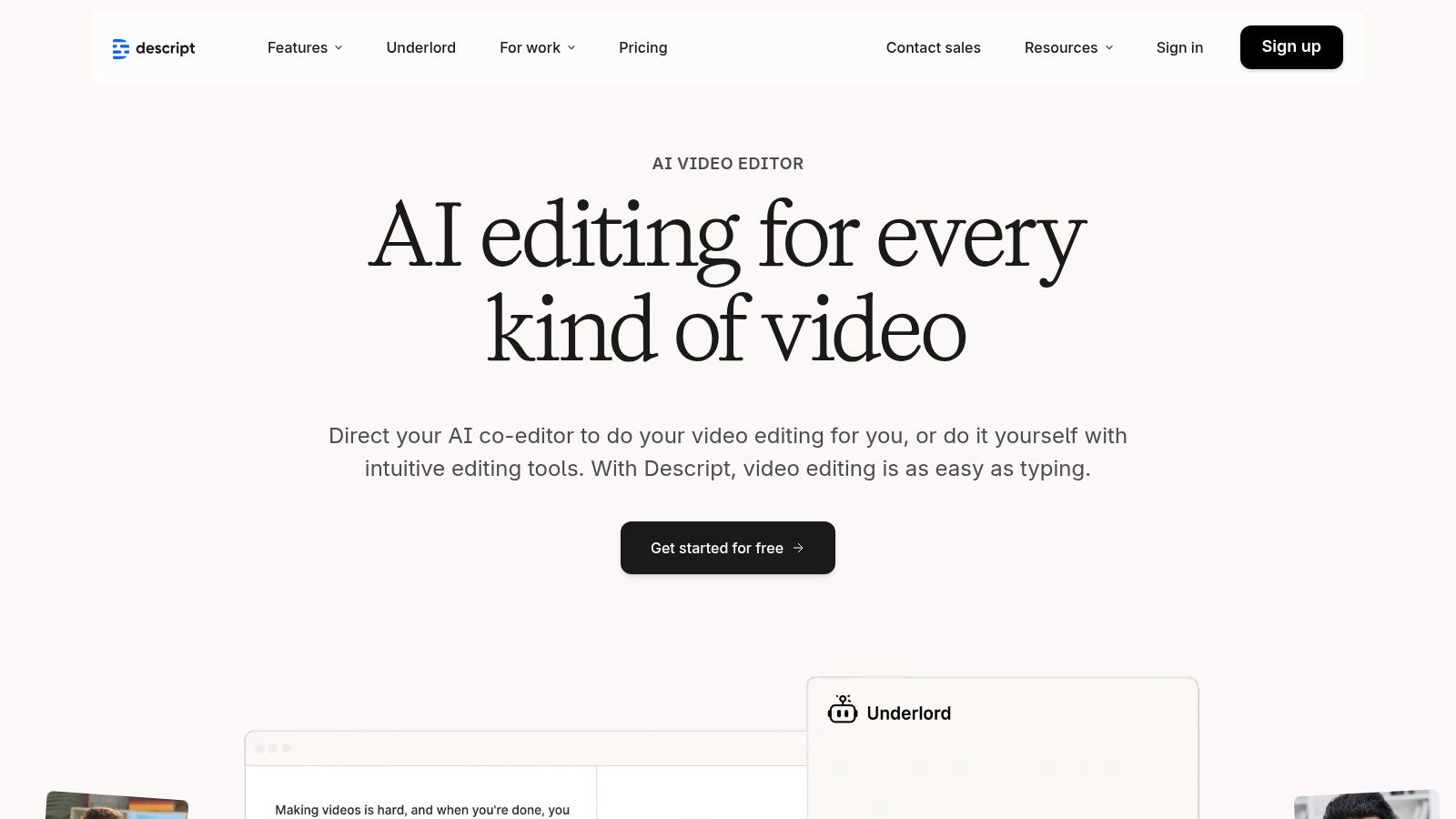
What makes Descript so effective is its "edit-by-transcript" workflow. Tools like Descript revolutionize editing by allowing you to directly edit your video by editing its automatically generated transcript, making the process to transcribe video to text seamless. You can delete filler words ("um," "ah") with a single click or rearrange entire sentences by cutting and pasting text, and the video track updates automatically. For agents who are comfortable on camera but not with complex editing software, this is a game-changer. It's one of the best video editing software for beginners for this very reason.
Key Features & Use Cases
- Best For: Editing agent vlogs, creating property tour voiceovers, cleaning up webinar recordings, and quickly adding captions to social media videos.
- Standout Feature: "Studio Sound" removes background noise and echo with one click, making audio recorded in a less-than-ideal space sound professionally produced.
- Pricing: A free plan is available for basic transcription. Paid plans start at $12/user/month (billed annually) and include more transcription hours and watermark-free exports.
- Practical Tip: Use the "Overdub" feature to correct mistakes in your narration without re-recording. If you misstate a property detail, you can simply type the correction, and Descript's AI will generate the audio in your own voice.
| Pros | Cons |
|---|---|
| Speeds up voiceover and interview-style content production. | Not a generative tool for creating video from scratch. |
| Powerful AI tools like Studio Sound and filler word removal. | Long transcriptions count against monthly limits on lower tiers. |
| Strong team collaboration tools and cloud project storage. | Best suited for dialogue-heavy videos, not cinematic b-roll. |
Website: https://www.descript.com
7. VEED
VEED is less a pure generator and more of a supercharged cloud video editor that has integrated a suite of powerful AI tools. It excels at the practical, post-production tasks that turn raw footage into polished marketing assets. For real estate professionals, it's perfect for quickly adding subtitles to a walkthrough video, creating multilingual versions for different demographics, or cleaning up audio on a testimonial.
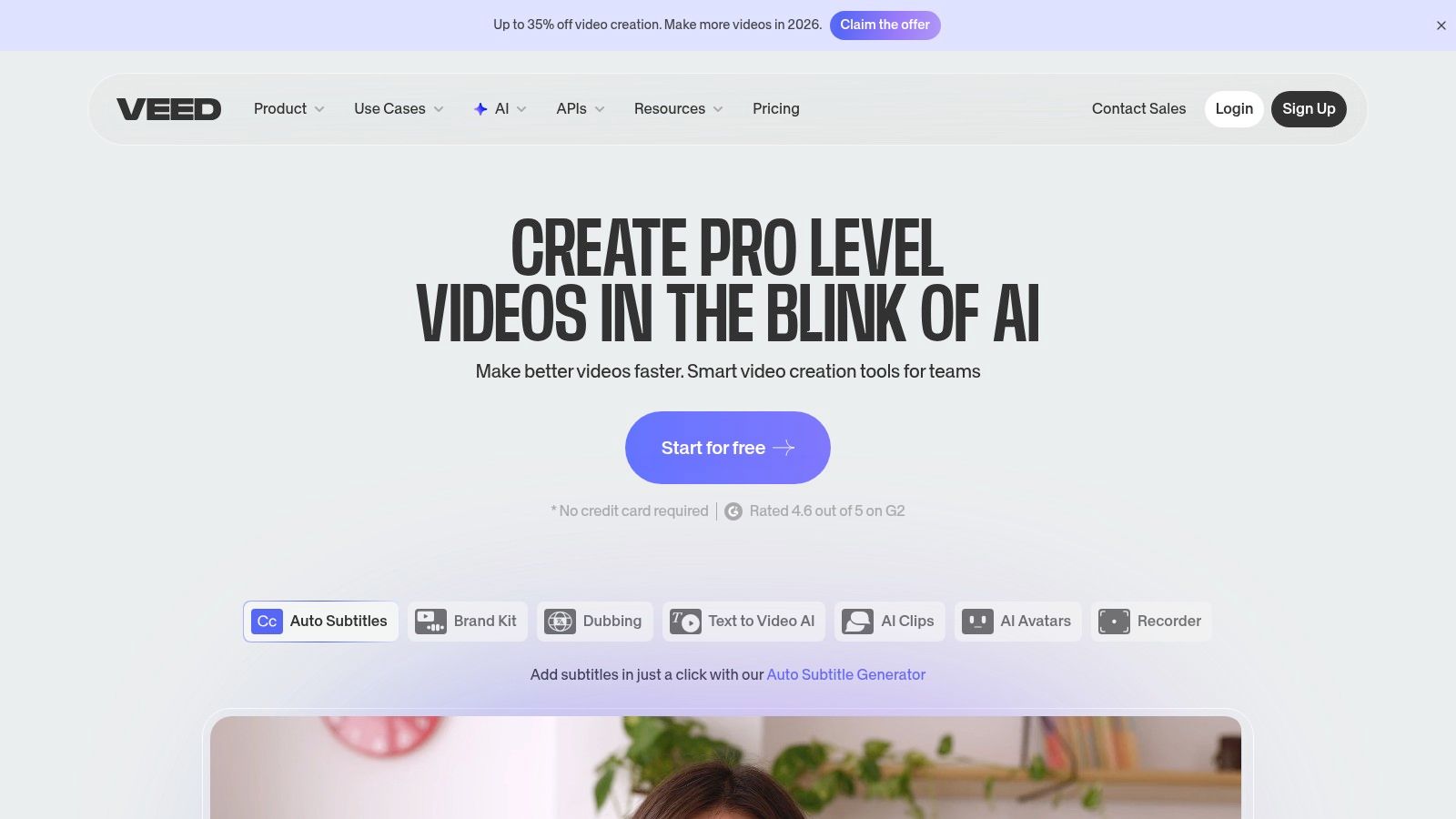
What makes VEED one of the best AI video creation tools is its focus on workflow efficiency. Its AI subtitling is remarkably accurate and fast, saving hours of manual transcription. Features like AI eye-contact correction can salvage a take where the speaker looked away from the camera, while its text-to-speech engine can generate a professional voiceover for a property slideshow in minutes.
Key Features & Use Cases
- Best For: Repurposing a single listing video for multiple social platforms, adding accurate captions for accessibility, and creating localized video ads for diverse markets.
- Standout Feature: The AI-powered subtitling, translation, and text-to-speech tools are incredibly fast and support a wide range of languages.
- Pricing: Offers a free plan with watermarked exports. Paid plans start at $12/user/month (billed annually) for 1080p exports and more features. Business plans add brand kits and analytics.
- Practical Tip: Record a quick market update on your webcam. Use VEED’s eye-contact tool to ensure you're looking at the camera, then use the subtitling feature to create an SRT file you can upload with the video to LinkedIn and YouTube for better engagement.
| Pros | Cons |
|---|---|
| Simple UI with strong social and repurposing workflows. | Pricing and credit structure have changed; confirm current inclusions. |
| Extensive language and voice tooling for localization. | Some advanced generative tools may require add-ons or higher plans. |
| All-in-one editor with AI cleanup tools. | Not designed for complex, multi-layered video editing projects. |
Website: https://www.veed.io
8. InVideo AI
InVideo AI is a script-to-video platform designed for speed, making it one of the best AI video creation tools for anyone needing to produce content quickly. It excels at transforming a simple text prompt into a fully drafted video, complete with a script, a corresponding storyboard, relevant stock footage, and an AI-generated voiceover. This makes it perfect for creating a quick first draft of a property highlight reel or a social media short without starting from scratch.
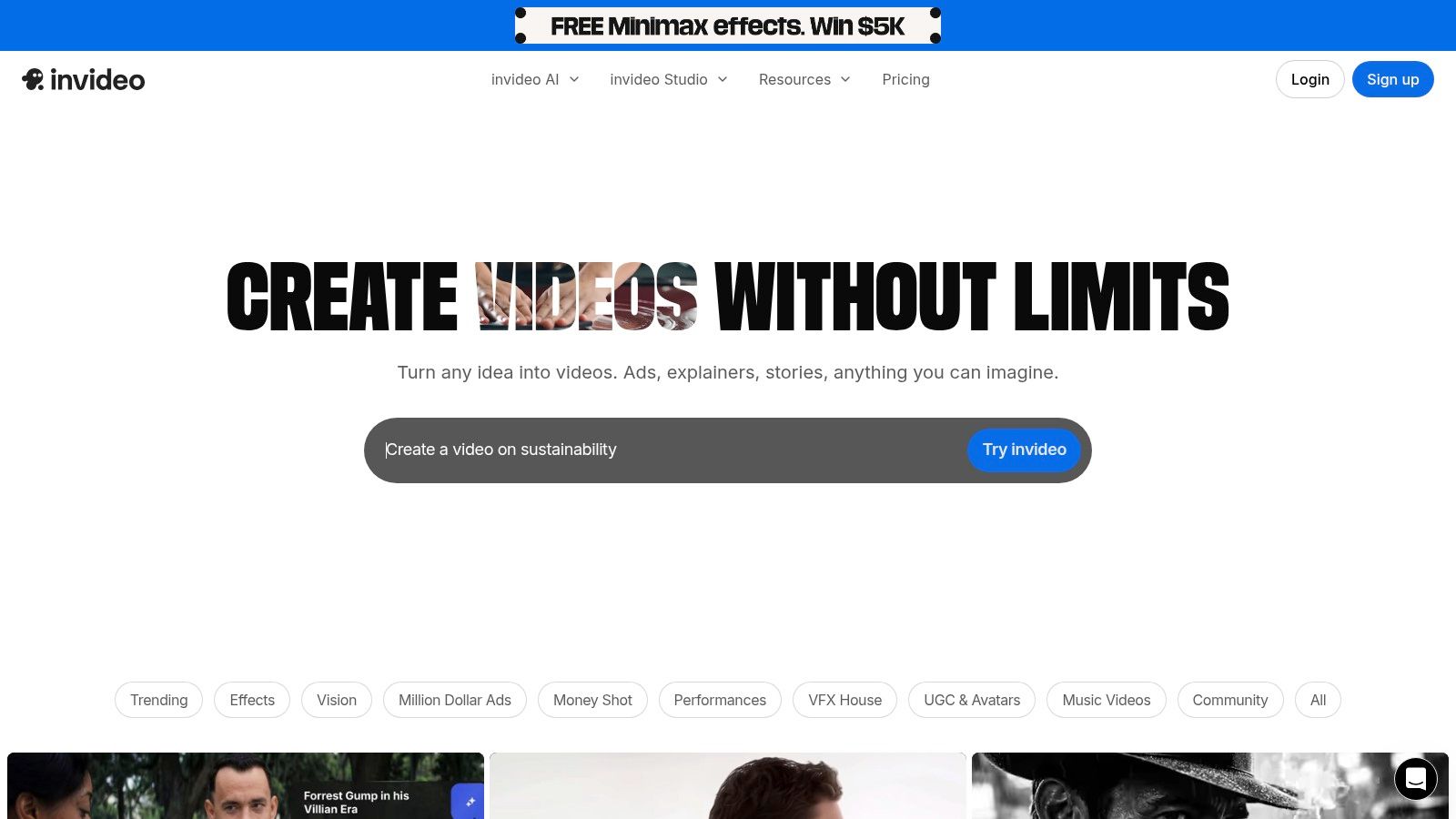
The platform's core strength is its streamlined workflow. You provide an idea, and its AI assembles the entire video structure, which you can then edit by giving simple text commands. This approach significantly lowers the barrier to entry for video creation, allowing agents to generate marketing content for a new listing in minutes rather than hours, although final polishing may still require some manual adjustments.
Key Features & Use Cases
- Best For: Quickly drafting listing highlight videos, generating social media shorts from property descriptions, or creating informative market update videos.
- Standout Feature: Its AI workflow can generate a script, select media, create a storyboard, and add a voiceover from a single text prompt.
- Pricing: A free plan is available with watermarks. Paid plans start at $20/month (billed annually) and offer more AI generation credits and access to premium stock media.
- Practical Tip: Start with a detailed prompt that includes the property type, key features (like "granite countertops" or "spacious backyard"), and desired tone (e.g., "upbeat and luxurious"). The more detail you provide, the better the initial AI-generated draft will be.
| Pros | Cons |
|---|---|
| Extremely fast workflow from a simple idea to a draft video. | The free plan is limited and includes watermarks. |
| Flexible credit model allows scaling from light to heavy use. | Final polish and customization often still require manual editing. |
| Integrates millions of stock media assets (including iStock). | AI-selected media may occasionally miss the mark. |
Website: https://invideo.io
9. Lumen5
Lumen5 stands out as a mature, marketing-focused tool that excels at transforming text-based content into engaging videos. It’s designed for users who need to quickly create branded content, like turning a property description or a market update blog post into a shareable social media video. The AI works by analyzing your text and automatically suggesting layouts, stock footage, and music, making it one of the best AI video creation tools for non-editors.
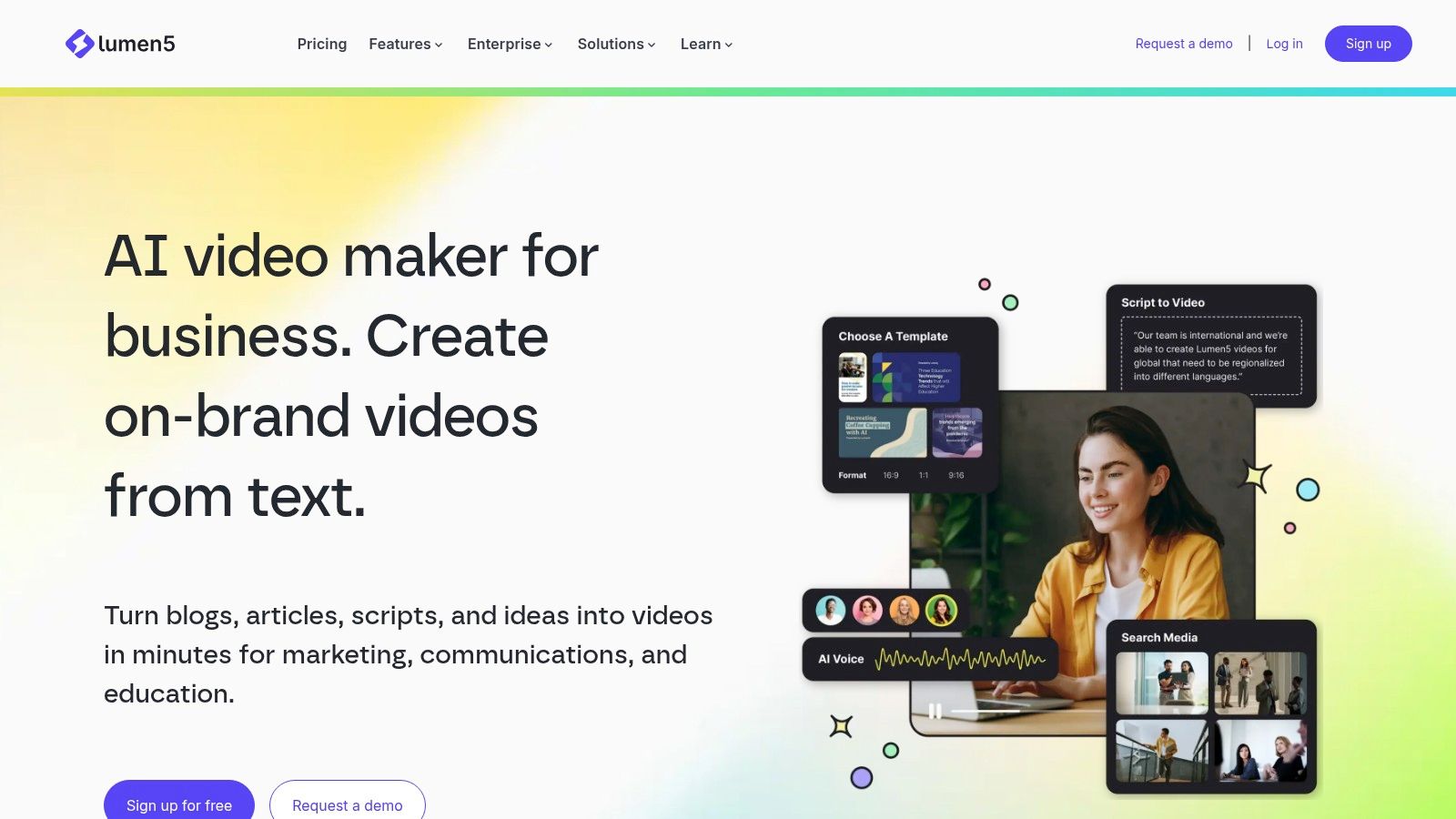
What makes Lumen5 so efficient for marketing teams is its emphasis on brand consistency. You can set up a "Brand Kit" with your brokerage's logos, fonts, and colors, and the AI will apply these elements to every video. This ensures all your content, from listing summaries to agent bios, maintains a professional and cohesive look without manual effort, streamlining your entire video marketing workflow.
Key Features & Use Cases
- Best For: Turning property descriptions, market reports, and blog posts into quick, branded videos for social media or email newsletters.
- Standout Feature: Its AI-powered text-to-video engine that automatically populates a video storyboard from a script or URL, saving significant time.
- Pricing: A free plan is available with a watermark. Paid plans start at $19/month (billed annually) for watermark-free videos and access to more features.
- Practical Tip: Paste the URL of your latest blog post about local market trends into Lumen5. The AI will pull key sentences and find relevant stock clips to create a summary video you can share on LinkedIn or Instagram to drive traffic back to your site.
| Pros | Cons |
|---|---|
| Very fast for non-editors to create professional-looking videos. | Less creative control compared to traditional video editors. |
| Strong brand consistency with templates and brand kits. | Free plan includes a prominent Lumen5 watermark. |
| Mature template library geared toward marketing teams. | Access to premium stock libraries requires higher-tier plans. |
Website: https://lumen5.com
10. Canva (Magic Media + Video Editor)
Canva has evolved from a simple graphic design tool into a comprehensive content creation platform, integrating AI-powered features into its widely popular video editor. While not a dedicated text-to-video generator like other tools on this list, its "Magic Media" suite brings generative AI into a familiar, user-friendly environment. This makes it perfect for real estate professionals who already use Canva for social media graphics and want to create quick, template-based videos without a steep learning curve.
What makes Canva a valuable part of the AI video creation ecosystem is its all-in-one nature. You can generate a custom image for a "Just Listed" video intro, use the AI script assistant to outline key features, add captions automatically, and then pull it all together using a pre-sized template for Instagram Reels or Facebook Stories. It streamlines the entire social media marketing workflow for agents and teams.
Key Features & Use Cases
- Best For: Creating branded social media videos, property highlight reels, and quick video ads using an existing library of templates and assets.
- Standout Feature: The seamless integration of AI tools (like background removal and Magic Media) within a full-featured, template-driven design and video editor.
- Pricing: A robust free plan is available. Canva Pro starts at $14.99/month per person, with custom pricing for teams.
- Practical Tip: Use the "Brand Kit" feature to upload your brokerage’s logos, colors, and fonts. This ensures every video you create, from market updates to listing tours, remains consistent and professional with just one click.
| Pros | Cons |
|---|---|
| Extremely easy for non-designers with a rich template library. | Generative video features are less advanced than dedicated T2V tools. |
| All-in-one platform for social graphics and short video edits. | Teams pricing can be complex; verify current rates before purchasing. |
| Excellent collaboration tools for marketing teams. | The timeline editor is less powerful than professional video software. |
Website: https://www.canva.com
11. Adobe Creative Cloud (Premiere Pro, After Effects, Adobe Express, Firefly)
Adobe Creative Cloud represents the industry-standard professional suite, integrating powerful generative AI features through its Firefly model. While Premiere Pro and After Effects offer unparalleled depth for high-end video production, Adobe Express provides a more accessible entry point for creating quick social media content. This ecosystem is ideal for marketing teams and professionals who require broadcast-quality control over every aspect of their video, from color grading to complex motion graphics.
What makes the Adobe suite one of the best AI video creation tools is its versatility and professional ceiling. You can start with a simple template in Adobe Express and then seamlessly move the project to Premiere Pro for advanced audio mixing and color correction. Firefly's AI is being integrated across these apps, allowing users to generate b-roll, add or remove objects, and create text effects with simple prompts, all within a familiar, robust editing environment.
Key Features & Use Cases
- Best For: Real estate marketing agencies and in-house teams needing professional-grade video editing, branding consistency, and a clear path from simple to advanced workflows.
- Standout Feature: The deep integration between beginner-friendly tools like Adobe Express and professional powerhouses like Premiere Pro, all enhanced by the Firefly generative AI.
- Pricing: Access to individual apps like Premiere Pro starts at $22.99/month. The full Creative Cloud suite starts at $59.99/month (billed annually).
- Practical Tip: Use Adobe Express to quickly create a branded video template for new listings. Your team can then use this template to maintain brand consistency while customizing property details for social media, exporting the final cut in seconds.
| Pros | Cons |
|---|---|
| Deep control for broadcast-quality edits. | Steeper learning curve compared with template-driven apps. |
| Strong integration across apps and enterprise features. | Subscription cost is higher than most single-purpose tools. |
| Clear upgrade path from simple to advanced workflows. | AI features are still evolving within the professional apps. |
Website: https://www.adobe.com/creativecloud
12. Wondershare Filmora
Wondershare Filmora bridges the gap between simple browser-based editors and complex professional software, offering a desktop editing experience enhanced with powerful AI assists. It's a fantastic choice for creators who want more manual control over their projects but still appreciate AI-powered shortcuts. For real estate professionals, this means you can easily refine a property walkthrough video by automatically removing background noise or tracking an object to highlight a key feature.
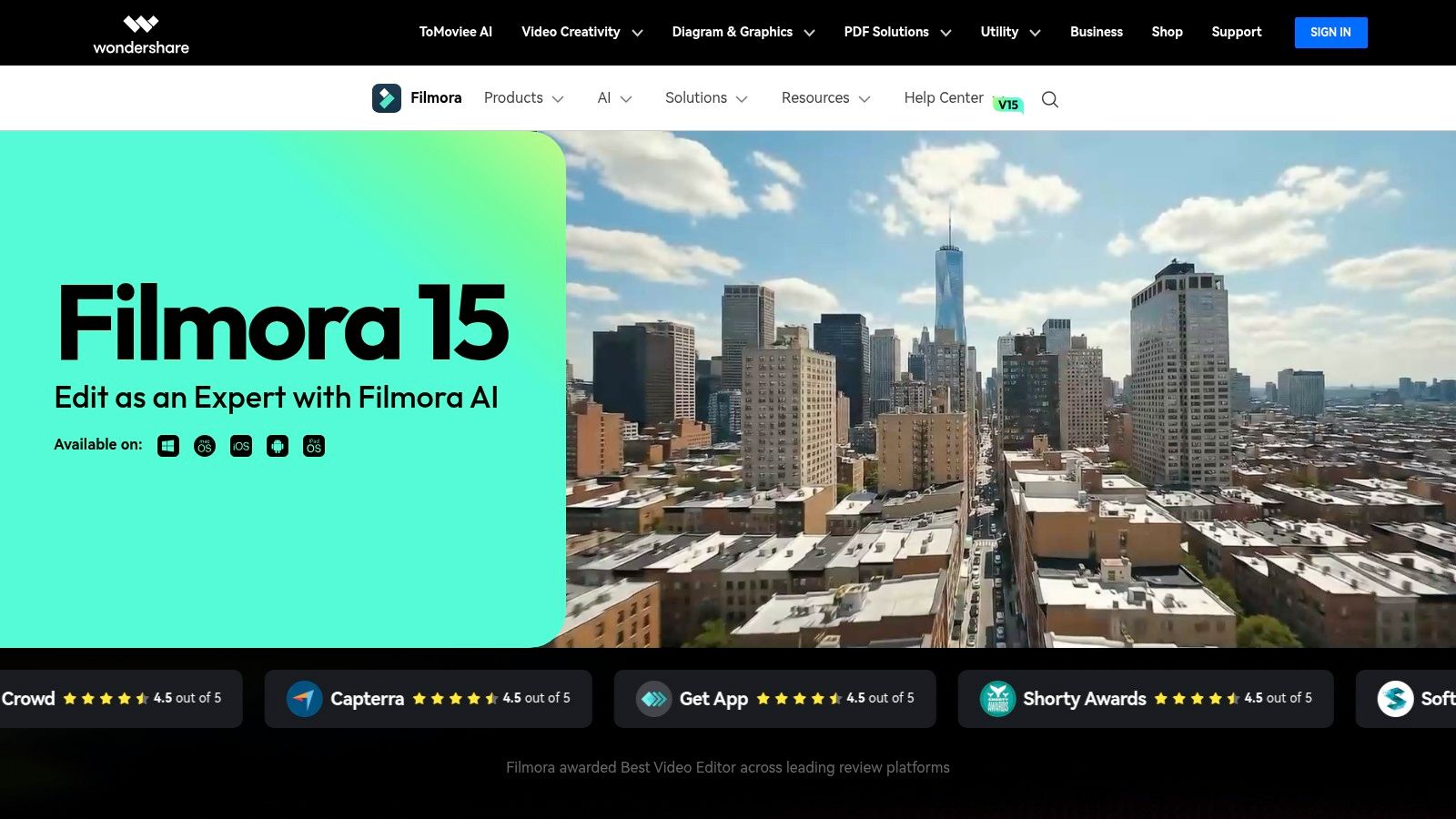
Unlike fully automated tools, Filmora gives you a traditional timeline editor but integrates AI features like auto-captioning, text-to-speech for voiceovers, and an "AI Portrait" effect to isolate subjects. Its combination of user-friendly design and advanced capabilities makes it one of the best AI video creation tools for those ready to step up their editing game without a steep learning curve.
Key Features & Use Cases
- Best For: Editing property walkthrough videos, creating more polished YouTube content for a real estate channel, or adding professional effects to marketing videos.
- Standout Feature: The suite of AI audio tools, including noise removal and text-to-speech, makes it simple to produce crystal-clear voiceovers for property tours.
- Pricing: Offers both a subscription model and a one-time perpetual license (starting around $79.99), providing flexible options.
- Practical Tip: Use the AI motion tracking feature to attach text or a graphic to a specific part of a home as you walk through, such as highlighting the brand of a high-end kitchen appliance.
| Pros | Cons |
|---|---|
| Affordable with a one-time perpetual license option. | Requires a local software installation unlike browser tools. |
| Easier to learn than professional NLEs like Adobe Premiere. | Some advanced features and effects require separate subscriptions. |
| More control over editing than template-based apps. | Can be less intuitive for complete beginners than simpler tools. |
Website: https://filmora.wondershare.com
Top 12 AI Video Creation Tools — Feature Comparison
| Product | Key features ✨ | Quality / UX ★ | Price & Value 💰 | Best for 👥 |
|---|---|---|---|---|
| 🏆 AgentPulse | 3D‑aware photo→video, parallax/dolly reveals, multi‑format exports | ★★★★☆ — 2–5 min renders, HD | 💰 Free / $49 / $99; credit packs, watermark removed on paid tiers | 👥 Agents, photographers, property marketers |
| Runway | Gen‑4/4.5 T2V & I2V, editor, upscaling, Workflows | ★★★★ — production‑grade tools | 💰 Credit‑based; paid tiers remove limits & enable 4K | 👥 Creators, VFX artists, agencies |
| Synthesia | 125+ avatars, AI dubbing, 80+ languages, enterprise API | ★★★★ — polished avatar output | 💰 Subscription/enterprise; credits scale with usage | 👥 L&D, corporate comms, localization teams |
| HeyGen | 500+ avatars, strong lip‑sync, multilingual output | ★★★★ — fast spokesperson videos | 💰 Free tier; business plans add team/SSO | 👥 Marketers, sales, UGC creators |
| Kapwing | Script→video, auto‑subs, B‑roll generator, templates | ★★★★ — very approachable editor | 💰 Freemium; paid for high res & unlimited exports | 👥 Social creators, small teams |
| Descript | Transcript edit, Overdub voice clone, studio audio cleanup | ★★★★★ — ideal for interviews & voice work | 💰 Free tier; paid for advanced overdub & long transcripts | 👥 Podcasters, interview editors, content teams |
| VEED | AI subtitles/translation, TTS, eye‑contact correction, analytics | ★★★★ — simple UI, localization focus | 💰 Freemium; Business adds 4K, analytics & SSO | 👥 Social marketers, localization teams |
| InVideo AI | Script→storyboard, AI voices, stock integrations, credits | ★★★ — fast drafts, needs polish | 💰 Credit model; free plan watermarked | 👥 Marketers, small businesses |
| Lumen5 | Text/URL→video, brand kits, marketing templates | ★★★ — quick & brand‑consistent | 💰 Freemium; paid for brand assets & stock | 👥 Content marketers, social teams |
| Canva (Magic Media) | Generative media, video editor, brand kits, templates | ★★★★ — extremely user‑friendly | 💰 Free / Pro subscriptions; team pricing varies | 👥 Non‑designers, marketing teams |
| Adobe Creative Cloud | Premiere Pro / After Effects, Firefly AI, enterprise tools | ★★★★★ — pro control & broadcast quality | 💰 Subscription (higher cost); enterprise options | 👥 Professional editors, studios, enterprises |
| Wondershare Filmora | AI audio cleanup, motion tracking, AI Portrait, 4K export | ★★★★ — easy NLE with useful AI tools | 💰 Affordable subs or one‑time license options | 👥 Creators, small teams, educators |
Choosing the Right AI Tool for Your Video Strategy
The world of video creation has fundamentally shifted. As we've explored, the best AI video creation tools are no longer futuristic concepts; they are practical, powerful platforms that democratize content production for everyone from individual real estate agents to large marketing agencies. We've navigated a diverse landscape, from Runway's groundbreaking generative capabilities to Synthesia's polished AI avatars and Descript's revolutionary text-based editing.
The key takeaway is that there is no single "best" tool for every task. The right choice depends entirely on your primary goal. A general-purpose tool like Canva or Kapwing offers fantastic versatility for social media content, while a powerhouse like Adobe Creative Cloud provides unparalleled depth for professional video editors willing to embrace its AI-enhanced features.
How to Select Your AI Video Co-Pilot
Making the right decision comes down to evaluating a few core factors. Before you commit to a subscription, ask yourself these critical questions:
- What is my primary use case? Are you creating explainer videos with avatars (HeyGen, Synthesia), editing podcasts into video clips (Descript, VEED), generating artistic B-roll from text prompts (Runway), or turning blog posts into shareable videos (Lumen5, InVideo AI)? Your main objective will immediately narrow down the options.
- What is my technical skill level? Platforms like Canva, Lumen5, and AgentPulse are built for simplicity and speed, requiring virtually no prior video editing experience. In contrast, integrating AI features into Adobe Premiere Pro or mastering the full suite of tools in Runway involves a steeper learning curve but offers greater creative control.
- What is my budget and required output volume? Consider both the monthly subscription cost and the value you get in return. If you only need a few videos per month, a lower-tier plan might suffice. If video is central to your marketing strategy, investing in a more robust platform that saves you hours of work each week provides a clear return on investment.
The Specialist Advantage: Why Niche Tools Win for Real Estate
While all-in-one platforms are impressive, our analysis reveals a crucial insight for professionals in specific industries: specialized tools deliver superior results for niche workflows. For the real estate market, this is particularly true. Creating a compelling property tour is not the same as making a corporate training video or a viral social media clip. It requires a specific aesthetic that evokes emotion and showcases a space in its best light.
This is where a purpose-built solution shines. General AI tools might struggle to interpret the nuances of architectural photography or create camera movements that feel natural and cinematic within a property. They lack the focused training and features needed to consistently turn a set of listing photos into a dynamic, engaging video that stops potential buyers from scrolling.
For real estate agents, photographers, and property marketers, the goal is clear: create high-quality video content from existing assets quickly and affordably. After reviewing the top contenders, AgentPulse stands out as the definitive solution for this exact need. Its 3D-aware engine is specifically designed to understand property photos, automating the complex process of creating smooth pans, tilts, and dolly shots that mimic an on-site video shoot. This focused approach makes it one of the best AI video creation tools available for the real estate industry, solving a direct pain point and delivering professional results in minutes, not hours.
Your journey into AI-powered video doesn't have to be overwhelming. Start by identifying your core need, assess your resources, and don't be afraid to experiment with free trials. The right tool is out there, ready to transform your ideas into compelling visual stories and, ultimately, drive your business forward.
Ready to effortlessly transform your property photos into cinematic video tours that captivate buyers? Discover how AgentPulse uses specialized AI to create stunning real estate videos in minutes. Try it for yourself and see why it’s the top choice for agents and marketers at AgentPulse.